Follow-ups
Draft with Copilot in Outlook: where it is, why it's missing, and a morning list of emails still waiting on you
One customer note that should leave before the week it describes is holiday hours for the shop.
Where the Copilot email draft is in Outlook, why the button sometimes doesn't show up, and the bigger time-saver: a list every morning of the customer emails nobody has answered yet.
The short answer
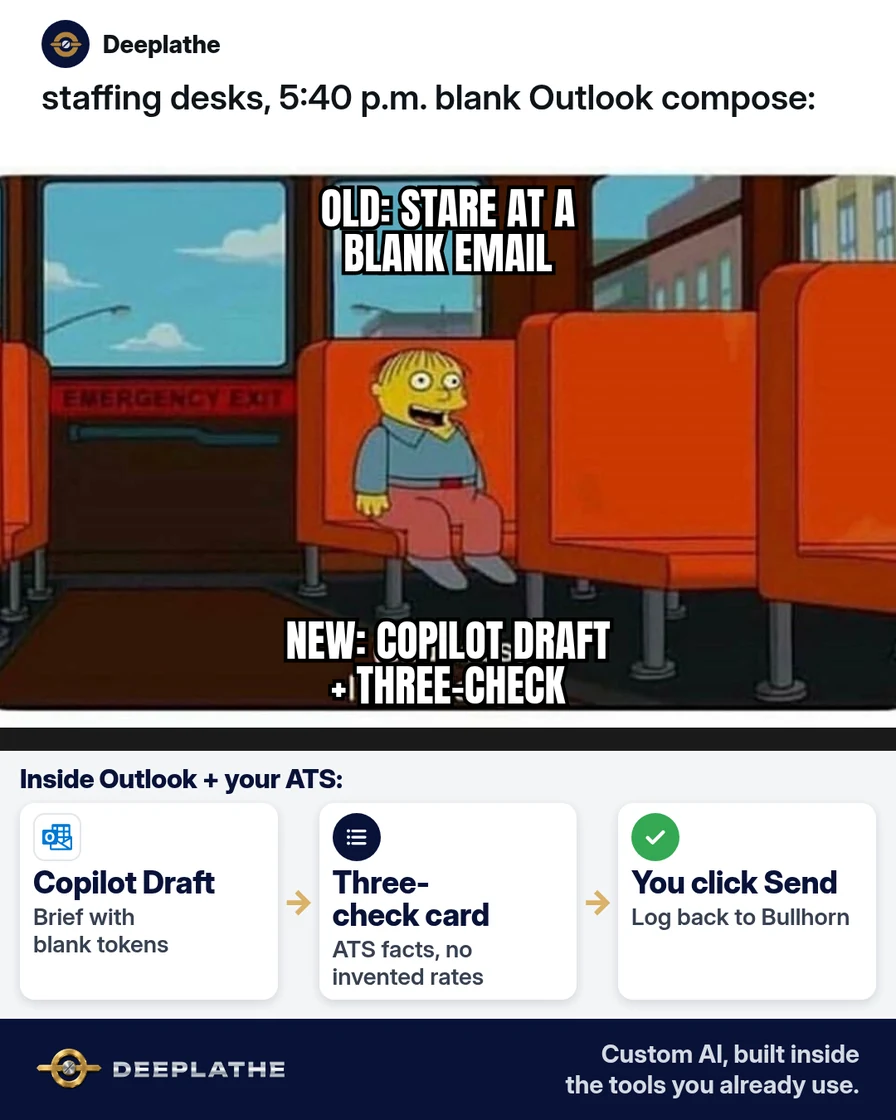
Draft with Copilot sits under the Copilot icon at the top of any new email (in a reply it shows as "Help me reply"). Write one sentence about what the email should say, and Copilot writes the draft for you to edit and send.
You don't need a paid add-on for this. Microsoft says every user with an eligible Microsoft 365 subscription has Copilot in Outlook, including work accounts without the Microsoft 365 Copilot license. On personal Microsoft 365 (Personal, Family, Premium), it's the subscription owner who gets Copilot.
How to enable Draft with Copilot in Outlook when it's missing
There's no on switch to find. When the button is missing, it's almost always one of three things: you're signed in with a personal email account instead of your work Microsoft 365 one, the email is in plain text rather than the normal formatted kind, or your Outlook is out of date. If none of those fit, your IT admin may have it turned off.
What else can Copilot do in Outlook without the paid license?
With an eligible business plan and no add-on, Copilot Chat in Outlook can summarize your emails on a topic, find your next meeting, and draft an update from your inbox. The paid Microsoft 365 Copilot license adds work across your chats and documents, and one feature that matters more than drafting: scheduled requests that run by themselves.
What it costs you now
Drafting a reply was never the slow part. The slow part is the email you never got back to. A customer asks "can you also quote the back fence?" on Tuesday, it scrolls off the screen under twenty other messages, and by Friday they've hired someone who replied.
- Example: the owner spends 20 to 30 minutes every morning scrolling the inbox to find what still needs an answer, and still misses some.
- Example: 2 customer questions a month go unanswered long enough that the job goes to someone else.
What runs by itself
Every weekday at 7:30, without anyone asking, Copilot reads the last two days of your inbox and sends you only the customer and supplier emails that asked something and haven't had a reply from you, oldest first, with a one-line suggested answer for each.
You read one list instead of the whole inbox, and answer each in seconds with Draft with Copilot in the thread. It runs in Copilot Cowork, Microsoft's billed-by-use version, which can email you a briefing on a schedule. On the paid Copilot license, a scheduled request does the same job and emails you when the list is ready. We can set this up for you.
Example: what lands in your inbox
Illustrative. Made-up customers.
Tue 7:30 · Waiting on your reply (3)

Mon 9:14  K. Alvarez: "Can you also quote the back fence?"
          Suggested: yes, add it to Thursday's visit.
Mon 15:40 Hill Supply: "Confirm 40 posts or 44?" Truck loads Wed.
          Suggested: 44, per the revised plan.
Sun 20:02 B. Osei: "Is the 10% deposit refundable?" (2nd ask)

Everything else from the last 2 days has a reply.
The time and money math
Assumptions (Example, use your own): an owner-run service business, $3,500 average job, owner time valued at $60 an hour.
- Time back: 25 minutes of morning inbox-scrolling becomes 5 minutes with one list. Example: about 80 hours a year, roughly $4,800 of owner time.
- Revenue kept: if one extra customer question a month gets answered the same day instead of never, and half of those turn into jobs, that's 6 jobs a year. Example: 6 × $3,500 = $21,000.
- Cost: the paid Copilot license per person, or Cowork usage. Check current pricing with Microsoft or your reseller, and see what Copilot credits cost.
Where it goes wrong (limits)
- It only reads that mailbox. A question asked by phone or text won't be on the list.
- Shared inboxes (info@, office@) need their own setup.
- It can mislabel. A newsletter with a question in it may slip in. Ignoring it costs nothing.
- It doesn't send anything. Every reply is yours.
What if it still doesn't work for you?
If the list keeps flagging emails that don't need you (newsletters, automatic notices), those senders get excluded once and stay off it. If the Copilot button itself still won't appear, it's an account or plan question for whoever manages your Microsoft 365. On a personal plan shared with family, only the subscription owner gets Copilot.
Built inside the tools you already use
At Deeplathe we set up jobs like this inside the Microsoft 365 you already pay for, so nothing new gets installed for your team. You approve every reply; the morning list only tells you what's waiting. Related: Copilot in Excel not showing, summarizing a long email thread, and the timesheet reminder email templates.
Questions owners ask
Is Draft with Copilot free in Outlook?
It comes with eligible Microsoft 365 subscriptions at no extra charge. The scheduled morning list needs the paid Microsoft 365 Copilot license or Copilot Cowork, which is billed by use.
Why is Draft with Copilot greyed out?
Most often the email is in plain text, or you're signed in with the wrong account.
Does Copilot read my whole mailbox?
It works with what your account can already see. Without the paid license it's limited to your inbox, calendar and a few other sources; with it, it can also use your chats and files.
Can it send the replies for me?
This setup doesn't. It finds what's waiting and suggests an answer; you send.
Sources
- Microsoft Support: draft an email message with Copilot in Outlook
- Microsoft Support: how Copilot Chat works in Microsoft 365 apps
- Microsoft Support: what Copilot license do I have
- Microsoft Learn: Copilot Cowork common questions (scheduled briefings, sending email, billing)
- Microsoft Support: schedule a Copilot request to run on its own