Part of: The process that only lives in your head
SOPs
Claude Artifacts for business: turn a messy brief into a shareable draft you can edit
For structural and civil engineering firm owners who type “claude artifacts” and want the editable panel — not another checklist buried in a long chat.
For structural and civil engineering firm owners who type “claude artifacts” and want the editable panel — not another checklist buried in a long chat.
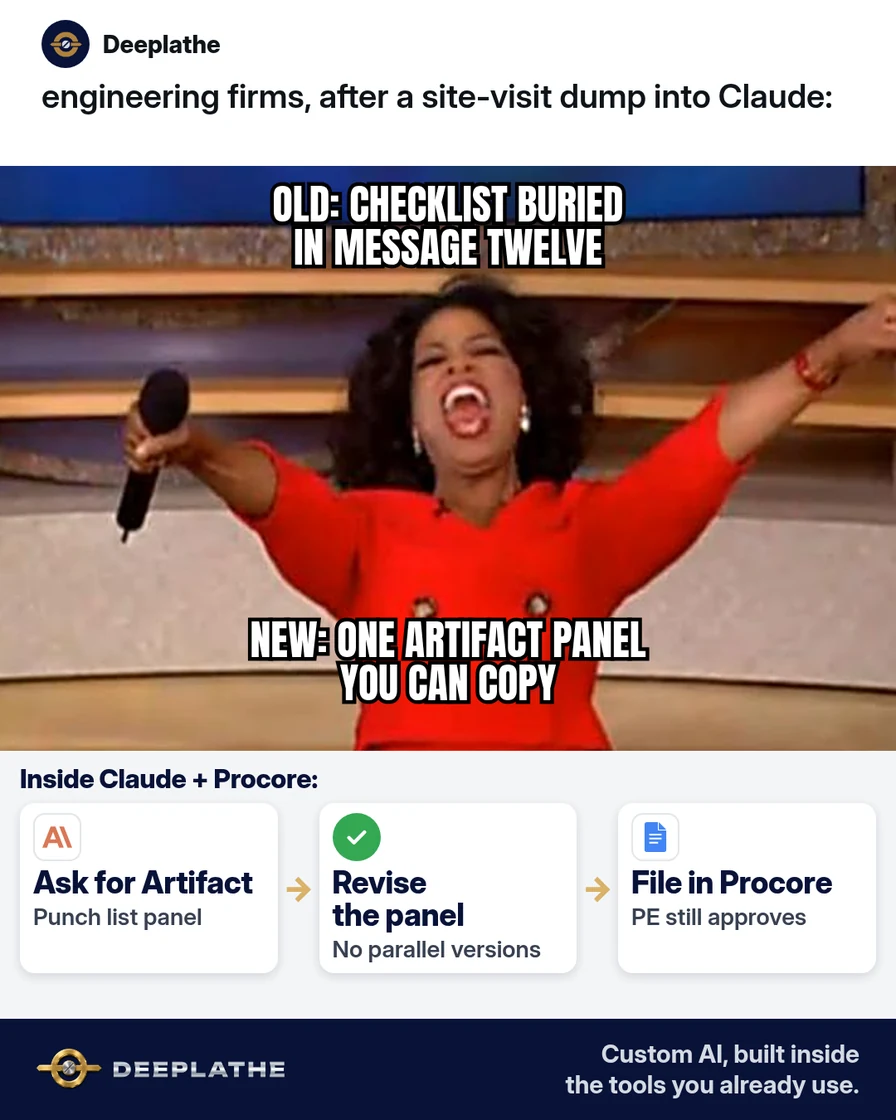
A PE wraps a site visit, dumps voice notes into Claude, and gets a solid punch-list… somewhere in message twelve. The superintendent asks for the latest version. Nobody can find which reply was final. That is why “claude artifacts,” “how to use,” and “examples” stay in Autocomplete.
The short answer
Ask Claude to put the deliverable in an Artifact (the editable side panel) so the latest checklist, memo, or table sits in one place you can copy. Keep project facts in Procore, Autodesk Construction Cloud, or Newforma. Redact client PII before paste. You still verify every field measurement and code citation before anyone builds from the draft.
Why claude artifacts keeps getting searched
Artifacts are the “show me the document” surface people wanted after watching Claude write long replies. On 14 Oct 2026, Autocomplete still clusters on “claude artifacts how to use,” “examples,” “explained,” and “vs projects.” That is a different job from yesterday’s Claude Projects article: Projects hold ongoing context and files; Artifacts hold the live draft panel for a single deliverable.
AI solves the version hunt. One Artifact turns a messy site brief into a copyable checklist in minutes — faster than rebuilding a Word table from a chat wall, cheaper than another doc-AI seat for the same job, more profitable when the field pack ships the same afternoon. Label time saved as your estimate.
Floor vote
Where does your latest punch list actually live?
One vote per device. Change it any time.
Loading votes…
Step 1: Start a Claude chat with a clear deliverable
Open Claude (Pro/Team as your firm uses). State the output type up front so Claude prefers an Artifact over a wall of prose:
Create an Artifact: a one-page site-visit punch list.
Format: numbered checklist with columns Owner / Due / Notes.
Audience: superintendent + PE.
Tone: plain field English, no hype.
Inputs below are redacted.
If your Claude UI shows an Artifact / preview panel when Claude creates code, docs, or structured content, use that panel as the source of truth for the latest version. UI labels can change — follow what your app shows.
Step 2: Paste a redacted brief, not the whole project folder
From Procore, ACC, or Newforma, pull only what the checklist needs:
Project type: [tilt-up warehouse addition]
Visit date: [DATE]
Areas walked: [roof / slab edge / stair 2]
Issues noted (redacted):
1) [flashing gap at north parapet — photo ref R-12]
2) [stair nosing incomplete — Level 2]
3) [shop drawing conflict on embed plate — mark DET-4]
Do not invent code sections. Leave [CODE REF] blank if unknown.
Max 15 punch items.
Never paste full client addresses with occupant names, access codes, or unredacted contracts into the chat.
Step 3: Edit inside the Artifact, then export to Word or Docs
Treat the Artifact as the working draft. Ask for revisions against the panel:
Update the Artifact only:
- Merge items 2 and 3 if they share one trade
- Add a “verify before pour” note under slab items
- Keep numbering stable
When it looks right, copy into Word or Google Docs, or download if your Claude UI offers export. File the final in Procore/ACC with the visit date in the filename.
Step 4: Pair Artifacts with Projects when the job repeats
If this visit type repeats weekly, create a Claude Project with firm instructions and scrubbed templates (see Related reading). Use Artifacts inside that Project for each visit’s punch list so context stays, but each deliverable still has its own panel.
Paste-ready Project instruction line:
When I ask for a punch list, always create/update an Artifact checklist.
Never invent field measurements or code citations.
Leave [CODE REF], [DIMENSION], [PHOTO REF] blanks for me.
Artifact then file
- 1Named ArtifactChecklist / memo / table
- 2Redacted briefFrom Procore/ACC
- 3Panel onlyNo parallel versions
- 4SORProcore / Docs
- When you need a document, ask for an Artifact by name: checklist, memo, or table.
- When facts live in Procore/ACC, paste redacted extracts only: not the whole folder.
- When revising, say “update the Artifact only”: avoid parallel chat versions.
- When the job repeats, add a Project: Artifacts for the deliverable, Project for the kit.
Example (illustrative): a 15-person structural firm
At a glance
- Problem: Punch lists lived in long Claude chats; supers got conflicting versions by text.
- What was set up: “Always Artifact” prompt + redaction card; finals filed in Procore.
- Tools it lives in: Claude Pro, Procore, Outlook for the cover email.
- What the owner still does: PE stamp / approval before anything becomes contractual.
- Payoff: not measured here — track time from visit end to filed PDF for two weeks.
Extra practice: one visit, two outputs
After the punch-list Artifact is filed, ask Claude for a second Artifact: a three-bullet email to the superintendent that links to the Procore file name only (no new facts). Keep both panels until the email is sent, then discard the chat if your retention policy says so. This trains the team to separate the deliverable (Artifact) from the notification (email). If Claude invents a photo reference, delete that line and replace from your camera roll index. Re-run the same prompt next week on a different site so the prompt kit earns its keep.
Mistakes to avoid
- Leaving the final only in chat prose. If there is no Artifact, you will lose the version war.
- Invented code citations. Force blanks; open the code book yourself.
- Dumping full contracts into Claude. Redact; use Projects for scrubbed templates only.
- Skipping the field verify. AI drafts; the PE still owns the list.
- Confusing Artifacts with Projects. Projects store ongoing context; Artifacts show the live draft panel.
Field check
Field check
Three questions. Honest answers. No score sent anywhere but this page.
01 / 03
To get a panel draft you should…
If it still doesn't work
If Claude never opens an Artifact panel, rephrase: “Put the entire answer in an Artifact document titled Punch List — [DATE].” If your plan or UI differs, check Anthropic’s current Claude product help for Artifacts availability. If exports fail, copy-paste into Docs and file manually — the point is one canonical draft, not a fancy button.
Doing this inside the tools you already use
If you want visit briefs, punch lists, and status emails to land inside Procore and Outlook the way your firm already works — without each engineer maintaining a private Claude habit — Deeplathe can build that custom AI around your existing systems. The PE stays in control of what is contractual. Start with one workflow (site-visit punch lists) and keep approval with a person.
FAQ
What are Claude Artifacts?
In the Claude product UI, Artifacts are the editable side-panel documents (checklists, code, memos, tables) Claude can create so the deliverable is not buried in chat messages. Exact labels and availability can vary by plan and app version — follow your UI and Anthropic’s help.
How do I use Claude Artifacts for business?
Ask for a named deliverable as an Artifact, paste redacted inputs, revise the panel, then copy the final into your system of record (Procore, ACC, Docs).
Claude Artifacts vs Projects?
Projects hold ongoing files and instructions for a recurring job. Artifacts hold the live draft of one deliverable. Many teams use both: Project for the kit, Artifact for today’s punch list.
Can I share an Artifact with a client?
Prefer exporting to your controlled PDF/Doc and sending from your firm tools. Do not assume a Claude share link meets your contract or confidentiality rules — check your plan’s sharing features and your engagement letter.
Do Artifacts replace CAD or calculations?
No. They draft checklists and memos. Analysis, stamps, and sealed calcs stay in your engineering tools and PE process.
If your firm bans consumer AI for project data, run Artifacts only on scrubbed examples until counsel approves a Business/Team pattern. Write that decision in one sentence on the shared drive so engineers stop guessing.
Keep these
- Ask for an Artifact by deliverable name.
- Redact before paste.
- Revise the panel — not a second chat copy.
- File the final in Procore/ACC yourself.
Sources
- Claude product / Anthropic (confirm Artifacts behaviour in your current Claude app help)
- Projects in Claude (Anthropic help — confirm URL in-app)
Related reading
Keep these
The working rules
Ask Claude to put the deliverable in an Artifact (the editable side panel) so the latest checklist, memo, or table sits in one place you can copy.