Part of: The process that only lives in your head
SOPs
Is Perplexity Pro worth it for business? A yes/no checklist for mortgage shops
For mortgage brokerage owners who type “perplexity pro worth it” and need a Free vs Pro yes/no before they pay for another AI seat.
For mortgage brokerage owners who type “perplexity pro worth it” and need a Free vs Pro yes/no before they pay for another AI seat.
A loan officer has three guideline PDFs open and a borrower waiting on whether a condo project is eligible. Free Perplexity hits a limit mid-search. Someone in a group chat says “just get Pro.” Nobody wrote a checklist for a mortgage shop — which is why “perplexity pro worth it” and “perplexity for business” stay in Autocomplete.
The short answer
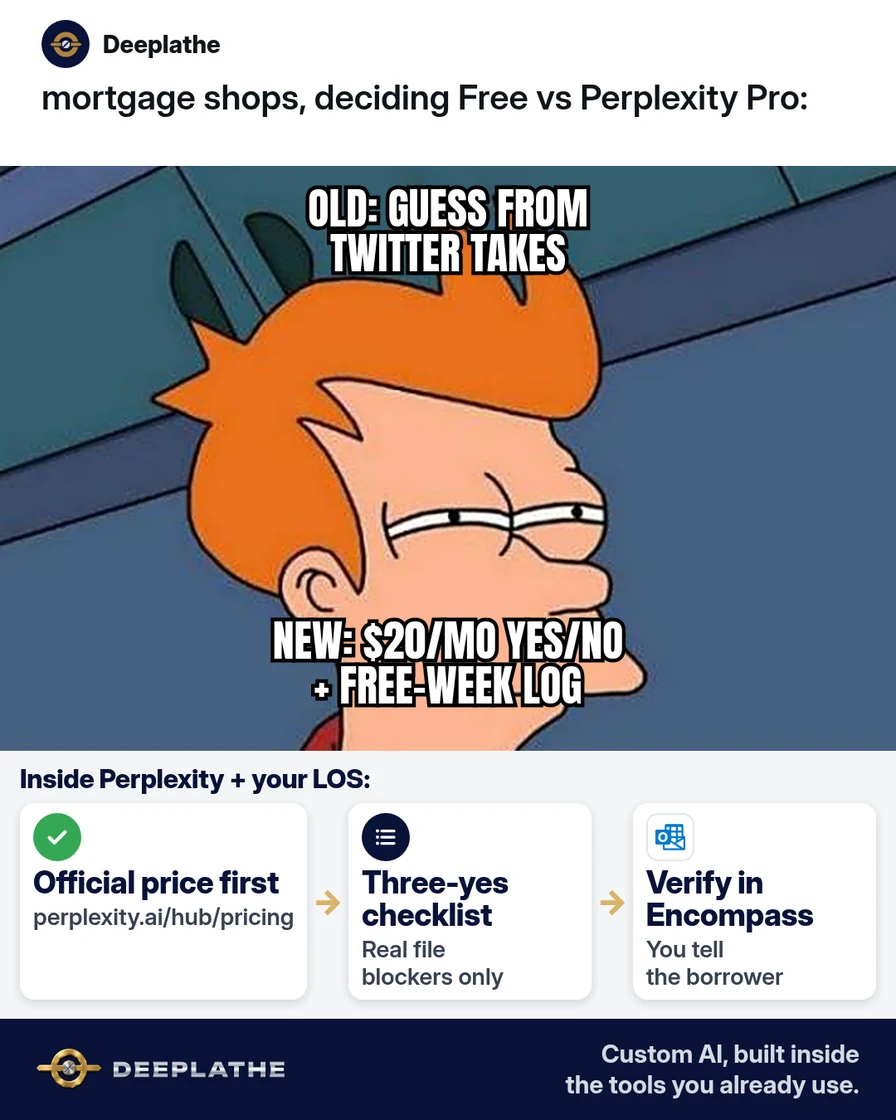
Perplexity Pro is widely listed at about $20 per month (or ~$200 per year on annual billing) — always re-check Perplexity’s pricing page before you pay. Upgrade when Free caps block real file research most weeks. Stay Free if you only need rare cited answers. Treat every answer as a draft: verify against Fannie/Freddie/agency docs and your Encompass or Byte Pro notes before the borrower hears it.
Why perplexity pro worth it keeps getting searched
Owners compare ChatGPT, Gemini, and Perplexity after each model launch week. On 14 Oct 2026, Autocomplete still shows “perplexity pro worth it,” “reddit,” and “perplexity for business / small business.” Perplexity’s own pricing hub lists Free, Pro, and Max tiers (and enterprise seats). Third-party trackers commonly list Pro at $20/month or $200/year — prices move, so your source of truth is the official page the day you buy.
AI helps when cited lookup is the bottleneck. A Pro seat with higher limits speeds guideline and rate-policy research versus Free caps — faster than tab-hopping PDFs, cheaper than a second junior LO doing the same search, more profitable when files move same-day instead of waiting on a lunch-break research pass. Label any time-saved dollars as your estimate.
Floor vote
Did Free Perplexity block a real file research job this week?
One vote per device. Change it any time.
Loading votes…
Step 1: Confirm today’s Pro price on Perplexity’s page
Open Perplexity pricing. Write three lines:
Date checked: [today]
Pro monthly / annual (as shown): [copy from page]
Free limits that blocked me this week: [e.g. Pro Search / Deep Research caps]
Max or Enterprise needed?: [Y/N — only if team admin / SSO required]
Do not trust a screenshot from social. If the page shows a different number than a blog, the page wins.
Step 2: Run a one-week Free stress test on real files
Keep Free for seven workdays. Log every real research job: condo project worksheet, non-QM overlay question, VA residual income refresher, investor guideline cite. Note when you hit a limit, got a thin answer, or gave up.
Paste-ready research prompt (no borrower SSN, no full address):
You are assisting a US mortgage LO. Cite sources.
Question: [e.g. standard documentation notes for a wage-earner refinance — high level]
Constraints: no borrower PII; if unsure, say so; list 3 primary sources I should open next.
Output: 5 bullet summary + source list.
If you never hit a wall and rarely open Perplexity, Free is enough — that is roughly $240/year you keep if Pro stays near $20/mo.
Step 3: Decide Pro with a three-yes checklist
Upgrade only if at least two are yes after your Free week:
- I hit Free limits or thin answers during real file research at least twice.
- I will use Perplexity for the same research jobs most weeks (not once a month).
- One delayed guideline answer this week cost more than ~$20 in LO time or a slipped lock (your estimate — label it).
Decision memo:
Shop: [name]
Date: [today]
Free-week blockers: […]
Weekly research jobs: [list]
Decision: Free / Pro / look at Enterprise
Review date: [30 days]
Step 4: Keep answers out of the borrower’s ear until Encompass says so
Pro does not replace Encompass, Byte Pro, Calyx, or your overlays. Paste citations into your notes, open the primary source, then talk to the borrower. Never let a chat answer invent program eligibility.
Before I tell the borrower:
[ ] Primary guideline page opened
[ ] Overlay checked
[ ] Numbers match our LOS fields
[ ] No PII was pasted into Perplexity
Free week then decide
- 1Official pageCopy today's Pro price
- 2Free blockersReal file research only
- 3Three-yesNot vibes
- 4LOS / guidelinesBefore borrower hears it
- Before paying, copy the live price: official pricing page only.
- During the Free week, log real file blockers: not hypothetical ones.
- After upgrading, keep verification: citations are a start, not a bind.
- When the team needs admin controls, look at Enterprise seats: not personal Pro shared passwords.
Example (illustrative): an 8-person independent brokerage
At a glance
- Problem: LOs guessed Pro vs Free from Twitter; two seats were paid and unused.
- What was set up: One-week Free log + three-yes checklist; one Pro seat for the ops lead who researches overlays daily.
- Tools it lives in: Perplexity Pro, Encompass notes, Outlook.
- What the owner still does: Approves any borrower-facing eligibility statement.
- Payoff: not measured here — compare unused-seat spend before/after 30 days.
Mistakes to avoid
- Buying Max because Pro sounds small. Max is a different price tier — only if you truly need what the pricing page lists for Max.
- Pasting borrower packages into Perplexity. Redact; use Temporary habits like any AI tool.
- Reading a citation and skipping the primary PDF. AI can mis-summarize overlays.
- Sharing one Pro login across the branch. Use proper seats if you need team access.
- Treating “worth it” as a vibe. Use the three-yes checklist.
Field check
Field check
Three questions. Honest answers. No score sent anywhere but this page.
01 / 03
Before buying Pro you should…
If it still doesn't work
If Pro still feels useless, your bottleneck may be overlay judgment, not search limits — fix the checklist and primary-source habit first. If billing looks wrong, check annual vs monthly on the official page and App Store vs web pricing differences Perplexity documents. If Enterprise is required for SSO, personal Pro will not solve admin needs.
Doing this inside the tools you already use
If you want research drafts, citation checks, and follow-up emails to live inside Encompass notes and Outlook the way your shop already works — without each LO maintaining a private AI habit — Deeplathe can build that custom AI around your existing systems. The owner stays in control of borrower-facing language. Start with one workflow (guideline briefs or condition chase emails) and keep send authority with a person.
FAQ
How much does Perplexity Pro cost?
Re-check Perplexity’s pricing page. Independent trackers commonly list Pro around $20/month or $200/year; the live page is authoritative.
Is Perplexity Pro worth it for a small mortgage shop?
Worth it when Free caps block real file research most weeks and you will use cited search weekly. Stay Free for rare asks. Run the three-yes checklist.
Is Perplexity safe for borrower data?
Treat it like any external AI: do not paste SSNs, full packages, or unredacted IDs. Prefer redacted questions and verify answers in your LOS.
Perplexity vs ChatGPT for mortgage research?
Perplexity is built around cited web answers; ChatGPT is stronger for drafting emails and rewriting. Many shops use both for different jobs — do not force one seat to do everything.
What about Perplexity for business / Enterprise?
If you need admin, SSO, or company seats, look at Perplexity’s business/enterprise offerings on the official pricing hub rather than sharing a personal Pro login.
Keep these
- Copy today’s price from the official page.
- Free-week log before you pay.
- Three-yes checklist — not vibes.
- Verify every borrower-facing claim in the LOS.
Sources
- Perplexity pricing
- Fannie Mae selling guide hub (example primary source habit — open the guide that matches your question)
Related reading
Keep these
The working rules
Perplexity Pro is widely listed at about $20 per month (or ~$200 per year on annual billing) — always re-check Perplexity’s pricing page before you pay.