Part of: Quotes and leads you never followed up
Follow-ups
Insurance renewal reminder email template: what to send, and when
For independent P&C agencies: a 45/21/5-day renewal sequence from a weekly AMS export, sent with Gmail mail merge or Word mail merge through Outlook.
It's Tuesday, and a homeowner you've insured for six years emails to say she's moved her policy. Her renewal premium went up, nobody called, and another agent quoted her first. You had the expiration date in your system the whole time. What you didn't have was an insurance renewal reminder email that went out on its own, early enough to matter.
The short answer
Run the AMS expiration report weekly for policies 40 to 60 days out, export five non-sensitive columns, and send a three-step sequence at roughly 45, 21 and 5 days. The ordering matters more than the copy: the agency's first touch must land before the carrier's renewal offer. Gmail mail merge (eligible Workspace plans, 1,500 recipients a day) or Word mail merge through Outlook handles personalization from the sheet.
Why renewals slip through
Renewals arrive in a steady trickle, every week of the year, so they never feel urgent until one is lost. Your agency management system knows every expiration date. HawkSoft, EZLynx and Applied Epic all store them. But a date in a system isn't a message to a client, and the person who would send that message is usually quoting new business or fixing a claim.
The client, meanwhile, gets the carrier's renewal notice with a new premium on it. If that notice is the first thing they hear, the price is the whole story. Then a direct writer's ad or another agent's quote looks like the obvious next step.
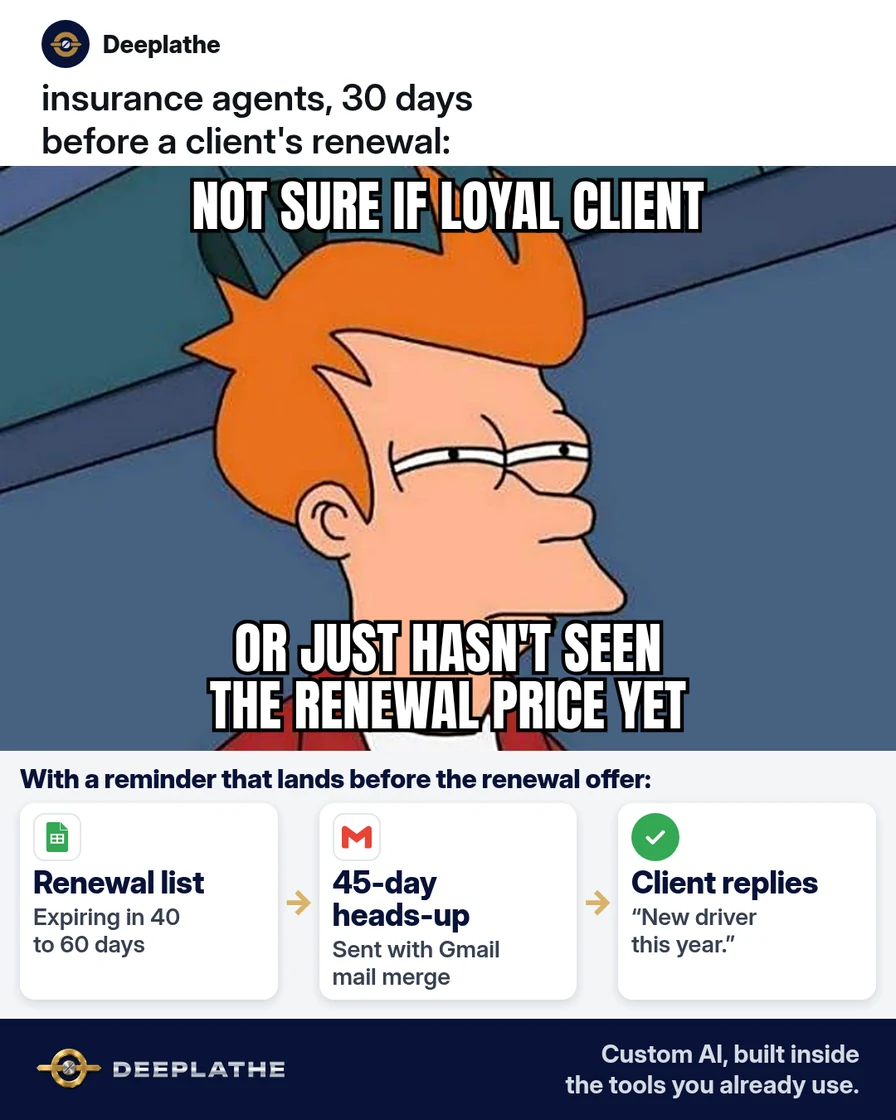
A reminder from you changes the order. The client hears "your renewal is coming up, here's what to check, and I'm reviewing it for you" before the number arrives. That's the job these three emails do.
Floor vote
Who usually tells your clients about their renewal first?
One vote per device. Change it any time.
Loading votes…
Step 1: Pull your renewal list 60 days out
Once a week, run the expiration or renewal report in your agency management system for policies expiring 40 to 60 days from today. Look for it in your reports menu, or search your vendor's help center for "expiration list".
Export the list to Excel or a CSV file and keep only these columns:
Email | First name | Policy type | Expiration date | Producer name
Leave out policy numbers, dates of birth, driver's license numbers and premiums. You don't need them for a reminder, and they shouldn't sit in a mail merge file. If one client has several policies, keep one row per client and put the policy types together, like "home and auto".
Technical note: deduplicate by email before merging. Multi-policy households otherwise get two or three copies of the same reminder, which reads as automated noise. A pivot or UNIQUE() on the email column, with policy types joined into one cell, solves it.
Step 2: Write the three renewal reminder emails with AI
Paste this prompt into ChatGPT, Claude, Gemini or Copilot. It uses placeholders only, so no client details go into the AI tool:
Write three short insurance renewal reminder emails from an independent
insurance agency to a personal lines client.
1) About 45 days before expiration: friendly heads-up that the
   [POLICY TYPE] policy renews on [EXPIRATION DATE]. Ask if anything
   changed this year (new driver, renovation, new car, home business).
2) About 21 days before: the renewal offer is on its way or here.
   Say we're reviewing it and will shop it if the price jumped.
   Offer a 10-minute call.
3) About 5 days before: short and calm. Confirm the renewal date and
   how to reach us before it renews.
Use these blanks: [FIRST NAME], [POLICY TYPE], [EXPIRATION DATE],
[PRODUCER NAME], [PHONE], [BOOKING LINK].
Rules: under 120 words each. Plain words. No pressure, no fear,
no promises about price or coverage. Each ends with one easy question.
Subject lines under 50 characters, with no personal details in them.
Read every draft before you use it. Cut anything that sounds like a promise about price or coverage. Here's the shape the first one should take:
Subject: Your renewal is coming up

Hi [FIRST NAME],

Your [POLICY TYPE] policy renews on [EXPIRATION DATE]. Before the
renewal offer arrives, has anything changed this year? A new driver,
a renovation, a new car or a business run from home can all affect
your coverage.

Just reply to this email with any changes, and I'll review your renewal
with them in mind.

[PRODUCER NAME]
[PHONE]
Step 3: Send the renewal reminder emails with mail merge
Pick the tool that matches your email.
Gmail (Google Workspace). Mail merge is built into Gmail on eligible plans, including Business Standard and Business Plus. Upload your list to Google Sheets, with the data on the first tab. In Gmail, select Compose, then Use mail merge at the right of the "To" line. Turn on mail merge, select Add from a spreadsheet, choose your sheet and select Insert. Map the Email and First name columns and select Finish. Paste your email and type @ to insert merge tags like @firstname, or any column header, like the expiration date. Merge tags can't go in the subject line, so keep the subject generic. Select Send preview, check it, then send. Google limits mail merge to 1,500 recipients a day.
Outlook (Microsoft 365). Use Word's mail merge. In Word, go to Mailings, then Start Mail Merge, then E-mail Messages. Choose Select Recipients, then Use an Existing List, and pick your Excel file. Paste the email, add fields with Insert Merge Field, and check it with Preview Results. Then select Finish & Merge, then Send E-mail Messages. Choose the Email column for "To", type the subject and select OK. Outlook sends each client their own email.
Send the 45-day email to the whole list on the day you pull it. Then put two reminders on your calendar, at 21 and 5 days, to send the next emails to anyone who hasn't renewed or replied.
Renewal reminder schedule
- Day 60Pull the listExpiring in 40 to 60 days
- Day 45Heads-upAnything changed this year?
- Day 21ReviewThe offer is here; we're checking it
- Day 5Last callRenewal date and how to reach us
The same schedule as a list:
- Day 60, pull the list: policies expiring in 40 to 60 days, five columns only.
- Day 45, heads-up: anything changed this year?
- Day 21, review: the offer is here, and you're checking it.
- Day 5, last call: the renewal date and how to reach you.
Technical note: Gmail merge tags can't be used in the subject line or inside links, and the data must be on the first tab with text-only headers. Word's merge sends one message per record through the default Outlook profile, so send from the producer's own profile if replies should go to them.
Example (illustrative): a three-person personal lines agency
This is a walkthrough, not a client story. Picture an agency with two producers and a service rep, about 1,200 households, mostly home and auto, running on an agency management system and Gmail.
Every Monday, the service rep pulls a renewal report for policies expiring in 40 to 60 days and pastes the five columns into a Google Sheet. She sends the 45-day email with mail merge before lunch. Replies about new drivers and renovations land in her inbox, and she notes them on the client record. The producers take the 21-day review calls on accounts where the premium went up.
At a glance
- Problem: clients hearing about a higher renewal premium from the carrier first.
- What was set up: a weekly renewal list and three mail merge emails at 45, 21 and 5 days.
- Tools it lives in: the agency management system, Google Sheets and Gmail.
- Owner still does: reviews renewals with big increases, decides what to remarket, makes the calls.
- Payoff: not measured here. Track your retention rate before and after.
Mistakes to avoid
- Putting policy numbers or premiums in the merge file. A reminder doesn't need them.
- Promising a better price. Say you'll review it, not that you'll beat it.
- Sending the first email after the renewal offer. Then the price is the story again.
- Letting AI decide which accounts to remarket. That's a judgment call about the client, the carrier and the coverage.
- Skipping the preview. One broken merge tag reaches everyone on the list.
Field check
Field check
Three questions. Honest answers. No score sent anywhere but this page.
01 / 03
Do you pull a renewal list at least 45 days out every week?
If it still doesn't work
If clients don't reply to the 45-day email, look at the subject line and the sender first. A reminder sent from a no-reply address or a generic agency inbox gets skipped. Send it from the producer's own address.
If the renewal report pulls the wrong policies, filter the export by expiration date in Excel before you merge. And if you don't have Gmail mail merge on your plan, Word mail merge through Outlook does the same job with an Excel file.
Under the hood
The sequence is a filter plus a template, run on a weekly cadence.
- Eligibility. The weekly export is the eligible set. Anyone who renews or replies drops off before the 21-day and 5-day sends; filter them out of the sheet before each merge.
- Data minimization. The merge file carries only email, first name, policy type, expiration date and producer. Policy numbers, premiums and driver data stay in the agency management system.
- AI boundary. The model only sees placeholders. Real client data meets the template inside Gmail or Word at send time, never inside a chat tool.
- Human gate. Renewals with a large premium change are pulled out of the 21-day merge and routed to a producer call instead.
Doing this inside the tools you already use
Deeplathe is a team of developers who build custom AI inside the tools a business already uses. For this job, a custom build could read the renewal list from your agency management system every Monday. It drafts each reminder with the client's real policy types and producer, and flags the renewals with a big premium change for a call instead of an email. You approve the batch, it sends from the producer's address, and it logs each send on the client record.
The client hears from you first, and you only spend time on the renewals that need a conversation. See how a custom build works.
FAQ
When should you send an insurance renewal reminder?
Start about 45 days before the policy expires, before the carrier's renewal offer arrives. Follow up at about 21 days, once the offer is in and you've reviewed it, and again at about 5 days with the renewal date and how to reach you. Pull the list 60 days out so you're never late for the first email.
What should an insurance renewal reminder email say?
Say when the policy renews, ask one easy question about what changed this year, and say what you'll do next, like review the renewal offer. Keep it under 120 words, sign it from a real person with a phone number, and leave policy numbers and premiums out of the email.
Can you automate insurance renewal reminders?
Yes. Export a renewal list from your agency management system each week. Then send personalized emails with Gmail mail merge or Word mail merge through Outlook. Many agency management systems also have their own renewal workflows, so check your vendor's help center too. Keep a person on the review calls when a premium changes a lot.
Is it safe to use AI to write insurance emails?
It is when you only give the AI placeholders, not client details. Write the templates with blanks like [FIRST NAME] and [POLICY TYPE], then fill them in with mail merge inside your own email. Never paste policy numbers, driver's license numbers or claims details into a general AI chat tool.
Keep these
- Pull renewals 60 days out, every week.
- Send the first email before the renewal offer lands.
- Placeholders in AI, real details only in your own email.
- Big premium changes get a call, not an email.
Sources
- Gmail Help: Send personalized emails with mail merge
- Google Workspace Updates: Google Sheets now integrated with mail merge in Gmail
- Microsoft Support: Use mail merge in Word to send bulk email messages
Related reading
Keep these
The working rules
Weekly AMS expiration export, five non-sensitive columns, merge-tag templates written from placeholders, preview before send.