Invoices
Rent reminder message to tenants: what to send, and when
For small property management companies: four rent reminder messages you can copy, and how to let Buildium or AppFolio send them on time.
It's the 3rd of the month and you're scrolling the rent roll on your phone, counting who hasn't paid. Many of them aren't refusing. They forgot, or the payment failed, or they thought autopay was on. So you start typing the same rent reminder message to tenant after tenant, one at a time, between a turnover and a leaky water heater.
The short answer
Send a rent reminder message to every tenant before rent is due, not after it's late. Let your property management software send the scheduled reminders, and write the wording once with AI so each message tells the tenant exactly how to pay. Buildium and AppFolio both have reminder and messaging features. Keep a person on anything that turns into a formal late notice.
Why rent goes late when tenants mean to pay
A lot of late rent isn't a decision. It's a missed step. The tenant forgot the date, the card on file expired, or a bank transfer took longer than they expected. A short message a few days before the 1st catches many of these while there's still time to fix them.
The trouble is who sends it. In a small property management company, the reminder is a manual job for whoever has a minute. That job loses to maintenance calls and showings. By the time someone sends it, the grace period is over and the message has to be sharper.
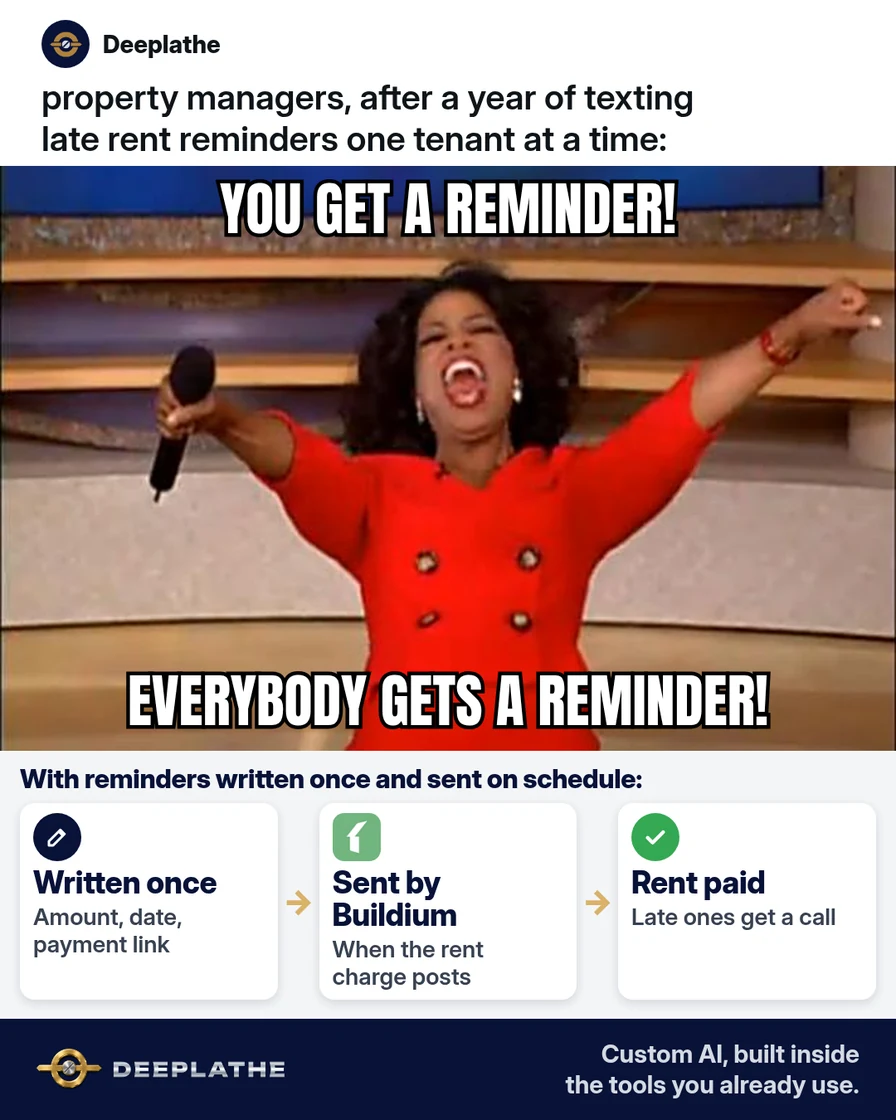
Your software can carry the routine part. What it can't do is write a message that sounds like you, gives the tenant the one link they need, and stays friendly. That part takes ten minutes with AI, once.
Floor vote
When does your first rent reminder go out?
One vote per device. Change it any time.
Loading votes…
Step 1: Write your rent reminder messages with AI
Paste this into ChatGPT, Claude, Gemini or Copilot. It uses placeholders, so no tenant details go into the AI tool:
Write rent reminder messages from a small property management company
to residential tenants. I need four short messages:
1) Text, 3 days before rent is due: friendly heads-up.
2) Email, 3 days before rent is due: same message, a little more detail.
3) Text, the day rent is due: short, with the payment link.
4) Text, the day after the grace period ends: calm, says the balance
   is still open and asks them to pay or reply if something's wrong.
Use these blanks: [FIRST NAME], [PROPERTY], [DUE DATE], [AMOUNT],
[PAYMENT LINK], [COMPANY], [PHONE].
Rules: texts under 160 characters. Plain words, no threats,
no legal language, no late fee amounts (I'll add only what the lease
says). Each one tells the tenant exactly how to pay.
Here's the kind of first text you're aiming for:
Hi [FIRST NAME], a friendly reminder from [COMPANY]: rent of [AMOUNT]
for [PROPERTY] is due [DUE DATE]. Pay here: [PAYMENT LINK]
Check every message before you save it. Delete any late fee amount the AI adds. The late fee belongs in the lease, and the amount and rules depend on your state.
Step 2: Turn on automatic rent reminders in Buildium
Buildium can email tenants a payment reminder with a 90-day statement each time a recurring rent charge posts to their ledger. To turn it on for all leases, go to Settings, then Application settings, then Residents, and set your payment reminder policy.
To change it for one lease, go to Rentals, then Rent roll, and open the lease. Select Financials, then Payment settings, then Override payment reminders. Choose the policy for that lease and select Save. A lease-level policy overrides the global one.
Buildium also lists the emails it sends on your behalf on its Automated Emails page, where you can preview them and change the wording of many of them. Paste in your AI-written email from Step 1 where Buildium lets you edit the text.
Step 3: Send rent reminder texts in AppFolio
AppFolio lets you text and email residents one at a time or in bulk, and save text templates. Save each text from Step 1 as a template, so anyone on your team sends the same wording.
If your AppFolio account includes Realm-X, the assistant can help you send a bulk text or email to a group, like current tenants at one property. Check the recipient list before you send, every time. AppFolio's settings for automatic rent and unpaid charge reminders are in its communication settings, and AppFolio's help center inside your account has the exact path for your version.
Only text tenants who agreed to get texts from you, like in the lease or the resident portal.
Step 4: Put the four rent reminders on one schedule
Here's a schedule for rent due on the 1st with a five-day grace period. Change the dates to match your lease.
Rent reminder schedule (due on the 1st, 5-day grace period)
- 3 days beforeHeads-upText and email, with the payment link
- The 1stDue todayShort text, with the link
- Day 6Still openPay, or reply if something's wrong
- After thatA personA call, then any formal notice
The same schedule as a list:
- 3 days before the due date, text and email: a friendly heads-up with the payment link.
- Due date, text: short, with the link.
- The day after the grace period ends, text: the balance is still open; pay or reply if something's wrong.
- After that, a person: a phone call, then a formal notice only if your process and your state's rules call for one.
Example (illustrative): a 150-door residential manager
This is a walkthrough, not a client story. Picture a two-person office managing about 150 single-family and small multifamily units on Buildium, with rent due on the 1st and a five-day grace period.
The office manager writes the four messages with AI and turns on payment reminders for all leases. She saves the texts as templates. On the 27th, the reminder goes out, and on the 1st she sends the due-date text to anyone who hasn't paid. On the 6th, she texts the few who are still open, and calls anyone who doesn't reply by the 8th.
At a glance
- Problem: rent reminders sent late, by hand, one tenant at a time.
- What was set up: AI-written reminders, Buildium payment reminders and saved text templates.
- Tools it lives in: Buildium (or AppFolio), plus a chat tool for the wording.
- Owner still does: calls tenants who stay late, handles payment plans, decides on formal notices.
- Payoff: not measured here. Watch your delinquency report month over month.
Mistakes to avoid
- Sending the first reminder after rent is late. A reminder works best before the due date.
- Adding late fees the lease doesn't include. Only mention what's in the lease, and check your state's rules.
- Treating a reminder as a legal notice. Formal notices follow your state's rules, not a text template.
- Texting tenants who didn't agree to texts. Use email for them.
- Letting AI decide on payment plans or evictions. Those are your calls, with the tenant's full story in front of you.
Field check
Field check
Three questions. Honest answers. No score sent anywhere but this page.
01 / 03
Does your first reminder go out before rent is due?
If it still doesn't work
If tenants say they never got the reminder, check the email and phone number on the tenant record, and ask whether your messages land in spam. If the payment link fails, test it from a phone yourself. An expired or wrong link is a common reason rent stays open.
If the same tenants are late every month, ask them about the date. Some get paid on the 15th. If your lease and state rules allow it, a different due date or a payment plan may work better than another reminder.
Doing this inside the tools you already use
Deeplathe is a team of developers who build custom AI inside the tools a business already uses. For this job, a custom build could check your rent roll every morning. It drafts a reminder for each open balance in your own wording and sends it through your property management software. It flags tenants who've been late two months running, so you can call them. You set the rules, it sends the routine ones, and every message is logged on the tenant's record.
The reminders go out on time, and you only handle the ones that need a person. See how a custom build works.
FAQ
How do you remind a tenant that rent is due?
Send a short, friendly message a few days before the due date, with the amount, the date and the payment link. Send a second, shorter one on the due date. Use your property management software to send them on a schedule, so nobody has to remember.
What do you say in a rent reminder text message?
Keep it under 160 characters. Include the tenant's first name, the amount, the due date and the payment link. For example: "Hi [FIRST NAME], a friendly reminder: rent of [AMOUNT] is due [DUE DATE]. Pay here: [PAYMENT LINK]." Leave out threats, legal language and fees the lease doesn't include.
Can Buildium send rent reminders automatically?
Yes. Buildium can email tenants a payment reminder with a 90-day statement each time a recurring rent charge posts. Set the global policy under Settings, Application settings, Residents, and override it per lease under Rentals, Rent roll, the lease, Financials, Payment settings.
Is a rent reminder the same as a late rent notice?
No. A rent reminder is a friendly message before or around the due date. A late rent notice is a formal document, and its timing and content depend on your state's rules. Use templates for reminders, and follow your state's rules when you need a formal notice.
Keep these
- Remind before the due date, not after.
- Every message carries the payment link.
- Only the fees the lease names, never more.
- Late twice in a row means a phone call.
Sources
- Buildium Help Center: Can I send automatic payment reminder emails to tenants on a specific lease?
- Buildium: Payment reminders update
- Buildium: Tame your automated emails
- AppFolio: Property management communication tools
Related reading
Keep these
The working rules
Remind before the due date, carry the payment link in every message, and let your property software send the routine ones. People handle the rest.