Part of: The process that only lives in your head
SOPs
Estate planning questionnaire template: one clients finish in 20 minutes
For estate planning law firms: rewrite your questionnaire with AI into a 20-minute form, split before and after the design meeting, and build it in Clio Grow.
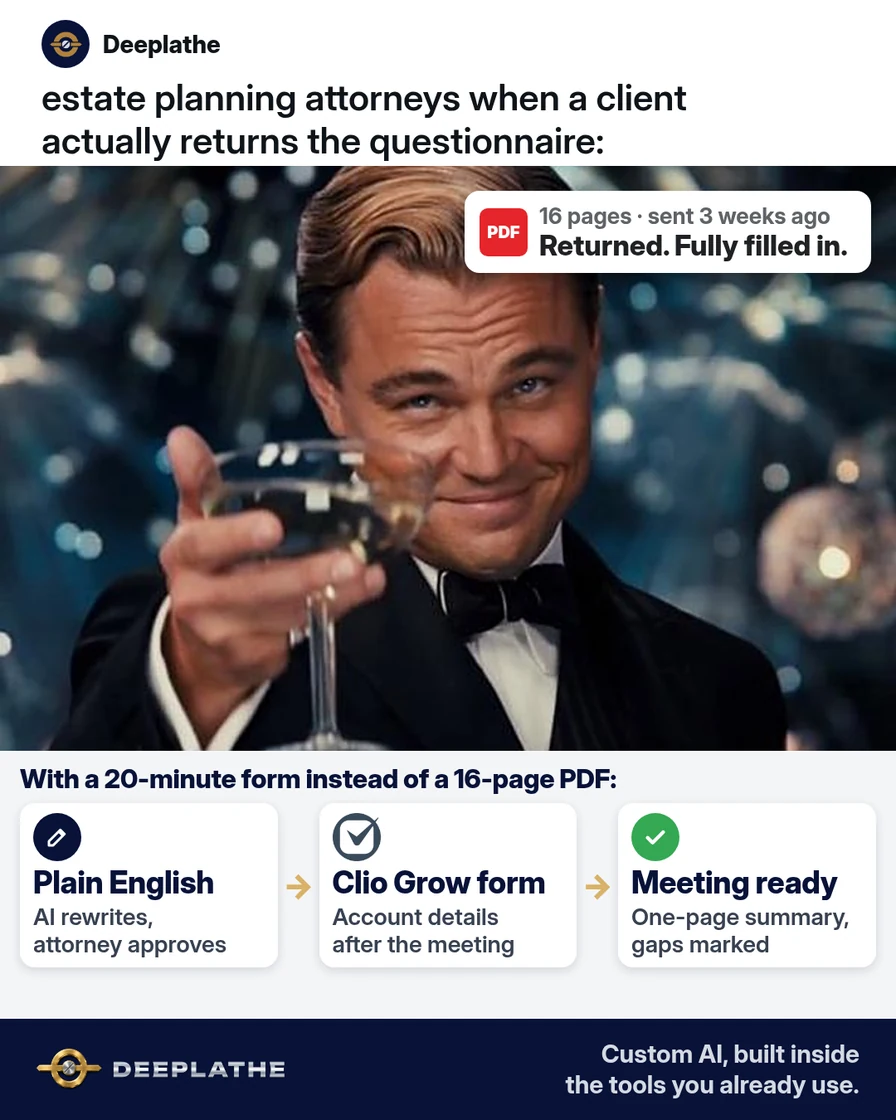
A couple leaves your initial consult excited to finally get their wills done. You hand them the estate planning questionnaire, 16 pages of asset tables and legal terms. Three weeks later it's still on their kitchen table, half done, and the design meeting you'd booked has moved twice. The plan isn't stuck on law. It's stuck on a form.
The short answer
Build a shorter estate planning questionnaire template that clients can finish in one sitting, in plain English, with a one-line reason for each section. Ask before the meeting only what you need to design the plan, and collect the rest at or after the meeting. Use AI to rewrite your current questionnaire, then build it as an intake form in Clio Grow or the secure form tool you already use.
Why clients don't finish the questionnaire
Many estate planning questionnaires were written for the lawyer, not the client. They ask for every account number and asset value up front, use terms like "contingent beneficiary" without explaining them, and arrive as a long PDF. The client has to find statements, guess at values and decide who raises their children, all at once.
That's a lot of emotional work and paperwork stacked into one task, so it gets put off. Every week it waits pushes back the design meeting, the drafting and the signing.
Splitting the questionnaire fixes a lot of this. You don't need a full asset inventory to design a plan. You need family, rough asset types, fiduciaries and goals. The statements and exact values can come later, when you're funding the trust.
Floor vote
How long do clients usually take to return your questionnaire?
One vote per device. Change it any time.
Loading votes…
Step 1: Rewrite your estate planning questionnaire with AI
Paste your current questionnaire's questions, without any client answers, into ChatGPT, Claude, Gemini or Copilot with this prompt:
Here is the client questionnaire my estate planning law firm uses.
Rewrite it into a shorter questionnaire a client can finish in
20 minutes, in plain English (grade 8 reading level).
1) Split the questions into two lists:
   A) Needed before the design meeting (family, rough asset types and
      ranges, who they'd name as executor, trustee, guardian and
      agents, their main goals and worries).
   B) Can wait until after the meeting (account numbers, exact values,
      statements, deeds, beneficiary designation copies).
2) Group list A into short sections. Start each section with one
   sentence on why we ask.
3) Replace legal terms with plain words, and keep the legal term
   in brackets once, e.g. "the person who manages the trust (trustee)".
4) Use ranges instead of exact values where possible.
5) Flag any question you removed or merged, so I can check it.
Don't give legal advice in the form. Don't add new legal questions.
[PASTE YOUR QUESTIONS HERE]
Review every change. You decide what's legally needed before the meeting. The AI only makes it shorter and easier to read.
Step 2: Check the before-meeting sections
A typical "before the meeting" list comes out like this. Compare it with what you actually use in the design meeting:
1. About you (and your spouse or partner)
   Why we ask: your plan has to fit your family.
2. Your children and grandchildren
   Why we ask: so no one is left out by accident.
3. What you own, roughly
   Home, retirement accounts, bank and brokerage accounts,
   life insurance, business interests. Ranges are fine.
4. The people you trust
   Who would manage money for you (agent), carry out your will
   (executor), run a trust (trustee), raise minor children (guardian).
5. What matters most to you
   Your goals and worries, in your own words.
Keep sensitive identifiers out of this form. You don't need Social Security numbers or account numbers to design a plan.
Step 3: Build the estate planning questionnaire as a Clio Grow intake form
In Clio Grow, go to Forms in the main navigation, then the Templates subtab, and select New template. Give the form a title and instructions, like "This takes about 20 minutes. Ranges are fine." Then select Save.
Under Add fields, add each question with the right question type: single-line text, paragraph text, multiple choice, multi-select, dropdown, file attachment, date or yes/no checkbox. Use section breaks for your five sections, with the "why we ask" line as the instructions. Where a question matches a custom field, like marital status, connect it under Question settings, then Connect to custom field, so the answer lands on the client's record.
Select Preview form, fill it in yourself as a client would, and time it. If it takes you more than 20 minutes, cut more.
If you use Lawmatics or another practice tool with secure intake forms, the same structure works there. Avoid general survey tools for anything sensitive.
Step 4: Turn the answers into a design meeting summary
When the form comes back, ask AI for a one-page summary to prepare for the meeting. Only paste answers into an AI tool your firm has approved for client information, or remove names and identifying details first:
Summarize these questionnaire answers for an estate planning design
meeting. Use headings: Family, Assets (types and ranges), Fiduciaries
named, Goals and worries, Questions to ask at the meeting,
Missing or unclear answers. Don't recommend any documents or
strategies. Use only what's in the answers.
[PASTE ANSWERS]
What to ask, and when
Before the meeting
Family, rough assets, trusted people, goals
About 20 minutes
At the meeting
Plan design and any gaps, together
Attorney leads
After the meeting
Account numbers, exact values, deeds, beneficiary forms
For drafting and funding
The same split as a list:
- Before the meeting: family, rough assets, trusted people, goals. About 20 minutes.
- At the meeting: you go over the plan design and fill in any gaps together.
- After the meeting: account numbers, exact values, deeds and beneficiary forms for drafting and funding.
Example (illustrative): a two-attorney estate planning firm
This is a walkthrough, not a client story. Picture a firm with two attorneys and a paralegal, using Clio Manage and Clio Grow, and a 16-page PDF questionnaire.
The paralegal pastes the questions into an AI tool with the Step 1 prompt, and the attorneys review the split. They move asset statements and account details to a post-meeting checklist. The new form has five sections and takes about 20 minutes to finish. It's sent from Clio Grow right after the consult, and the paralegal gets a one-page summary ready before each design meeting.
At a glance
- Problem: clients taking weeks to return a long questionnaire.
- What was set up: a shorter before-meeting form and a separate after-meeting checklist.
- Tools it lives in: Clio Grow and Clio Manage, plus a chat tool for the rewrite.
- Owner still does: decides what's needed before the meeting, designs the plan, gives all advice.
- Payoff: not measured here. Track the days from consult to design meeting.
Mistakes to avoid
- Asking for account numbers before the meeting. You don't need them to design a plan.
- Letting AI drop a legally important question. Review every change it flags.
- Pasting client answers into a personal AI account. Use a firm-approved tool or strip the details first.
- Using legal terms without a plain explanation. Clients stop when they don't understand.
- Letting AI recommend documents or strategies. That's legal advice, and it's yours to give.
Field check
Field check
Three questions. Honest answers. No score sent anywhere but this page.
01 / 03
Is your questionnaire split into before and after the design meeting?
If it still doesn't work
If clients still stall, find out where they stop. Ask the next few clients who stall which section held them up. If many stop at the same section, usually guardians or fiduciaries, move that section to the meeting and talk it through in person.
If a client can't do forms at all, have your paralegal fill the questionnaire in with them on a 20-minute call. The structure still saves time, because the answers land in the same place.
Doing this inside the tools you already use
Deeplathe is a team of developers who build custom AI inside the tools a business already uses. For this job, a custom build could watch your Clio Grow forms and send a gentle reminder when one sits unfinished for a week. When the answers come back, it drafts the design meeting summary on the matter in Clio Manage, with gaps and questions marked. The attorney reviews it, and nothing goes to the client without the firm's approval.
The questionnaire gets finished, and the design meeting starts prepared. See how a custom build works.
FAQ
What should be on an estate planning questionnaire?
Before the design meeting: family details, children and grandchildren, the types and rough values of what you own, who you'd trust as executor, trustee, guardian and agents, and your goals and worries. Account numbers, exact values and copies of deeds and beneficiary forms can usually come after the meeting.
How long should an estate planning questionnaire take?
Aim for about 20 minutes for the part due before the meeting. Long questionnaires get put off, and every week they wait delays the plan. Time it yourself by filling it in as a client would, and cut anything you don't actually use in the design meeting.
Can I use AI to create an estate planning questionnaire?
Yes, to rewrite and shorten your existing questions in plain English and split them into before and after the meeting. Paste only the questions, not client answers. The attorney still decides what's legally needed, and every question the AI removes or merges should be reviewed.
Should an estate planning questionnaire ask for Social Security numbers?
Not before the design meeting. You don't need them to design a plan, and they increase the risk if the form or email goes to the wrong place. Collect sensitive identifiers later, only when you need them, through a secure portal.
Keep these
- Twenty minutes, in plain English.
- Design details before; account details after.
- Each section says why you ask.
- The attorney decides, the AI only rewrites.
Sources
- Clio Help: Set up Clio Grow intake form templates
- Clio Help: Intake form question fields
- Clio Help: Preconfigured accounts (Wills and Estates fields)
Related reading
Keep these
The working rules
Ask before the meeting only what you need to design the plan. Plain words, a reason per section, account details later. The attorney decides.