Part of: The process that only lives in your head
SOPs
Project status update email template: a weekly client update AI drafts from your notes
For structural and civil engineering firms: one five-part weekly update template, an AI prompt that drafts it from your notes, and a Friday routine.
It's Friday at 4 p.m., and you still owe three clients a project status update email. The information is all there, scattered across a site visit note, a thread with the architect, your hours report and a comment from the plan reviewer. Pulling it into one clear update takes an hour you don't have. So it goes out Monday, or it doesn't go out, and the client calls to ask where things stand.
The short answer
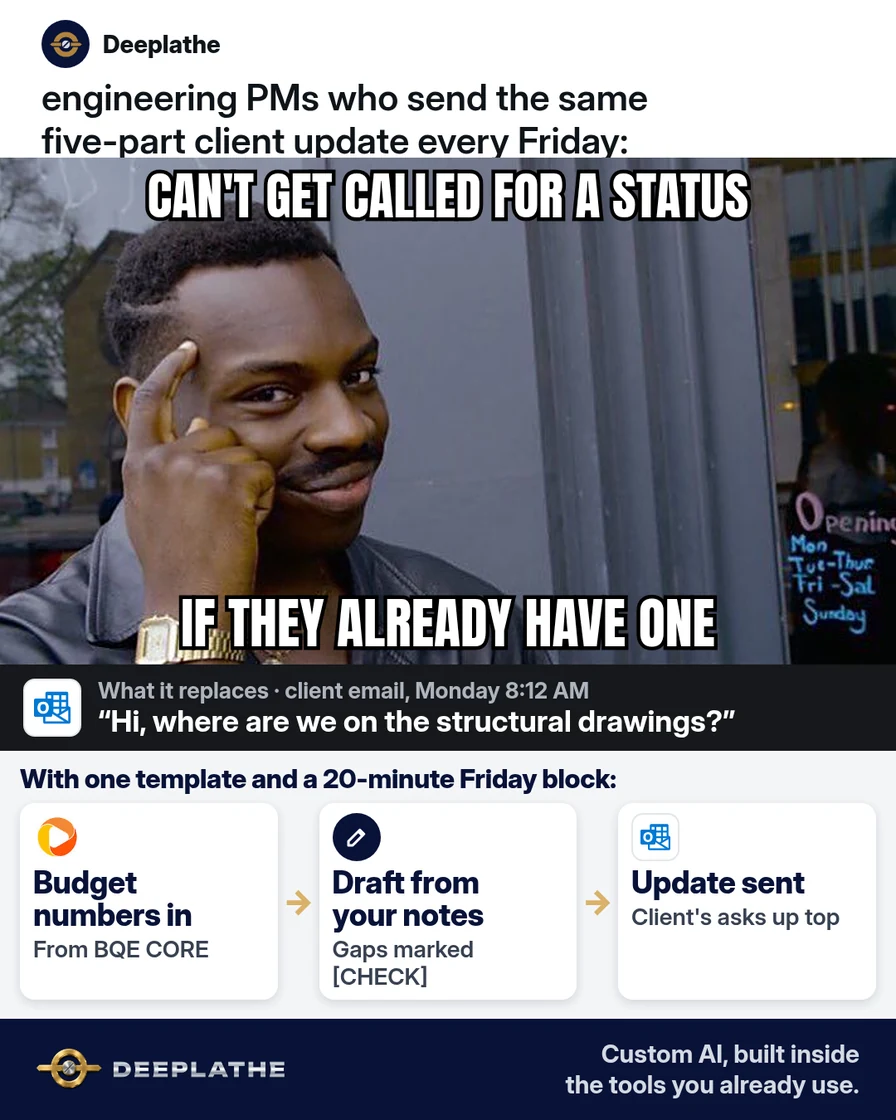
Use one project status update email template for every project, with the same five parts each week: status in one line, done this week, next week, decisions needed from the client, and budget and schedule. Paste your raw notes and your budget-to-actual numbers into an AI tool with a fixed prompt, and edit the draft instead of writing from scratch. Block 20 minutes on Friday to send them all.
Why status updates eat your Friday
In a small structural or civil engineering firm, the project manager is usually also the engineer of record. The updates compete with real design work, and they're written last, from memory, at the end of the week.
The facts live in different places. Hours and fees are in your project accounting tool, like BQE CORE, Deltek or a spreadsheet. Decisions are buried in email threads. Site notes are on a phone. Gathering them is the slow part, not the writing.
Clients also read updates differently than engineers write them. They want to know three things: is it on track, what do you need from me, and when. An update that opens with calculations and closes with the open question gets the question missed. A fixed template puts the ask where the client will see it.
Floor vote
How do your clients get project updates today?
One vote per device. Change it any time.
Loading votes…
Step 1: Set up one project status update email template
Use the same five parts for every project, in this order, so clients learn where to look:
Subject: [PROJECT NAME] status, week of [DATE]: [ON TRACK / AT RISK / DELAYED]

Status: [one sentence: where the project stands and why]

Done this week:
- [item]
- [item]

Next week:
- [item]
- [item]

Needed from you:
- [decision or document] by [DATE], so we can [what it unblocks]

Budget and schedule:
- Fee used: [X]% of [phase]. Schedule: [on track / X days behind, why].

[YOUR NAME], PE
[PHONE]
Save it as a template. In the new Outlook, open a new email and go to Apps, then My Templates, then + Template. In Gmail, first go to Settings, See all settings, Advanced and enable Templates. Then write the email and select More options, Templates, Save draft as template.
Step 2: Pull this week's budget numbers
Run your budget-to-actual report for each active project. In BQE CORE, the Budget Comparison report shows budgeted, spent and remaining amounts by project and phase. In other tools, look for the report that compares budgeted hours or fees to actuals.
You only need two numbers per project: the percentage of the phase fee used and whether the schedule moved. Copy those into your notes. Leave out billing rates and staff names.
Step 3: Draft the project status update email with AI
Collect your raw notes for the project, like your site visit notes, the key lines from client emails and the plan review comments, and paste them into ChatGPT, Claude, Gemini or Copilot with this prompt:
Turn my raw notes into a weekly project status update email for a
client of a small structural engineering firm. Use exactly this format:
Subject line with project name, week, and ON TRACK / AT RISK / DELAYED.
Status (one sentence). Done this week (bullets). Next week (bullets).
Needed from you (each item has a date and what it unblocks).
Budget and schedule (one or two lines).
Rules: plain English a non-engineer can follow. Under 200 words.
Don't add anything that isn't in my notes. If a decision or date
is unclear, write [CHECK] instead of guessing. No calculations.
Notes:
[PASTE NOTES HERE]
Budget: [X]% of [PHASE] fee used. Schedule: [STATUS].
Read the draft against your notes. Every [CHECK] is something you need to fill in yourself. Use a business AI account that doesn't train on your data, and remove client names and addresses from the notes if your contract calls for confidentiality.
Step 4: Send every project status update in one Friday block
Put a recurring 20-minute event on your calendar, Friday at 2 p.m., called "Status updates." Work through your active projects: notes in, draft out, check, send. Send each update from your own address, and copy the client's main contact plus anyone who owns a decision in "Needed from you".
The five-part weekly status update
- 1StatusOn track, at risk or delayed
- 2Done this weekTwo to four bullets
- 3Next weekTwo to four bullets
- 4Needed from youEach ask has a date
- 5Budget and scheduleFee used, schedule moved?
The same five parts as a list:
- Status: on track, at risk or delayed, in one sentence.
- Done this week: two to four bullets.
- Next week: two to four bullets.
- Needed from you: each ask has a date and what it unblocks.
- Budget and schedule: fee used and whether the schedule moved.
Example (illustrative): a 12-person structural firm
This is a walkthrough, not a client story. Picture a structural engineering firm with three project managers, about 25 active projects and BQE CORE for time and billing.
Each PM keeps a running note per project during the week, typed or dictated after site visits. On Friday at 2 p.m., they run the Budget Comparison report and paste each project's notes and two numbers into the prompt. They fix the [CHECK] lines and send. The client's open decisions now sit near the top of every email, under "Needed from you", with a date on each.
At a glance
- Problem: weekly client updates written late, from memory, or skipped.
- What was set up: one five-part template, a fixed AI prompt and a Friday block.
- Tools it lives in: BQE CORE (or your project accounting tool), Outlook and a chat tool.
- Owner still does: checks every draft, fills in the [CHECK] lines, decides what to flag as at risk.
- Payoff: not measured here. Track how often clients call to ask for a status.
Mistakes to avoid
- Burying the ask. "Needed from you" goes before budget, every week.
- Letting AI fill gaps. Tell it to write [CHECK], then fill those in yourself.
- Calling it on track when it isn't. "At risk" early is better than "delayed" late.
- Pasting confidential drawings or client data into a personal AI account. Use a business account and strip what your contract protects.
- Letting AI decide what's at risk or what's in scope. That's an engineering and contract judgment.
Field check
Field check
Three questions. Honest answers. No score sent anywhere but this page.
01 / 03
Does every update follow the same parts in the same order?
If it still doesn't work
If clients still miss the asks, put the first one in the subject line: "Need your decision on the roof framing by Wed". If your notes are too thin for a good draft, take two minutes after each site visit or call to dictate a voice memo, and paste the transcript into Friday's prompt.
If an update keeps running long, it's probably carrying more than one project or phase. Send one email per project, and link to drawings instead of describing them.
Doing this inside the tools you already use
Deeplathe is a team of developers who build custom AI inside the tools a business already uses. For this job, a custom build could pull each project's budget numbers from your project accounting tool every Friday. It reads the week's project emails and notes, and drafts every status update in your five-part format, with open questions marked for you. You review and send from Outlook, and each update is filed to the project.
Your Friday update becomes a 20-minute review instead of a lost afternoon. See how a custom build works.
FAQ
What should a project status update email include?
The overall status in one line, what was done this week, what's next, what you need from the client and by when, and where the budget and schedule stand. Keep the same order every week, and put the client's decisions above the budget lines so they don't get missed.
How often should you send a project status update to a client?
Weekly works for most active design projects, on the same day each week. Clients learn when to expect it, and decisions don't wait more than a few days. During quiet phases, like waiting on permits, a short update every two weeks is enough, as long as the client knows the schedule.
How do you write a project status update email with AI?
Collect your raw notes and two budget numbers, then paste them into an AI tool with a fixed prompt that gives the exact format and tells it not to invent anything. Ask it to write [CHECK] where something is unclear. Then edit the draft, fill in the [CHECK] lines and send it yourself.
What's the difference between a status report and a status update email?
A status report is usually a longer document, often for internal use or a formal monthly review, with detailed budgets and schedules. A status update email is short, goes to the client every week, and focuses on what's done, what's next and what you need from them.
Keep these
- Same five parts, same day, every week.
- The client's asks come before the budget.
- AI writes [CHECK], never a guess.
- Send from you, not from a system.
Sources
- BQE CORE Help Center: Project analysis and profits using budgets
- BQE CORE Help Center: Top project management reports
- Microsoft Support: Create email templates in Outlook
- Gmail Help: Create a template in Gmail
Related reading
Keep these
The working rules
Same five parts every week. Notes and two budget numbers go in, a draft comes out, you fix the [CHECK] lines and send it yourself.