Part of: Quotes and leads you never followed up
Follow-ups
Delivery status update email templates for freight brokers (pickup, in transit, delay, delivered)
For freight brokerage owners and ops leads who want shipper status updates driven by TMS status changes and tracking events, with clear rules for what stays manual.
For freight brokerage owners and ops leads who want shipper status updates on booked loads driven by TMS status changes and tracking events, with four templates and clear rules for what stays manual.
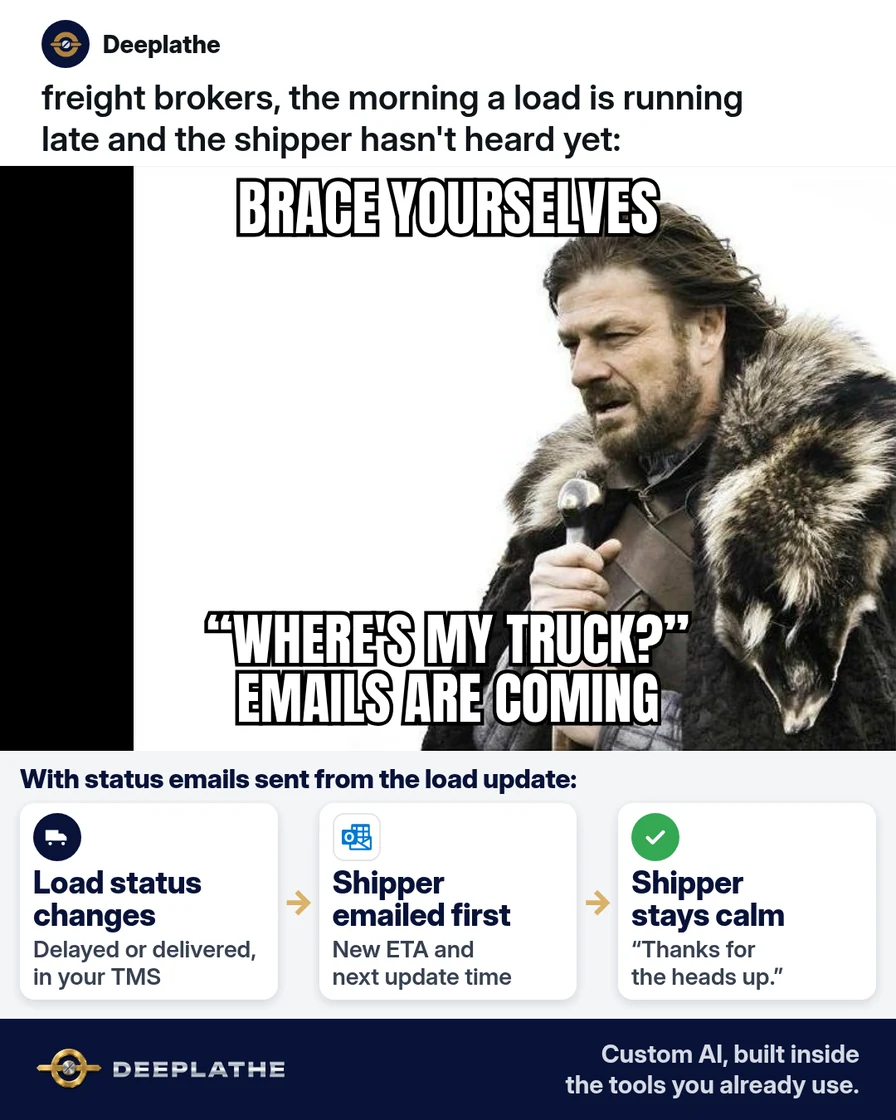
A shipper's "where's my truck" email is a symptom of a missing trigger, not a missing truck. The status already changed in your TMS. Nobody turned that event into a delivery status update email, so the shipper polled your rep instead, and the rep paid for it in interruptions.
The short answer
Map four shipment events to four emails: picked up, in transit, delayed (exception only) and delivered. Each update replies in the load's original thread and puts status plus ETA in the subject and first sentence. Automate the routine three from TMS status changes; keep the delay email human-approved, because its content depends on facts the TMS doesn't hold.
Why shippers keep asking where the truck is
Broker workflows are carrier-facing: coverage, check calls, tracking compliance. Shipper communication is a side effect, done when someone remembers. The data is there. Tai treats the shipment status as the customer-facing status and moves it through Dispatched, In Transit, Out for Delivery and Delivered. Tracking apps add event data on top: arrivals, departures and late alerts.
The gap is the event-to-message mapping. Without it, the shipper falls back to polling, which costs more rep time per load than a push update. The fix is to decide which events count, write one template per event and wire the routine ones to fire on their own.
Floor vote
Which shipper update slips most often at your brokerage?
One vote per device. Change it any time.
Loading votes…
Step 1: Decide which status changes trigger a delivery status update email
Map events, not pings:
- Picked up: TMS status to In Transit, or a tracking departure event at origin.
- In transit: one scheduled update (morning of delivery, or daily on multi-day loads).
- Delayed: a late alert from tracking, confirmed by a person against the appointment.
- Delivered: TMS status to Delivered, or an arrival event at the consignee.
Store per-shipper overrides (daily updates, extra recipients) in the customer record, so the rule reads them instead of a rep's memory.
Step 2: Write the four status update email templates with AI
Generate templates with placeholders only. Map each blank to a TMS field before you save it, so automation can fill it later.
You write for a small US freight brokerage. Produce four email
templates (pickup, in transit, delayed, delivered) for a shipper on a
booked truckload. Use only these merge fields: [SHIPPER FIRST NAME],
[LOAD #], [PO/REF #], [ORIGIN CITY], [DESTINATION CITY],
[PICKUP TIME], [CURRENT LOCATION], [ETA], [NEW ETA], [DELAY REASON],
[DELIVERY TIME], [REP NAME], [DIRECT LINE].
Subject format: "Load [LOAD #] / PO [PO/REF #]: <status>".
First sentence states the status. Under 70 words. No blame. For the
delayed template, include the action taken and when we'll confirm.
Output each template, then a list of which merge fields it uses.
The delayed template, the one that stays human:
Subject: Load [LOAD #] / PO [PO/REF #]: new ETA [NEW ETA]

Hi [SHIPPER FIRST NAME],

Your load to [DESTINATION CITY] is running late. The new ETA is
[NEW ETA], because [DELAY REASON].

I've let the receiver know and asked to move the appointment.
I'll confirm the new time as soon as they reply.

[REP NAME]
[DIRECT LINE]
Step 3: Save the templates in Outlook or Gmail
For manual sends: new Outlook and Outlook on the web keep text snippets in Apps > My Templates (+ Template to add). Gmail needs Settings > See all settings > Advanced > Templates turned on, then More options > Templates > Save draft as template. Both insert plain text, which suits merge-field emails. Name them by status so reps find them fast.
Step 4: Let your TMS or tracking app send the routine ones
Tai TMS. Workflow automation with the trigger "Shipment Status Update", a status filter (In Transit, Out for Delivery, Delivered) and the action Send Email, with a chosen sender, recipient and content template. Tai also documents consignee upcoming delivery notices.
Aljex. Notifications run from the bell icon; the Descartes MacroPoint integration feeds tracking updates into loads. Confirm with Aljex which events can email a customer contact on your setup.
Revenova. Built on Salesforce, so a record-triggered automation on the load status field can send an email template. That's admin work, not a setting.
MacroPoint. Add the shipper under the email-copies field on the load and choose events. Useful: Trip Event, Off-Schedule Alert, Load Start Follow Along. Avoid Location Notification for shippers; it fires on every ping.
Route Off-Schedule Alerts to the rep, not the shipper. The rep confirms and sends the delayed template.
Four updates per booked load
- 1Picked upPickup time and delivery ETA, as a reply in the load thread.
- 2In transitOne midway or morning-of-delivery update: location and ETA holds.
- 3DelayedOnly when the ETA slips. New ETA, one-line reason, what you did. A person sends it.
- 4DeliveredDelivery time and a note that the signed POD follows.
- Pickup event: auto-send, ETA from the load.
- Scheduled in-transit: auto-send, location from tracking.
- Late alert: to rep, then manual send.
- Delivered status: auto-send, POD to follow.
Example (illustrative): a four-person truckload brokerage
A walkthrough, not a client story. One TMS, one tracking app, shippers who email orders. Pickup replies go in the order thread by template. A TMS workflow sends the morning-of-delivery update and the delivered email. Late alerts land in the rep's inbox; the rep calls the driver, then sends the delay email.
At a glance
- Problem: shippers polling reps for status on booked loads.
- What was set up: event-to-template map, one status-triggered workflow.
- Tools it lives in: TMS, tracking app, Outlook.
- What the owner still does: delay explanations, claims, detention.
- Payoff: not measured here. Count inbound status requests per load before and after.
Mistakes to avoid
- Auto-sending delays. A late alert is a signal, not a confirmed new ETA.
- Subscribing shippers to location pings. High-frequency email gets filtered and ignored.
- Letting AI fill the delay reason. The reason and any appointment promise come from a person.
- Breaking the thread. Automated emails that start new threads split the load history.
- Unmapped merge fields. A blank ETA in an automated email is worse than no email.
Field check
Field check
Three questions. Honest answers. No score sent anywhere but this page.
01 / 03
What goes in the first sentence of a status update?
If it still doesn't work
Check recipients first: the booking contact often isn't the receiving contact. If your TMS has no email action, run the four templates manually from Outlook or Gmail at the same events. If a carrier thread is too long to scan, summarize it with AI before you write the update.
Doing this inside the tools you already use
Deeplathe is a team of developers and solution builders who build custom AI inside the tools a business already uses. Here, a custom build could read load status from your TMS and events from your tracking app. It drafts each update in the shipper's original thread with real load data, and routes anything that looks like a delay to the rep for approval. Routine updates send from the rep's own address, and each one is logged on the load.
You decide what the shipper is told. See how a custom build works.
FAQ
How often should a broker update shippers?
Four events per truckload covers most shippers: pickup, one in-transit update, any delay and delivery. Multi-day loads often get a daily morning update. Store exceptions per customer in the TMS so the rule applies them automatically.
What should a delivery status update email say?
Load and PO number in the subject, status in the first sentence, then ETA or delivery time. Delays add one plain reason and the action taken. Under 70 words, sent as a reply in the load thread.
How do you write a load delay email to a customer?
Wait for a confirmed new ETA. Lead with it, give a one-line reason without blame, state what you've done about the appointment and when you'll confirm. A person sends it.
Can you automate shipment status update emails?
Yes for routine events. Tai can send an email on a shipment status update, and MacroPoint can email update copies to an address on the load. Keep delay emails human-approved.
Keep these
- Events, not pings.
- Status and ETA first.
- Reply in the load thread.
- Delays go through a person.
Sources
- Tai TMS Knowledge Base: Shipment Status and Alerts Workflows
- Tai TMS Knowledge Base: Consignee Upcoming Delivery Notices
- MacroPoint Academy: Email Notifications
- Microsoft Support: Create email templates in Outlook
Related reading
Keep these
The working rules
Each update replies in the load's original thread and puts status plus ETA in the subject and first sentence; routine events auto-send, delays need a person.