Part of: Quotes and leads you never followed up
Follow-ups
We miss you email template for martial arts schools (sent before a student quits)
For martial arts school owners who want kids back on the mat, with a we miss you email for each stage of absence and a weekly list of who gets one.
We miss you email template for martial arts schools (sent before a student quits)
For owners of martial arts schools who want kids back on the mat, with a we miss you email template for each stage of absence and a weekly list that tells you who gets one.
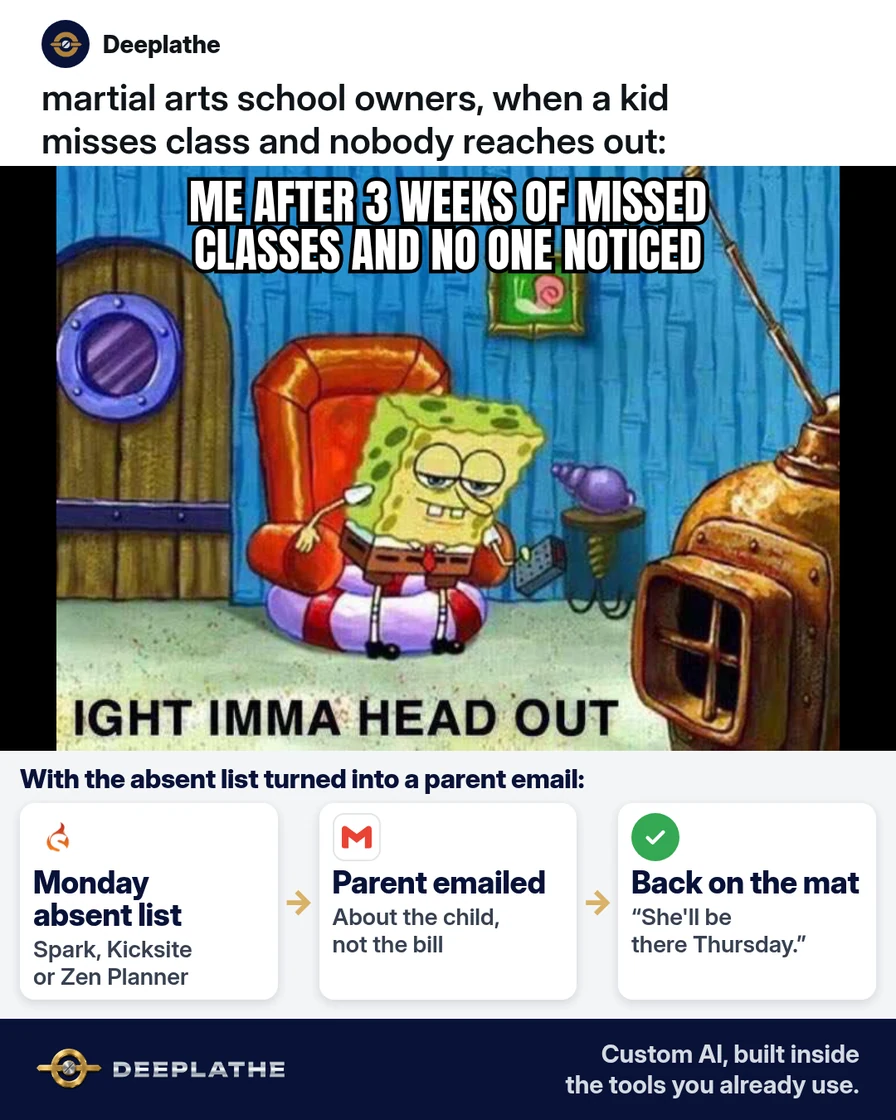
It's Tuesday night, and you notice a yellow belt hasn't been in class for three weeks. Nobody called and nobody emailed. By the time you reach the parent, the family has already decided the child "lost interest," and the tuition stops next month. A short we miss you email in week one would have cost you two minutes.
The short answer
Send a we miss you email template to the parent at three points: after one missed week, after two, and after three. Every email is about the child and the next class, never about the bill. Pull the absent list from Spark Membership, Kicksite or Zen Planner every Monday. Let AI write the three emails once, save them in Gmail, and fill in the child's name and rank each time.
Why kids drift away from class
A kid rarely quits martial arts in one decision. They miss one class for a cold, then a second for a school project. After that, getting back feels awkward, and the parent stops pushing. Each missed week makes the next one easier to skip.
Your software already sees this happen. Spark Membership, Kicksite and Zen Planner all record who checked in and when. What's missing is a habit that turns that record into a message to the parent while the gap is still small.
There's also a money side. A family that comes back keeps paying the tuition you already earned the trust for. A new family costs you a trial, an intro lesson and your time. Writing each email by hand can take five minutes a family (our estimate). With saved templates and AI, it's closer to one minute. That's the efficiency gain, and the student you keep is the profit.
Floor vote
When does your school first reach out to a kid who stops coming?
One vote per device. Change it any time.
Loading votes…
Step 1: Pull your absent list every Monday
Start in the software where you take attendance. You want every active student who hasn't checked in for seven days or more, with the parent's name and email.
Spark Membership. Use Attendance > Last Seen Report for a simple list of names and the last date each student attended. You can filter by date range, sort and export it. For a fuller view, the MIA Maximizer shows who's been missing and lets you filter by contact type. Attendance > Contacts Without Attendance lists everyone with no class in a date range you pick.
Kicksite. On the Dashboard, the Alerts tab shows the Absent module. Kicksite marks a student absent when they miss the Attendance Minimum set on their program, so check that number first under the program's edit settings. For a date-range check, go to Attendance > Attendance Log, pick the dates and click Export to get a CSV.
Zen Planner. Use the attendance reports or the dashboard view of members with low attendance. Zen Planner can also send automated emails to members who haven't attended in a set time. Check the current menu names in the Daxko help center before you rely on them.
Trim your list to these columns:
Student first name | Parent first name | Parent email | Program | Rank | Last class date | Days away
Leave out billing status and notes about the family. The email doesn't need them.
Step 2: Write your we miss you email template with AI
Paste this prompt into ChatGPT, Claude, Gemini or Copilot. It uses placeholders only, so no family's details go into the chat.
You write for a small, owner-run martial arts school.
Write three short emails to the PARENT of a kids student who has
stopped coming to class. Use these blanks:
[PARENT FIRST NAME], [STUDENT FIRST NAME], [PROGRAM], [RANK],
[NEXT CLASS DAY AND TIME], [INSTRUCTOR NAME], [SCHOOL NAME].
1) After 7 days away: friendly check-in. Say we noticed
   [STUDENT FIRST NAME] wasn't in class, hope all is well, and
   name the next class time.
2) After 14 days away: we miss you. Mention one skill the class is
   working on now for [RANK], and offer a quick catch-up before
   or after class.
3) After 21 days away: a personal note from [INSTRUCTOR NAME].
   Ask one honest question: is something getting in the way
   (schedule, confidence, a class they didn't enjoy)?
Rules: under 90 words each, warm and plain, no guilt, no fake
urgency, no mention of payments or contracts. End each email with
one question a parent can answer in one line.
Also give me 3 subject lines for each email, under 45 characters.
Read every draft. Fix anything that doesn't sound like you, and cut anything you wouldn't say face to face. Here's the shape of email 2:
Subject: We miss [STUDENT FIRST NAME] on the mat

Hi [PARENT FIRST NAME],

We've missed [STUDENT FIRST NAME] in [PROGRAM] the last couple
of weeks. The [RANK] group is working on [CURRENT SKILL] right
now, and I'd love for [STUDENT FIRST NAME] to be part of it.

If it helps, come 10 minutes early on [NEXT CLASS DAY AND TIME]
and I'll catch them up.

Will we see you this week?

[INSTRUCTOR NAME]
[SCHOOL NAME]
[SCHOOL STREET ADDRESS]
Reply "stop" if you'd rather not get these check-ins.
And email 3, the personal note:
Subject: Checking in about [STUDENT FIRST NAME]

Hi [PARENT FIRST NAME],

It's been about three weeks since [STUDENT FIRST NAME] was in
class, and I wanted to check in myself.

Is something getting in the way, like the schedule, or a class
that didn't feel right? Tell me and I'll see what I can change.

[INSTRUCTOR NAME]
Step 3: Save the emails as Gmail templates
In Gmail, open Settings > See all settings > Advanced, turn on Templates and save. Write each email in a new message, then use More options > Templates > Save draft as template. Name them "Absent 7 days", "Absent 14 days" and "Absent 21 days."
If your school sends email from Spark, Kicksite or Zen Planner instead, paste the same text into that tool's email templates. Keep one version so every parent hears the same voice.
Step 4: Send by hand, then decide what to automate
On Monday, go down the absent list. For each student, open the right template, fill in the blanks and send it from your own address. Personal sends get replies, and replies tell you why kids stop coming.
After a month, look at what you learned. If the emails are working, you can move the 7-day check-in into your software's automation. Spark's automations can trigger on when a student last attended. Keep emails 2 and 3 personal.
Missed-class ladder
- MondayPull the absent listActive students with seven or more days since last check-in.
- Day 7Friendly check-inWe noticed, hope all is well, here's the next class time.
- Day 14We miss youOne skill the rank is working on and a quick catch-up offer.
- Day 21Personal noteThe instructor asks one honest question about what's in the way.
The same timing as a list:
- Monday, pull the list: active students with seven or more days away.
- Day 7, friendly check-in: we noticed, hope all is well, next class time.
- Day 14, we miss you: one current skill and a quick catch-up offer.
- Day 21, personal note: one honest question from the instructor.
Keep it opt-in and easy to stop
If an email's main purpose is to promote your classes, the CAN-SPAM Act applies. The FTC's guide says to use an honest subject line, include your school's physical address, and give a clear way to opt out. You must honor an opt-out within 10 business days. Send only to the parent email on file, never to the child.
Example (illustrative): a two-location kids karate school
This is a walkthrough, not a client story. Picture an owner with two instructors and about 150 kids students across both locations. Attendance runs through a kiosk check-in.
Every Monday at 8:00, the owner pulls the absent list and splits it by location. Each head instructor sends the day-7 and day-14 emails from Gmail templates. The owner writes every day-21 note personally. Replies go into a notes field so the next instructor knows the reason.
At a glance
- Problem: kids drifting off after a few missed weeks with no one reaching out.
- What was set up: a Monday absent list and three Gmail templates at day 7, 14 and 21.
- Tools it lives in: the attendance software, Gmail templates and a notes field.
- What the owner still does: writes the day-21 note and decides any schedule change or freeze.
- Payoff: not measured here. Count how many absent students return within 30 days, before and after.
Mistakes to avoid
- Mentioning money. A "your account is still active" line makes the parent feel billed, not missed.
- Writing to the child. Kids' emails go to the parent on file.
- Letting AI decide on freezes or refunds. That's your call, case by case.
- Sending to families who already told you why. Check notes before each send.
- Waiting a month. By day 30, most families have already decided.
Field check
Field check
Three questions. Honest answers. No score sent anywhere but this page.
01 / 03
When should the first we miss you email go out?
If it still doesn't work
If parents don't reply, check the email address on file and your spam rate. Try one text from the school's usual number with the same message. If the absent list looks wrong, check your attendance setup. In Kicksite, the program's Attendance Minimum controls who shows as absent.
Doing this inside the tools you already use
Deeplathe is a team of developers and solution builders who build custom AI inside the tools a business already uses. For this job, a custom build could read your Spark, Kicksite or Zen Planner attendance every Monday. It drafts the right email for each absent student, with the child's name, rank and next class, and skips families who already replied. You approve each draft, it sends from your address, and it logs the touch on the student's record.
You keep every decision about a family, and no kid slips away unnoticed. See how a custom build works.
FAQ
When should you send a we miss you email?
Send the first one after a student misses about one week of classes. That's early enough that coming back still feels easy. Send a second around day 14 and a personal note around day 21. If the family is on a planned vacation or a freeze, skip them. The point is to catch drift, not punish a break.
What should a we miss you email say?
Use the child's name, mention the class or skill they're missing, and give the next class time. Keep it under 90 words and end with one simple question, like "Will we see you this week?" Leave out payments, contracts and guilt. The parent should feel their child was noticed, not chased.
What are good we miss you email subject lines?
Short and personal works best. Try "We miss [Student] on the mat," "Checking in about [Student]," or "[Student]'s spot in Thursday class." Keep them under 45 characters so they fit on a phone. Avoid fake urgency like "Last chance," which reads like a sales email.
How do you get students back after they stop coming?
Reach out early, make the return easy, and ask why. Offer a quick catch-up before class so the child doesn't feel behind. If the reason is the schedule, offer another class time. If it's confidence, pair them with a friendly partner. Write down every reason you hear.
Keep these
- Pull the absent list every Monday.
- Day 7, day 14, day 21. Don't wait a month.
- Write about the child, never the bill.
- Freezes, refunds and schedule changes are your call.
Sources
- Spark Help Center: October new features (Last Seen and Absent reports)
- Kicksite Knowledge Base: How to use the Kicksite Dashboard
- Kicksite Knowledge Base: How to export the Attendance Log report
- FTC: CAN-SPAM Act, a compliance guide for business
Related reading
Keep these
The working rules
Every email is about the child and the next class, never about the bill.