Part of: The process that only lives in your head
SOPs
Obituary template for funeral homes: a family questionnaire plus an AI first draft
For funeral directors at family-owned homes who want a free obituary template, the right questions for the arrangement, and a respectful first draft the family approves.
Obituary template for funeral homes: a family questionnaire plus an AI first draft
For funeral directors at family-owned homes who want a free obituary template, the right questions for the arrangement, and a respectful first draft the family approves.
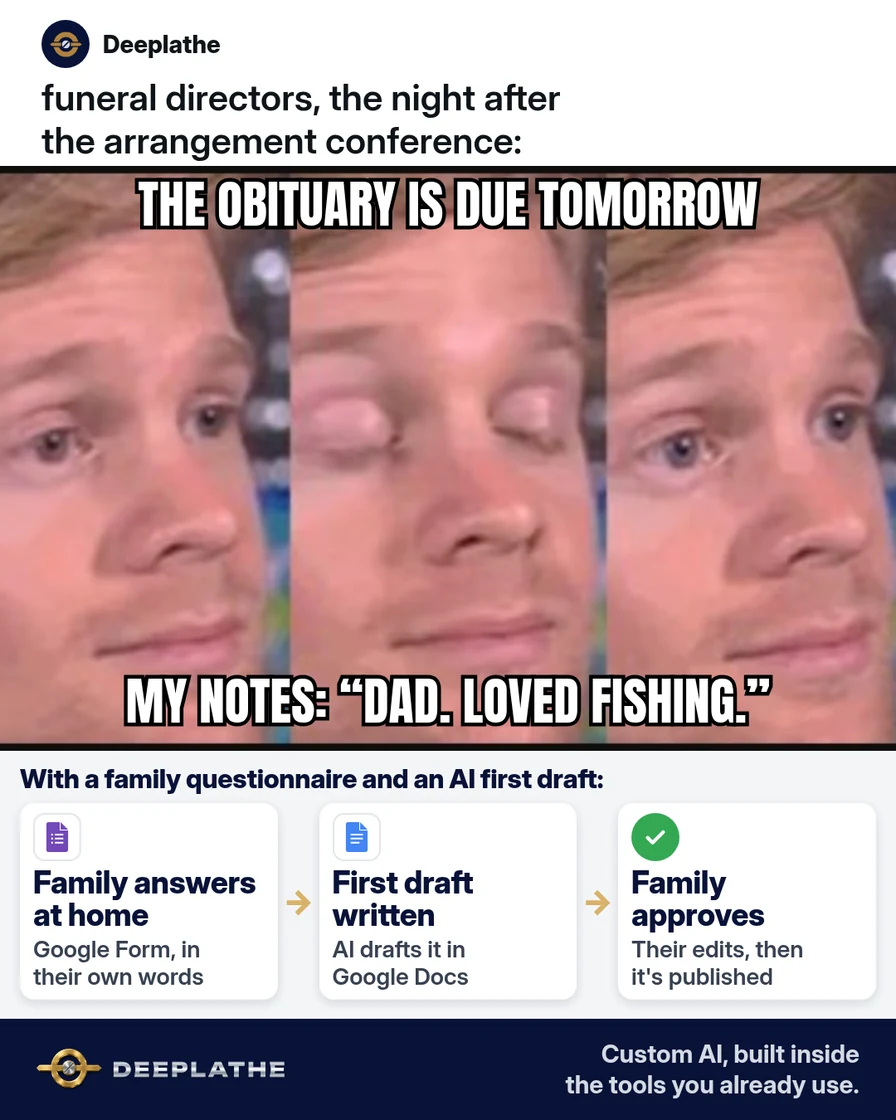
It's 9 p.m. and you're still at the desk, rewriting an obituary from a page of notes you took during the arrangement conference. Half the dates are missing, and you're not sure how the family spells the grandson's name. Tomorrow you'll send it, they'll change half of it, and the newspaper deadline won't move. A good obituary template, filled in by the family before you ever start writing, ends most of that.
The short answer
Give the family a short obituary template as a questionnaire, in your case software or a Google Form, so they fill in the facts and stories in their own words. Then let ChatGPT or Claude turn those answers into a first draft you edit. The family supplies every fact, and the family approves every word before anything is published. AI only arranges what they already told you.
Why obituaries eat your evenings
Most obituaries get written backwards. The director takes notes during a long, emotional arrangement conference, then rebuilds the story later from memory. Facts come out wrong, names get missed, and the family sends back a page of corrections.
The other half of the problem is the blank page. Families often say, "Just write something nice." That leaves you guessing at the person's life, and guessing always leads to more rounds of edits.
An obituary template fixes both. It asks for the same facts in the same order every time, and it gives the family space to write the stories only they know. Once the answers are in writing, the draft is a matter of arranging them. That's the part AI does well, as long as it never adds anything the family didn't say.
Floor vote
Who writes the first draft of the obituary at your funeral home?
One vote per device. Change it any time.
Loading votes…
Step 1: Build your obituary template as a family questionnaire
Start with the questions every obituary needs. Keep it to one page so a grieving family can finish it in one sitting. Use this as your obituary template:
OBITUARY QUESTIONNAIRE  –  [FUNERAL HOME NAME]

About your loved one
1. Full name, including middle name, maiden name or nickname
2. Age, date of birth and place of birth
3. Date and place of passing (city and state are enough)
4. Parents' names

Their life
5. Where they grew up and went to school
6. Work, military service or careers they were proud of
7. Faith, clubs, volunteering or community groups
8. Hobbies, passions and the things they'll be remembered for
9. One or two short stories or sayings the family loves

Family
10. Survived by (spouse, children, grandchildren, siblings; please
    check spellings)
11. Preceded in death by

Service details
12. Visitation, service and burial or committal: date, time, place
13. Memorial donations or flowers ("in lieu of flowers...")
14. Anyone you'd like to thank (care team, hospice, friends)

Tone
15. Three words that describe them
16. Should the obituary feel formal, warm, or lighthearted?
Leave out anything a stranger could misuse. You don't need a full birth date or home address in a published obituary, so ask only what will be printed.
Step 2: Send the obituary template where the family can fill it in
Pick the option that matches your software.
Passare. Passare's Planning Center lets the family write the obituary with you. In the case, add family members under Family & Friends and choose Send Planning Center invite, by text, email or both. The family can start the obituary in the Planning Center, using Passare's own templates or its AI writing assistant, and you finalize it in Passare. You'll see their changes in real time. Paste the questions from Step 1 into your invite message, so they know what to include.
Osiris or FrontRunner. Keep the questionnaire outside the system, then paste the finished obituary into the case or website record in Step 5.
Google Forms (works with any software). In Google Forms, create a blank form and name it "Obituary questionnaire." Add each question from Step 1. Use Paragraph for the stories and the family lists, and Short answer for names and dates. Then click Send and email the link, or copy it into a text. Responses land in the form's Responses tab. You can link them to a Google Sheet.
Prefer paper? Print the questionnaire and hand it to the family at the end of the arrangement conference. Many families like to sit together at home and fill it in.
Step 3: Turn the answers into an obituary first draft with AI
Copy the family's answers into ChatGPT or Claude with this prompt. It tells the AI to use only what the family wrote:
You are helping a funeral director write an obituary draft.
Use ONLY the facts in the family's answers below. Do not add,
guess or embellish any fact, date, name, job or quality.
If something is missing, write [ASK FAMILY: ...] in its place.

Write about [WORD COUNT] words in this order:
1) Opening line: full name, age, city, date of passing.
2) Life story: upbringing, work, service, faith, passions,
   using the family's own stories and phrases where you can.
3) Survived by, then preceded in death by, exactly as listed.
4) Service details exactly as given.
5) Memorial donations and thanks, if given.

Tone: [FORMAL / WARM / LIGHTHEARTED], respectful, plain words.
Avoid clichés like "passed peacefully surrounded by love"
unless the family used that wording.

Family's answers:
[PASTE ANSWERS HERE]
Before you paste, think about privacy. The obituary itself will be public, but the family's answers might include health details or private notes. Remove anything that won't be printed. Also check your firm's policy on which AI tools staff can use.
Step 4: Check the obituary draft against the template, line by line
Read the draft with the questionnaire open beside it. Check every name, date, place and relationship against what the family wrote. Look for anything that wasn't in the answers. AI tools sometimes add a nice-sounding detail, like a hobby or a degree, that nobody mentioned. Delete it.
Then fill any [ASK FAMILY] gaps. Read it out loud once. If a sentence doesn't sound like this family, change it to their words.
Step 5: Send the obituary to the family for approval, then publish
Send the edited draft to the family with one clear request:
Hi [FAMILY CONTACT],

Here is the draft obituary for [FULL NAME], built from the
answers you shared. Please read it closely, especially names,
spellings, dates and service times.

Change anything you like. Nothing is published until you tell
us it's right.

With care,
[DIRECTOR NAME]
[FUNERAL HOME NAME]
In Passare, the family can approve it right in the Planning Center. Once they approve, they can't make more changes there. Lock the obituary in the case and sync it to your website if your site connects to Passare. In FrontRunner, paste the approved text into the obituary field on the website record and save. It publishes to your funeral home website.
How the obituary moves from family to print
From family to print
- At the arrangementHand over the questionnairePassare Planning Center invite, Google Form or a printed page.
- Within a dayFamily returns the answersFacts, spellings and stories in their own words.
- Same dayAI first draft, then a fact checkChatGPT or Claude arranges only their answers; you trace every name and date.
- Before publishingFamily approves every wordThen lock it and publish to your website.
The same flow as a list:
- At the arrangement: hand over or send the obituary questionnaire.
- Within a day: the family returns the answers in their own words.
- Same day: you make an AI first draft and check every fact.
- Before publishing: the family reads, edits and approves the final text.
Example (illustrative): a two-director family funeral home
This is a walkthrough, not a client story. Picture a family-owned home with two directors and one office manager, using Passare.
At the end of each arrangement, the director sends a Planning Center invite with the questionnaire in the message. The family fills it in at home over the next day. The office manager pastes the answers into Claude with the prompt above and gets a first draft. The director checks it against the answers, fills two [ASK FAMILY] gaps, and sends it. The family changes one sentence and approves it, and it syncs to the website.
At a glance
- Problem: obituaries rewritten from memory late at night, with many rounds of corrections.
- What was set up: a one-page questionnaire, one AI prompt and a family approval step.
- Tools it lives in: Passare Planning Center, Claude and the funeral home website.
- What the owner still does: checks every fact, edits the tone, sends for approval.
- Payoff: not measured here. Count correction rounds per obituary before and after.
Mistakes to avoid
- Letting AI fill in blanks. If the family didn't say it, it doesn't go in. Use [ASK FAMILY] instead.
- Publishing before approval. The family signs off on every word, every time.
- Asking for more than you'll print. Skip home addresses and full birth dates in the questionnaire.
- Using one tone for everyone. Ask the family how it should feel, and match it.
- Skipping the read-aloud. Errors in names and dates are easier to hear than to see.
Field check
Field check
Three questions. Honest answers. No score sent anywhere but this page.
01 / 03
Where should every fact in the obituary come from?
If it still doesn't work
If families don't fill in the questionnaire, it's probably too long or arrives at the wrong moment. Cut it to the first twelve questions, and hand it over in person at the end of the arrangement instead of emailing it later.
If AI drafts still sound generic, the answers are too thin. Ask one more question: "What's a story everyone tells about them?" One real story does more than a list of hobbies.
If families keep making big changes, send the questionnaire earlier and let one family member own it.
Doing this inside the tools you already use
Deeplathe is a team of developers who build custom AI inside the tools a business already uses. For this job, a custom build could pull the family's questionnaire answers from your case records or form. It drafts the obituary in your home's own style and flags every gap as a question for the family. It never fills in a missing fact on its own. You edit and send it, the family approves it, and it's logged on the case. Your directors spend their evenings at home instead of rewriting notes. See how a custom build works.
FAQ
What should be included in an obituary?
Include the person's full name, age, city and date of passing. Add a short life story covering upbringing, work, service, faith and passions. List who survives them and who died before them. Finish with service details, memorial donations and any thanks. Many families also add one story or saying that sums the person up.
Is there a free obituary template funeral homes can use?
Yes. You can copy the questionnaire in this article for free. Paste it into a Google Form, a Passare Planning Center invite, or a printed page. It covers the facts every obituary needs, plus space for the family's stories and the tone they want. Edit the questions to fit your community and your local paper's format.
Can AI write an obituary?
AI can write a first draft from answers the family gives you, and Passare even has a writing assistant for families. It shouldn't invent facts or decide what to say about someone's life. Tell it to use only the family's answers and mark any gaps. A director checks every fact, and the family approves the final words.
How long should an obituary be?
Most run from about 200 to 500 words, but there's no set rule. Newspapers often charge by length, so a print version may be shorter than the one on your website. Ask the family whether they want a short print notice and a longer online tribute.
Keep these
- The family supplies every fact.
- AI arranges; it never adds.
- Check every name and date against the answers.
- Nothing is published until the family approves it.
Sources
- Passare Support: Collaborate on the obituary
- Passare Support: Send Planning Center invites via text or email
- FrontRunner Manual: Create a Website Record
- Google Docs Editors Help: Create a form with Google Forms
Related reading
Keep these
The working rules
The family supplies every fact, and the family approves every word before anything is published.