Part of: The process that only lives in your head
SOPs
ChatGPT for Word: set up the add-in and draft client letters without copy-paste
For estate planning firms on Microsoft 365: how ChatGPT for Word is provisioned (Marketplace add-in + dual admin gates), how Business data controls apply to the sidebar, and three redacted letter prompts that stay inside Word.
For estate planning firms on Microsoft 365: how ChatGPT for Word is provisioned (Marketplace add-in + dual admin gates), how Business data controls apply to the sidebar, and three redacted letter prompts that stay inside Word.
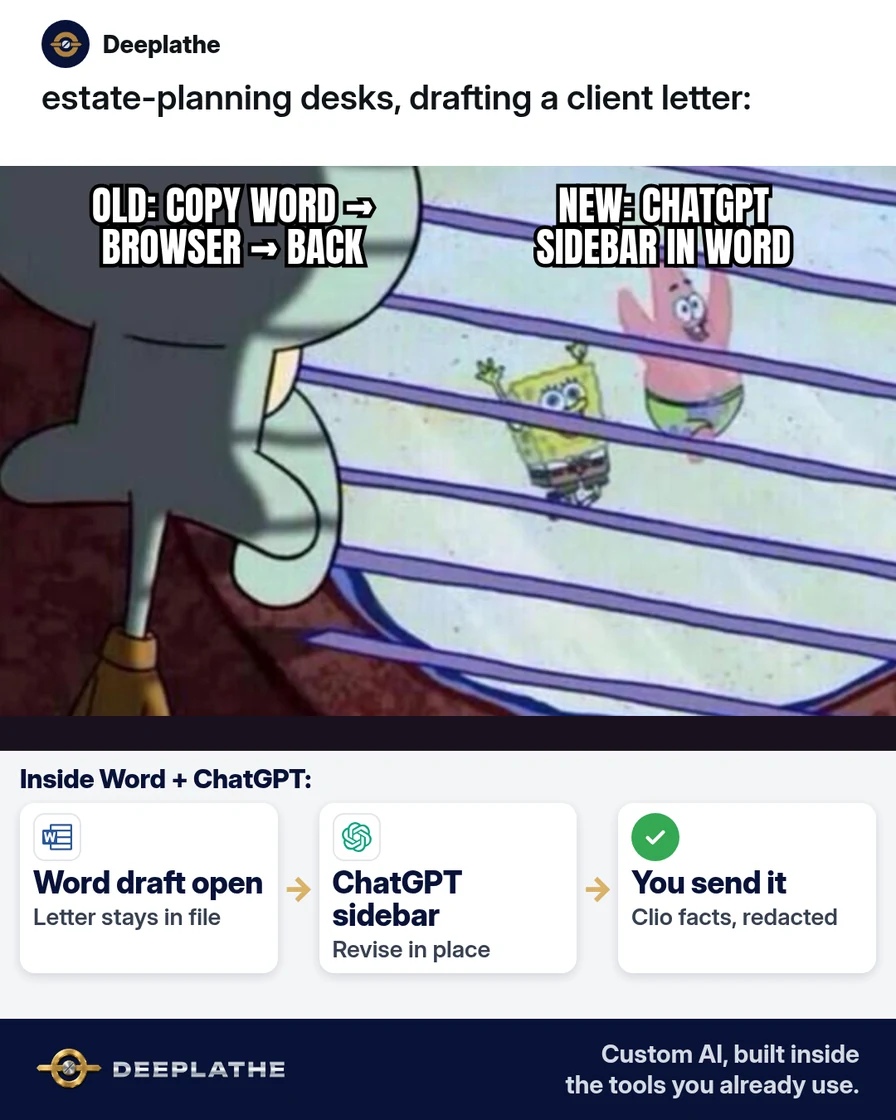
The operational failure mode is not “no AI.” It is dual-homing: Word holds the matter draft; a browser ChatGPT tab holds the rewrite; paste-back destroys styles, tracked changes, and any audit of what text left the firm. ChatGPT for Word collapses that into one surface—the open document plus a sidebar signed into a workspace.
The short answer
Provision the shared ChatGPT Microsoft add-in, require a Business (or Enterprise/Edu) workspace for matter work, and treat every sidebar turn as an untrusted draft that still needs attorney review. OpenAI documents that Word, Excel, and PowerPoint share one add-in; Word access is enabled by default from 1 October 2026 on the ChatGPT side, while Microsoft 365 admins must still allow the add-in. Business inputs/outputs are not used for training by default—redaction remains mandatory.
Why ChatGPT for Word still feels hard to trust
Autocomplete demand for “chatgpt for word add in” and “does chatgpt have a word add in” (en-US, 15 Oct 2026) shows the discovery problem. The trust problem is separate: personal Free/Plus sessions mixed with client text. OpenAI’s September 2026 Business release notes announce ChatGPT for Word for Business (draft from notes, summarize, revise selection, adjust headings/formatting). The technical fix is (1) Marketplace install, (2) workspace + M365 allow-list, (3) placeholder pipeline identical to any other LLM paste, (4) prompts that forbid invented fees and legal conclusions.
Floor vote
How do you draft client letters with AI today?
One vote per device. Change it any time.
Loading votes…
Step 1: Install ChatGPT for Word from Microsoft Marketplace
Per OpenAI Help “ChatGPT for Word”:
- Open the ChatGPT listing on Microsoft Marketplace → Get it now.
- Complete install under the Microsoft identity that receives Word licenses.
- In Word, open ChatGPT from the ribbon.
- Authenticate with the ChatGPT account; select the firm workspace if prompted.
- Drive requests from the open document (selection-aware edits preferred).
Failure modes OpenAI lists: org blocks on M365 add-ins; wrong ChatGPT account/workspace; Word access disabled in the ChatGPT admin console. Same add-in binary serves Word/Excel/PowerPoint—no separate Word-only plugin.
Step 2: Prefer Business for firm drafts (data controls)
Map controls explicitly:
- ChatGPT admin: Word access on (default from 1 Oct 2026); workspace membership.
- Microsoft 365 admin: ChatGPT add-in allowed for the security group that drafts letters.
- Plan choice: Business/Enterprise/Edu — training opt-out by default per OpenAI.
OpenAI: add-in conversations are isolated from chatgpt.com history; memory and skills do not transfer. Skills/apps inside Word are plan- and permission-dependent; plugins are not supported in ChatGPT for Word today. Pricing: token-based at API rates for the selected model; shared with other premium usage allowances on plans that include them—confirm on the Business credit rate card, do not hard-code prices here.
Step 3: Redact before every sidebar request
Estate planning drafts often embed identifiers. Pipeline:
- Duplicate the letter (
File → Save a Copy) before substantial AI edits (OpenAI recommends keeping a copy). - Replace identifiers with
[CLIENT],[MATTER],[DATE],[AMOUNT],[FEE]in a plain buffer or with constrained Find/Replace. - Prefix every sidebar prompt with the guard block below.
- Restore identifiers only in Word after acceptance; send from Clio/Lawmatics, not from the sidebar.
Some details are replaced with placeholders in square brackets
([CLIENT], [MATTER], [DATE], [AMOUNT]). Keep every placeholder
exactly as written. Do not invent names, dates, or legal advice.
This is a draft for attorney review only.
Step 4: Paste three letter prompts (save this pack)
Selection-scoped prompts reduce unintended whole-document rewrites.
Prompt A — engagement letter intro
Turn the selected notes into a short engagement-letter opening
for an estate planning firm. Audience: a new client who already
agreed by email to start a will and trust package. Tone: plain,
calm, professional. Length: 120–160 words. Use headings if useful.
Keep every [PLACEHOLDER] unchanged. Do not give legal advice,
quote fees unless a [FEE] placeholder exists, or invent facts.
End with: "Attorney will finalize before send."
Prompt B — questionnaire follow-up
Revise the selected draft into a follow-up letter asking the
client to finish the estate planning questionnaire. Keep facts
already in the draft. Soften any blame. One clear ask and one
deadline as [DEADLINE]. Keep [CLIENT], [MATTER], and [PORTAL LINK]
placeholders. Do not invent portal URLs or document lists.
Prompt C — mid-matter status
Summarize the selected Word section into a client status update
email body (paste-ready). Three short paragraphs: where we are,
what we need from [CLIENT], next step with [DATE]. No legal
conclusions. Flag any sentence that sounds like advice so I can
cut it. Keep placeholders intact.
Mechanics tip: for terminology consistency, ask the sidebar to list suggested revisions before applying (OpenAI’s own “how to use it well” pattern). Tables/complex numbering may still need manual repair.
ChatGPT for Word in three days
- Day 1InstallMarketplace add-in → Word ribbon → sign in to the firm workspace.
- Day 1RedactStrip names/IDs; paste the guard line with every prompt.
- Day 2LettersRun Prompt A–C on real (redacted) drafts; lawyer approves before send.
- Day 3HabitBan browser copy-paste for Word drafts; sidebar only.
- Day 1, install: Marketplace → ribbon → Business workspace sign-in; confirm both admin gates.
- Day 1, redact: Placeholder SOP + guard line in every prompt.
- Day 2, letters: Prompts A–C on redacted selections; accept edits surgically.
- Day 3, habit: Block browser paste for Word matter drafts; measure minutes/letter.
Example (illustrative): a three-attorney estate planning firm
Example (illustrative). Associates draft in Word, file in Clio, assemble wills/trusts in WealthCounsel. Personal Plus tabs were the shadow IT path. Partner standardizes on the ChatGPT add-in + Business workspace, stores the three prompts in the firm SOP, and requires redaction before sidebar use. WealthCounsel assemblies stay out of ChatGPT; only correspondence drafts use the add-in.
At a glance
- Problem: Dual-homed drafts (Word ↔ browser) lose formatting and leak uncontrolled text.
- What was set up: Shared add-in, Business workspace, prompt pack, redaction SOP.
- Tools it lives in: Word / Microsoft 365, ChatGPT Business, Clio, WealthCounsel (assemblies unchanged).
- What the owner still does: Final legal review; identifier restore; send authority.
- Payoff: not measured here — log time-to-first-draft and % of letters never leaving Word for two weeks.
Mistakes to avoid
- Personal Free/Plus for matter text. Different training defaults; harder audit.
- Unscoped “rewrite this document.” Prefer selection + “list changes first.”
- Assuming memory/skills sync. They do not, per OpenAI.
- Ignoring M365 allow-list. Ribbon absence is usually policy.
- Feeding assembly output with client schedules intact. Redact or keep assemblies offline.
Field check
Field check
Three questions. Honest answers. No score sent anywhere but this page.
01 / 03
Where do you install ChatGPT for Word?
If it still doesn't work
- M365 admin: deploy/allow ChatGPT add-in to the drafting group.
- ChatGPT admin: Word access enabled; correct workspace selected in the add-in.
- Re-auth; confirm plan entitlements and remaining token/credit allowance.
- Narrow selection; paste only the needed notes (no other local files are readable).
- Fallback: redacted Temporary Chat in browser for structure only—then re-apply in Word manually. Prefer repairing the add-in path.
Doing this inside the tools you already use
When Marketplace policy and prompt governance cost more partner time than a build, Deeplathe can connect letter drafting to Word, Clio, and your questionnaire path so first drafts appear on the matter record. You keep send control. Custom AI stays inside tools you already pay for; it does not replace counsel.
FAQ
Does ChatGPT have a Word add-in?
Yes—one Microsoft Marketplace add-in shared with Excel and PowerPoint. Ribbon entry → ChatGPT sidebar → workspace sign-in.
Is ChatGPT for Word free?
Available on all plans including Free per OpenAI; metering is token-based at API rates against plan limits. Use Business for firm data controls.
Is my data safe in ChatGPT for Word?
Business/Enterprise/Edu: no training on inputs/outputs by default (OpenAI). Still redact. Admins gate install and Word access.
Will it remember firm style?
Not via browser memory/skills. Embed style rules in the prompt or confirm in-product skills support for your plan before relying on them.
Can it open other local files?
No. Open document + pasted context only.
Keep these
- Sidebar over browser paste.
- Business workspace for matters.
- Placeholders until human restore.
- Attorney sends; model drafts.
Sources
- ChatGPT for Word (OpenAI Help Center)
- ChatGPT Business release notes (OpenAI Help Center)
- ChatGPT for Word product page
- Managing data, sharing, and privacy in ChatGPT Business
Related reading
Keep these
The working rules
Provision the shared ChatGPT Microsoft add-in, require a Business (or Enterprise/Edu) workspace for matter work, and treat every sidebar turn as an untrusted draft that still needs attorney review.