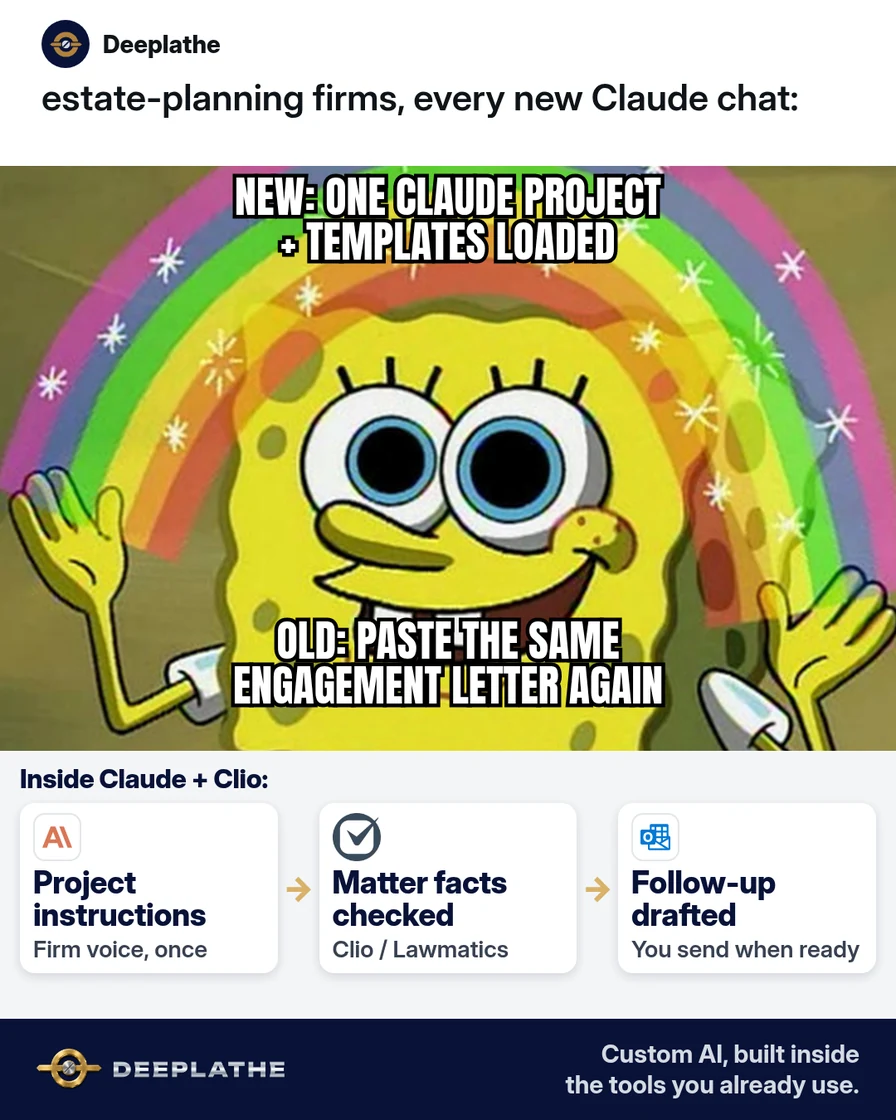
Part of: The process that only lives in your head
SOPs
Claude Projects for business files: keep client context without re-pasting every chat
For estate-planning firm owners and associates who search “Claude Projects” and want one place for firm instructions and templates so every new chat stops asking you to re-paste the same files.
For estate-planning firm owners and associates who search “Claude Projects” and want one place for firm instructions and templates so every new chat stops asking you to re-paste the same files.
An associate opens a fresh Claude chat to chase a missing questionnaire. They paste the engagement-letter excerpt, the questionnaire checklist, and last week’s tone notes — again. Twenty minutes later the draft sounds generic, and Clio still shows the task open.
The short answer
A Claude Project is a workspace with its own chats, a project knowledge base, and project instructions that apply to every chat inside it. Create one Project per matter type (for example “Intake questionnaire follow-ups”), paste firm instructions once, upload only scrubbed templates, then start new chats inside that Project instead of a blank chat. You still approve every client email in Outlook or Gmail; Claude never files in Clio for you.
Why Claude Projects beat a pile of one-off chats
People Also Ask and Autocomplete keep clustering on “Claude Projects,” “project instructions,” and “vs chats” because blank chats do not keep your firm voice. Anthropic’s help docs describe Projects as self-contained workspaces with chat history and a knowledge base. Project instructions set how Claude should behave for every chat in that Project. Files you add to project knowledge are available across chats in that Project — chat-to-chat memory is not automatic unless the material lives in knowledge or instructions.
For an estate-planning office, that means less re-paste time on every questionnaire nudge, cheaper than buying a separate knowledge-base product just to store three templates, and more consistent drafts than a tired associate rewriting tone each time.
Floor vote
How do you keep firm context in Claude today?
One vote per device. Change it any time.
Loading votes…
Step 1: Create a Claude Project for one matter type
Per Anthropic’s create-and-manage guide:
- Open claude.ai/projects (or Projects in the left sidebar).
- Click + New Project.
- Name it for the job, not a client — e.g.
EP — Questionnaire follow-ups. Description is for humans; Claude does not use the name/description as instructions. - On Team or Enterprise, pick visibility (private vs org) as your admin allows.
Free accounts can use Projects (Anthropic: max five on Free). Paid plans unlock larger project knowledge via RAG when you approach context limits — confirm on your plan.
Step 2: Paste project instructions (copy this)
Click Set project instructions, paste, then Save instructions:
You draft for a US estate-planning law firm.
Voice: clear, calm, respectful; no jokes; no legal advice beyond what our templates already say.
Always:
- Leave [CLIENT NAME], [DEADLINE], [DOC LIST], [ATTORNEY] as placeholders if missing.
- Say when something is not in the project files (“Not in project knowledge”).
- Output a draft email or checklist only — I will send from Outlook/Gmail and update Clio myself.
Never:
- Invent deadlines, fees, or tax results.
- Ask me to paste SSNs, account numbers, or full wills into the chat.
- Claim you filed anything in Clio, Lawmatics, or WealthCounsel.
Matter type for this Project: missing estate-planning questionnaire follow-up.
Tune the last line if this Project is for engagement-letter variants or funding checklists instead.
Step 3: Upload scrubbed templates to project knowledge
On the Project page, use + to add files Claude should always see:
- Blank questionnaire checklist (no client data)
- Follow-up email skeleton
- Soft reminder vs firm reminder examples you already approve
- Short “firm voice” note (one page)
Rules:
- Strip every real client name before upload.
- Prefer PDF/DOCX/Markdown you maintain in Google Drive or Dropbox as the master; re-upload when the master changes.
- Do not upload executed wills, trusts, or ID scans.
Anthropic notes: context is not shared across Project chats unless it is in the knowledge base (or instructions). Paid plans can auto-enable RAG when knowledge gets large.
Step 4: Run the follow-up from inside the Project (not a blank chat)
Open the Project → new chat. Paste only what is unique to this matter (still no SSN):
Draft a questionnaire follow-up.
Facts I confirm:
- Soft or firm tone: [soft]
- Days since we sent the questionnaire: [10]
- Docs still missing: [asset list, beneficiary worksheet]
- Send from: [attorney email signature I will add]
Use project instructions + knowledge. If a detail is missing, keep a [PLACEHOLDER].
Max 140 words. Subject line + body.
Copy the draft into Outlook or Gmail. Log the send and next date in Clio (or Lawmatics). Claude drafts; your practice system stays the record.
Step 5: Compare once to ChatGPT Custom GPTs — then stop shopping
If someone asks “Claude Projects vs ChatGPT custom GPTs,” use this shop rule:
- Claude Project: instructions + files that stay with a workspace of chats for a matter type (per Anthropic Projects docs).
- Custom GPT: a packaged GPT with its own instructions/files on ChatGPT (see OpenAI’s GPT docs if you use that stack).
Pick the tool your firm already pays for. Do not run two parallel knowledge piles for the same questionnaire.
From re-paste to a matter-type Project
- 1CreateProject named for the matter type.
- 2InstructSave firm Always/Never rules.
- 3KnowledgeUpload scrubbed templates only.
- 4DraftChat inside; human sends; Clio updated.
- Hour 0, create: One Project named for the matter type.
- Hour 0, instruct: Paste the firm instruction block; Save.
- Hour 1, knowledge: Upload scrubbed templates only.
- Ongoing, chat inside: New chat in the Project; send from Outlook; update Clio.
Example (illustrative): a four-attorney estate-planning firm
Example (illustrative). Partner Elena was tired of associates re-pasting the engagement excerpt. She created EP — Questionnaire follow-ups, saved project instructions, and uploaded three scrubbed templates from Google Drive. Associates open chats only inside that Project. Drafts go to Outlook; Clio tasks get the real dates. No client identifiers sit in the Project.
At a glance
- Problem: Re-pasting templates into blank Claude chats; inconsistent firm voice.
- What was set up: One Claude Project, instructions, three scrubbed files.
- Tools it lives in: Claude Projects, Clio, Outlook, Google Drive masters.
- What the owner still does: Approves wording; sends email; owns Clio dates.
- Payoff: not measured here — track “minutes to first draft” and “re-paste events per week” for two weeks.
Mistakes to avoid
- Blank chats for repeat work. Start inside the Project or you lose instructions/knowledge.
- Uploading real client files. Templates only; keep originals in Clio/Drive with normal access rules.
- Letting Claude invent legal deadlines. Placeholders; attorney confirms.
- Assuming chats share memory automatically. Anthropic: put shared material in knowledge or instructions.
- One mega-Project for every firm job. Split by matter type so instructions stay sharp.
Field check
Field check
Three questions. Honest answers. No score sent anywhere but this page.
01 / 03
Where should a repeat questionnaire follow-up chat start?
If it still doesn't work
If drafts ignore your voice, re-open Set project instructions and tighten Never/Always lines, then start a new chat in the Project. If Claude “forgets” a template, confirm the file is in project knowledge (+), not only attached to one old chat. If Free’s five-Project cap blocks you, archive an old Project (Anthropic supports archive) or upgrade and re-check RAG capacity on paid plans. Fallback without Projects: paste one template section per chat and keep a firm prompt in a Docs snippet — slower, but safe.
Doing this inside the tools you already use
Deeplathe builds custom AI inside tools estate-planning teams already use — Clio, Lawmatics, WealthCounsel, Outlook, Gmail, Drive — so questionnaire follow-ups draft from your matter fields while you approve the send. Less than a hire, more output, for any business from a shoe store to a law firm. If you want that connected rather than maintaining Project files by hand, see /solutions. You stay in control of every client message.
FAQ
What are Claude Projects?
Workspaces with their own chats, a knowledge base, and optional project instructions, per Anthropic’s “What are projects?” help article. Available on Free (with a five-Project cap) and paid plans.
Claude Projects vs chats — what is the difference?
A normal chat starts empty. A Project chat inherits that Project’s instructions and knowledge files. Use Projects for repeat firm work; use a blank chat for one-off questions.
What should I put in Claude project instructions?
Tone, placeholders, never-rules (no SSNs, no invented fees), and the matter type. Save via Set project instructions so every chat in the Project follows them.
Can Free Claude use Projects?
Yes. Anthropic states Projects are available to all users; Free can create up to five. Paid plans add larger knowledge capacity with RAG when limits approach.
Claude Projects vs ChatGPT custom GPTs?
Both can hold instructions and files. Use the stack your firm already pays for; do not duplicate the same templates in two products.
Keep these
- One Project per matter type — not per client.
- Instructions saved; scrubbed templates in knowledge.
- New chats start inside the Project.
- You send mail and update Clio; Claude only drafts.
Sources
- What are projects? (Claude Help)
- How can I create and manage projects? (Claude Help)
- Claude.ai Projects
Related reading
Keep these
The working rules
A Claude Project is a workspace with its own chats, a project knowledge base, and project instructions that apply to every chat inside it.