Part of: Quotes and leads you never followed up
Follow-ups
Car service reminder message to customer: texts and emails that get the car booked
For multi-bay shops: reminders triggered from completed canned jobs in Tekmetric, Shopmonkey or AutoLeap, with customer, vehicle and service variables, one follow-up, and a Gmail mail merge fallback.
It's Monday, two bays are empty, and your oil change list from last spring is sitting in the shop software untouched. Those customers are due right now. Nobody texted them, so some will book wherever they happen to be driving past. A short car service reminder message to customer, sent at the right time, is the cheapest way to fill those bays.
The short answer
Trigger reminders from completed canned jobs, not from memory: one message at the due point and one follow-up about 14 days later to anyone who hasn't booked. Every message carries three variables, the customer, the vehicle and the service, plus one low-effort reply. Tekmetric Canned Job Reminders, Shopmonkey Canned Service Reminder campaigns or AutoLeap campaigns do the scheduling; Gmail mail merge from a Google Sheet is the fallback.
Why due customers don't book
The data already exists. Tekmetric, Shopmonkey, Mitchell 1 and AutoLeap store every repair order line, so "last oil change" is a query, not a mystery. What's missing is the event that turns a closed repair order into a future message. Without an automation, that event is a person remembering, and advisors are busy with estimates and the cars already in the bays.
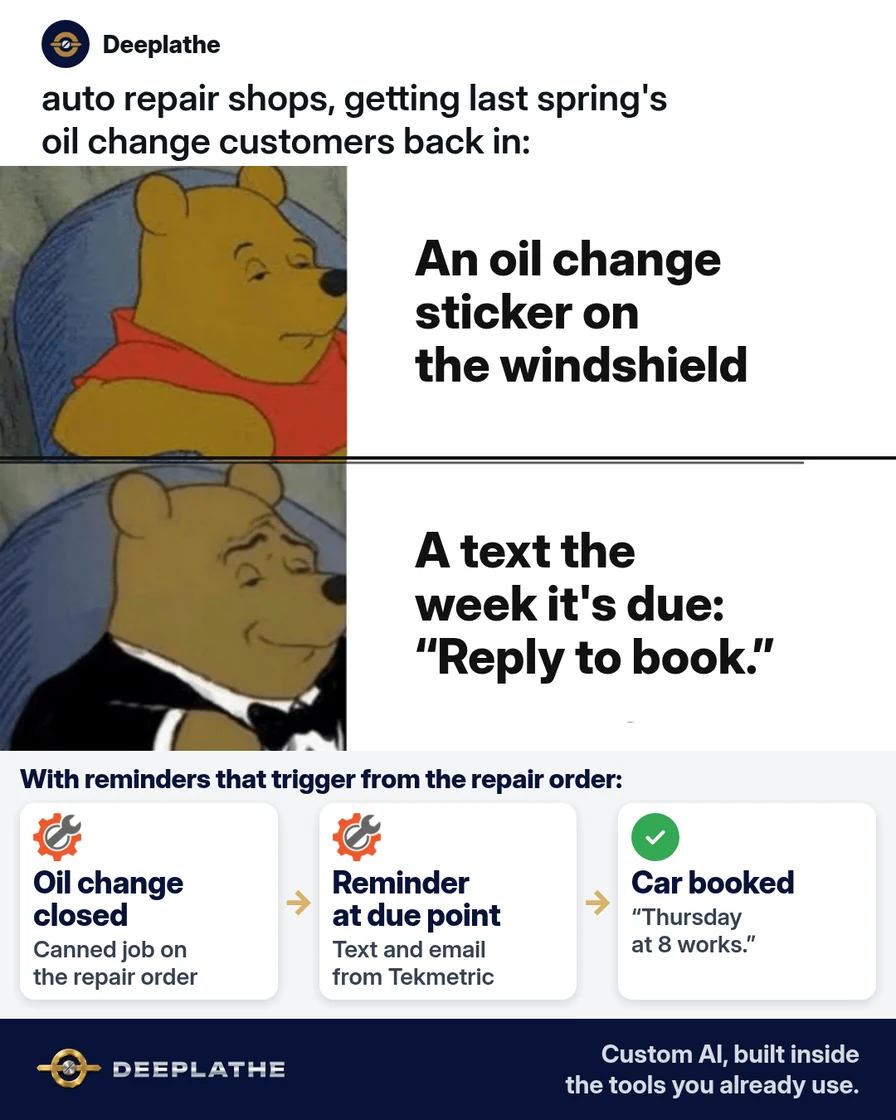
Meanwhile the customer's own cue, the windshield sticker or a dash light, arrives late or not at all. The first shop to reach them while the service is due usually gets the job. A reminder tied to the repair order fixes the timing problem at the source.
Floor vote
How do your due-for-service customers hear from you today?
One vote per device. Change it any time.
Loading votes…
Step 1: Pick the services that earn a car service reminder message
Choose three to five recurring canned jobs: oil change, tire rotation, state inspection, fluid services. The automation in Tekmetric keys off the canned job, and Shopmonkey keys off the canned service, so a job typed free-form on a repair order won't trigger anything. Audit that your advisors actually use the canned versions before you build.
Set intervals from the maker's schedule or your shop policy. If you split synthetic and conventional oil into separate canned jobs, each one can carry its own delay.
Canned job             | Delay after visit  | Follow-up
Oil change - synthetic | [YOUR INTERVAL]    | +14 days if not booked
Oil change - conv.     | [YOUR INTERVAL]    | +14 days if not booked
Tire rotation          | [YOUR INTERVAL]    | +14 days if not booked
Step 2: Write the car service reminder text and email with AI
Generate the copy with placeholders only, then map those placeholders to your software's own personalization variables. No customer names, numbers or plates go into a general AI chat.
Write car service reminder messages for an independent auto repair shop.
For [SERVICE]: 1) SMS under 160 characters at the due point;
2) follow-up SMS under 160 characters, 14 days later if not booked;
3) email under 100 words, subject under 45 characters.
Blanks: [FIRST NAME], [VEHICLE], [SERVICE], [SHOP NAME], [ADVISOR NAME],
[PHONE]. Friendly, plain, no discounts or scare tactics. One easy reply
("Reply YES and we'll find you a time"). Add "Reply STOP to opt out"
to both texts.
Keep SMS under 160 characters after the variables are filled in. A long vehicle string like "2019 Ford F-150 SuperCrew" can push a text into two segments.
Hi [FIRST NAME], it's [ADVISOR NAME] at [SHOP NAME]. Your [VEHICLE]
is due for its [SERVICE]. Want us to find you a time this week?
Reply YES. Reply STOP to opt out.
Step 3: Turn on service reminders in your shop software
Tekmetric. Requires Tekmetric Marketing. Path: Marketing, Automations, +New Automation, Canned Job Reminder. Set the name, the delay, include or exclude Business customers, toggle Email and SMS Text, paste the copy, then Save Automation. Canned Job Reminder is a marketing-type automation, so it goes only to opted-in customers. Queued sends show under Marketing, Automations, Scheduled Messages. Cancelling one message there doesn't disable the automation, and template edits apply only to messages triggered after the edit.
Shopmonkey. In CRM Essentials, open Campaigns and build an automated Canned Service Reminder. Set the title, the audience (Customers, Fleets or Both), the canned service and the delay after the invoice is fully paid. Subject placeholders are set in the campaign options; body placeholders go in the email builder.
AutoLeap. Create a customer group from a list or a service, build an SMS or email template, choose the trigger (a time period after a service), then schedule and save. AutoLeap reports deliveries, confirmations and appointments created versus confirmed for each campaign.
Mitchell 1 or anything else. Check the vendor help center for "service reminder" or "campaign" first. If there's nothing on your plan, use Step 4.
Step 4: Send reminders from Google Sheets and Gmail if your software can't
Export last-visit dates per service, filter in Sheets to the rows inside your reminder window, and keep five columns: Email, First name, Vehicle, Service, Advisor name. Data must sit on the first tab. In Gmail: Compose, Use mail merge, Add from a spreadsheet, map Email and First name, insert other columns with @. Merge tags don't work in subjects. Send a preview, then send. It needs an eligible Google Workspace plan, and the cap is 1,500 recipients a day. Gmail mail merge sends email only; texts still need your shop software.
When to send each reminder
When to send each car service reminder
- 1When it's dueFriendly text or email naming the car and the service
- 2About 14 days laterOne nudge, only to people who haven't booked
- 3After that, stopMove them to your lost-customer list
- Due point, friendly: the first text or email, fired by the canned job delay.
- About 14 days later, nudge: only to customers with no new appointment or repair order.
- After that, stop: hand them to your lost-customer automation instead.
Example (illustrative): a four-bay shop on Tekmetric
This is a walkthrough, not a client story. A four-bay shop on Tekmetric with Marketing builds three Canned Job Reminders, one each for oil change, tire rotation and state inspection. Each Monday an advisor filters Scheduled Messages by automation and cancels sends for customers who already booked. Replies land in the shop's message thread and get booked by hand.
At a glance
- Problem: due customers booking elsewhere or not at all.
- What was set up: three Canned Job Reminder automations, text plus email, with a follow-up.
- Tools it lives in: Tekmetric and Tekmetric Marketing.
- Owner still does: sets intervals, approves copy, handles replies.
- Payoff: not measured here. Compare appointments created from reminders before and after.
Mistakes to avoid
- Free-form job lines. No canned job means no trigger.
- Generic copy. Leave out the vehicle and the reply rate suffers in your own numbers.
- Ignoring opt-in. Use the marketing opt-in your software tracks, and include STOP language.
- Letting AI set intervals. That's a technical call for your techs and the maker's schedule.
- Editing a template and assuming the queue updated. In Tekmetric it only changes future triggers.
Field check
Field check
Three questions. Honest answers. No score sent anywhere but this page.
01 / 03
Does every reminder name the customer's car and the service due?
If it still doesn't work
Check three things in order. First, the trigger: did the repair order use the canned job? Second, the audience: are customers opted in, and are Business customers included or excluded on purpose? Third, the sender: a recognizable shop number and an advisor's name beat a no-reply address. If replies come in but bookings don't, answer with two specific times instead of an open question.
Doing this inside the tools you already use
Deeplathe is a team of developers who build custom AI inside the tools a business already uses. For this job, a custom build could query your shop software weekly for customers due on each service. It drafts every reminder with the real vehicle and assigned advisor, and suppresses anyone with an open repair order or a recent visit. You approve the batch, it sends from your shop's number and email, and it writes each send back to the customer record.
Your advisors spend their time booking cars, not building lists. See how a custom build works.
FAQ
What should a car service reminder message say?
The customer's first name, the vehicle, the service due, an advisor's name and one easy reply. Keep texts under 160 characters after variables fill in, emails under about 100 words, and add opt-out language to every text. Skip discounts and warnings about failures.
How often should a shop send service reminders?
One at the due point and one follow-up about 14 days later, suppressed if the customer books. Then route them to a lost-customer automation. The due point comes from the maker's schedule or your shop policy per canned job, not one interval for every car.
Is a text or an email better for a service reminder?
Both, where your software allows. Tekmetric lets you toggle Email and SMS Text per automation, and Shopmonkey and AutoLeap support email and SMS campaigns. Gmail mail merge covers email only, so a Sheets-plus-Gmail setup starts with email and adds texts later.
Can I automate car service reminders without new software?
Yes, for email. Export due customers, keep five columns in Google Sheets, and send with Gmail mail merge on an eligible Workspace plan, up to 1,500 recipients a day. Write the template with AI using placeholders, and run the follow-up weekly for anyone who hasn't booked.
Keep these
- Trigger from canned jobs, not memory.
- Customer, vehicle and service in every message.
- Placeholders in AI, real details only in your software.
- One reminder, one follow-up, then stop.
Sources
- Tekmetric Help: Marketing Automations
- Tekmetric Help: Scheduled Message Management
- Shopmonkey Help: CRM Essentials Campaigns
- AutoLeap: Retaining customers with AutoLeap's marketing feature
- Gmail Help: Send personalized emails with mail merge
Related reading
Keep these
The working rules
Canned-job-triggered reminders with three merge variables, a 14-day conditional follow-up suppressed by new appointments, and a human-approved wording set.