Invoices
Can QuickBooks automatically send invoice reminders? Yes: three of them, plus the invoices they miss
The direct answer from Intuit's own help, three reminder messages to paste in, and the gap nobody mentions: invoices QuickBooks reminders will never touch, and a Monday list that catches them.
The short answer
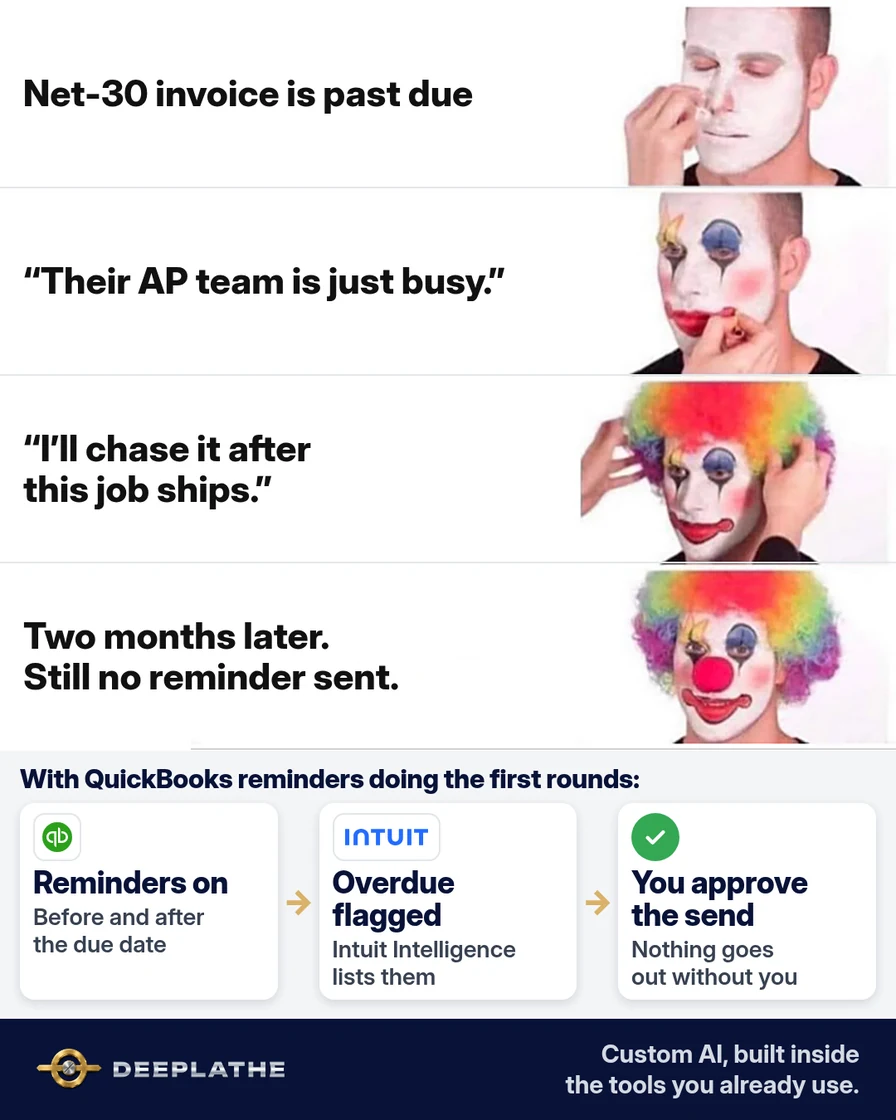
Yes. QuickBooks Online can email up to three automatic reminders for each unpaid invoice. You choose when each one goes, up to 90 days before or after the due date, and you can write your own subject and message. It's one setting in QuickBooks Online, and it applies to all customers.
The catch: QuickBooks only sends reminders for invoices you've already emailed from QuickBooks. Printed invoices, invoices uploaded to a customer's supplier portal, and invoices emailed from your own inbox get no reminders at all.
A schedule that works for net-30 business customers, with messages to paste in:
Reminder 1, 3 days BEFORE due
Subject: Reminder: invoice [Invoice No.] due [Due Date]
Hi, a quick heads-up that invoice [Invoice No.] for [Balance] is due
on [Due Date]. The PO number is on the invoice. Pay here: [link].
Thanks, [Company Name]

Reminder 2, 7 days AFTER due
Subject: Reminder: invoice [Invoice No.] is past due
Hi, invoice [Invoice No.] for [Balance] was due on [Due Date].
If anything is holding it up (a missing PO or receiving record),
reply and we'll fix it today. Pay here: [link].

Reminder 3, 21 days AFTER due
Subject: Reminder: payment date for invoice [Invoice No.]?
Hi, invoice [Invoice No.] for [Balance] is now 3 weeks past due.
Could you reply with the date it's scheduled for payment?
Thanks, [Your Name], [Phone]
Use QuickBooks' own fields (invoice number, company name) where the editor offers them, and keep "reminder" in the subject as Intuit recommends.
How many automatic reminders can QuickBooks Online send?
Three per invoice: Reminder 1, 2 and 3, each with its own timing and message. QuickBooks checks due dates and sends a reminder only if the invoice is still unpaid. Changes to your reminder rules apply to future reminders. QuickBooks can also attach the invoice PDF to every reminder.
Does QuickBooks have other reminder options?
- QuickBooks Online Advanced can build reminder rules with its workflow feature.
- Intuit's payments assistant (US, on Essentials, Plus and Advanced) can suggest a reminder schedule and write the messages for you to approve.
- Manual reminders: you can send one by hand from the invoice list at any time.
Why invoices still go unpaid with reminders on
Reminders handle the polite rounds. They don't handle the reasons business customers actually pay late:
- the invoice went to the buyer, not accounts payable, so every reminder lands with someone who can't pay,
- the invoice was never emailed from QuickBooks (printed, portal, or sent from Outlook), so no reminder ever fires,
- a partial payment or short-pay left a small balance nobody notices,
- reminder 3 went out and nothing happened, and now it needs a person.
What it costs you now
In a small shop the person who notices is the owner, and chasing always loses to the job on the machine. Example: an hour every Monday with the aging report, trying to work out which overdue invoices are "QuickBooks is handling it" and which are stuck. Meanwhile net 30 drifts to 45 or 60 days, and you're carrying your customers' cash.
What runs by itself
Leave QuickBooks' three reminders on. On top of them, every Monday at 7:00 a check reads your open invoices and the reminder history, and emails you only the invoices reminders can't fix:
- overdue invoices that were never emailed from QuickBooks, so no reminder ever went,
- reminders going to someone other than accounts payable (the buyer, an old contact),
- invoices past reminder 3 with no payment, with the customer's AP contact,
- short-pays and partial balances under a set amount.
Everything QuickBooks is already handling stays off the list. Setup is one weekly check connected to QuickBooks Online (through Zapier or Make, or your bookkeeper's tools). We can set this up for you.
Example: what lands in your inbox
Illustrative. Made-up customers.
Mon 7:00 · Overdue invoices that reminders won't fix (4)

Never emailed from QuickBooks (uploaded to portal):
  Midwest Fab, INV-2231, $8,420, 38 days. No reminder has gone.
Reminders going to the wrong person:
  Apex Tooling, INV-2207, $3,150, 52 days. All 3 went to the buyer.
  AP address on their last PO: ap@apextooling.example
Past reminder 3, no payment:
  Kessler Mfg, INV-2189, $5,600, 64 days. Call AP: 555-0118.
Short-paid:
  Dorn Hydraulics, INV-2240, $212 left of $4,212.
The time and money math
Assumptions (Example, use your own): a 30-person job shop, $180,000 a month invoiced on net 30, about 15% paid late.
- Time back: an hour of Monday aging-report work becomes a 5-minute read and two calls. Example: about 45 hours a year.
- Cash sooner: if the stuck invoices (portal, wrong contact) get paid 3 weeks earlier, that's cash you're not financing. Example: $20,000 collected 3 weeks sooner each month.
- Money recovered: short-pays under a few hundred dollars are the ones that get written off. Example: two $200 balances a month is $4,800 a year.
Where it goes wrong (limits)
- Intuit's community answers say the standard reminders can't skip one customer (Advanced workflows can), so a customer on a payment plan may still get them. Tell them, or handle that account by hand.
- The list is only as good as the data. A payment not recorded against the right invoice shows as overdue.
- It flags and drafts; deciding on a credit hold or a call is yours.
What if it still doesn't work for you?
If one customer pays late every month no matter what, call AP and ask one question: "What's the status of invoice [number], and is anything missing?" The answer is usually a missing PO, a receiving mismatch, or a wrong address. Fix it once and the reminders start working for that customer.
Built inside the tools you already use
At Deeplathe we build checks like this on top of the QuickBooks you already run, without changing how you invoice. You keep every decision about calls and credit; the Monday list just tells you where the money is stuck. Related: the unpaid invoice reminder, QuickBooks bank reconciliation, and the pest control invoice and overdue notice templates.
Questions owners ask
Does QuickBooks Desktop send automatic invoice reminders?
This page covers QuickBooks Online, where Intuit documents the three automatic reminders. If you're on Desktop, check Intuit's Desktop help for your version before relying on it.
How do I turn off automatic invoice reminders in QuickBooks?
It's the same setting that turns them on: switch off all automatic reminders, or just one of the three. It applies to all customers.
Do reminders go to the customer's main email?
They go to the email on the invoice. For business customers, make that the accounts payable address, not the buyer who sent the PO.
Will customers get annoyed?
Three polite reminders spread over a month is normal for business customers. The ones that annoy people are wrong-person reminders, which the Monday list catches.