Part of: Quotes and leads you never followed up
Follow-ups
Car service reminder message to customer: texts and emails that get the car booked
For independent auto repair shops: one service reminder text and email written with AI, sent when the car is due, with one follow-up from the shop software you already use.
It's Monday, two bays are empty, and your oil change list from last spring is sitting in the shop software untouched. Those customers are due right now. Nobody texted them, so some will book wherever they happen to be driving past. A short car service reminder message to customer, sent at the right time, is the cheapest way to fill those bays.
The short answer
Send a car service reminder message to each customer shortly before the service is due, then one follow-up about two weeks later if they haven't booked. Every reminder names the car, names the service and asks for one easy reply. Write the texts and emails once with AI, then let your shop software send them, or use Google Sheets and Gmail mail merge if it can't.
Why due customers don't book
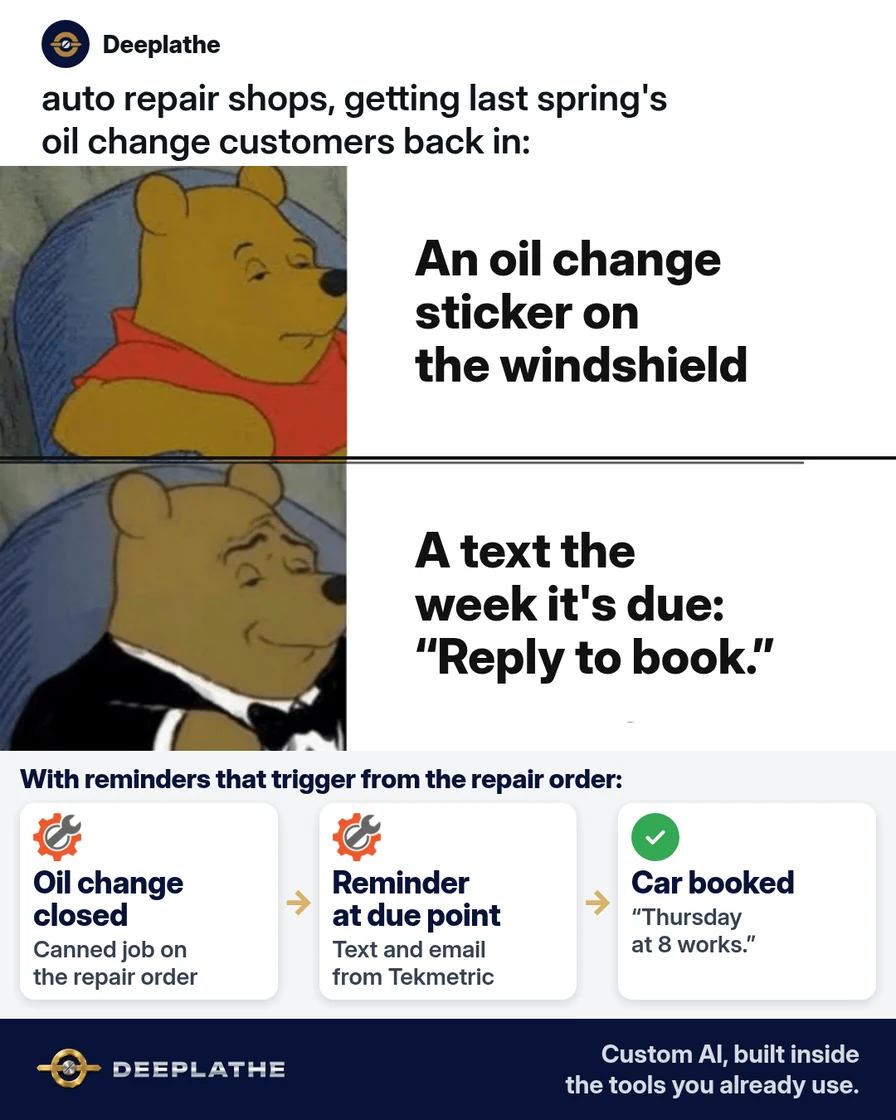
Your customers aren't ignoring maintenance on purpose. The sticker on the windshield fades, the mileage creeps up, and the next oil change only feels urgent when a warning light comes on. By then, the closest quick-lube or dealer gets the job.
Your shop already knows who is due. Tekmetric, Shopmonkey, Mitchell 1 and AutoLeap all keep the service history on every repair order. The gap is that history isn't a message. Someone has to turn "last oil change in April" into a text that lands in May, and your service advisors are busy writing estimates and talking to the customers already in the building.
A good reminder closes that gap. It reaches the customer while the service is actually due, from a shop they already trust, with a reply that takes five seconds. That's the whole job these messages do.
Floor vote
How do your due-for-service customers hear from you today?
One vote per device. Change it any time.
Loading votes…
Step 1: Pick the services that earn a car service reminder message
Don't remind people about everything. Pick three to five recurring jobs that your shop does well and customers forget. Good starters are oil changes, tire rotations, state inspections and brake fluid or coolant service.
For each one, write down the interval your shop actually recommends. Use the vehicle maker's schedule or your own shop policy, not a number from the internet. A car on synthetic oil and a car on conventional oil shouldn't get the same text.
Keep this as a short list your advisors agree on:
Service            | Remind after      | Follow-up if no booking
Oil change         | [YOUR INTERVAL]   | 14 days later
Tire rotation      | [YOUR INTERVAL]   | 14 days later
State inspection   | [DAYS BEFORE DUE] | 7 days later
Step 2: Write the car service reminder text and email with AI
Paste this prompt into ChatGPT, Claude, Gemini or Copilot. It uses placeholders only, so no customer names, phone numbers or plates go into the AI tool:
Write car service reminder messages for an independent auto repair shop.
For the service [SERVICE], write:
1) An SMS under 160 characters for when the service is due.
2) A follow-up SMS under 160 characters, sent 14 days later if they
   haven't booked.
3) A short email (under 100 words) with a subject line under 45
   characters.
Use these blanks: [FIRST NAME], [VEHICLE], [SERVICE], [SHOP NAME],
[ADVISOR NAME], [PHONE].
Rules: friendly, plain words, no discounts or scare tactics. Name the
vehicle and the service. End with one easy reply, like "Reply YES and
we'll find you a time." Add "Reply STOP to opt out" to both texts.
Read every draft before you save it. Cut anything that promises a price or a warning about what will break. Here is the shape the first text should take:
Hi [FIRST NAME], it's [ADVISOR NAME] at [SHOP NAME]. Your [VEHICLE]
is due for its [SERVICE]. Want us to find you a time this week?
Reply YES. Reply STOP to opt out.
And the email:
Subject: Your [VEHICLE] is due for service

Hi [FIRST NAME],

Our records show your [VEHICLE] is due for its [SERVICE]. Staying on
schedule keeps small jobs small.

Just reply to this email or call [PHONE], and we'll book a time that
works for you.

[ADVISOR NAME]
[SHOP NAME]
Step 3: Turn on service reminders in your shop software
Most shop systems already do the sending. You only need to paste in your templates and set the timing.
Tekmetric (with Tekmetric Marketing). Go to Marketing, then the Automations tab, and click +New Automation. Choose Canned Job Reminder, pick the canned job (for example, your oil change job) and set the delay after the visit. Turn on Email, SMS Text or both, paste your message, and click Save Automation. Tekmetric treats this as a marketing message, so it only goes to customers who opted in to marketing. You can see what's queued under Marketing, Automations, Scheduled Messages.
Shopmonkey (CRM Essentials). Open Campaigns and build an automated Canned Service Reminder. Give it a title, choose whether it goes to customers, fleets or both, pick the canned service and set how long after the invoice is fully paid it should send. Personalize the subject with placeholders, and add the rest in the email builder.
AutoLeap. In the marketing feature, create a group of customers from a list or based on a service. Then create an email or SMS template, choose a trigger such as a set time after an oil change, and schedule and save the campaign.
Mitchell 1 or another system. Search your vendor's help center for "service reminder" or "campaign" before you build anything. If your plan has no reminders, go to Step 4.
Step 4: Send reminders from Google Sheets and Gmail if your software can't
Once a week, export customers whose last visit for that service falls inside your reminder window. Keep only these columns:
Email | First name | Vehicle | Service | Advisor name
Upload it to Google Sheets, with the data on the first tab. In Gmail, select Compose, then Use mail merge at the right of the "To" line. Choose Add from a spreadsheet, pick your sheet and map the Email and First name columns. Paste your email and type @ to add fields like @Vehicle. Merge tags can't go in the subject line, so keep the subject general. Send a preview to yourself first, then send. Gmail mail merge is only on eligible Google Workspace plans, and Google limits it to 1,500 recipients a day.
When to send each reminder
When to send each car service reminder
- 1When it's dueFriendly text or email naming the car and the service
- 2About 14 days laterOne nudge, only to people who haven't booked
- 3After that, stopMove them to your lost-customer list
The same timing as a list:
- Due date, friendly: the first text or email, naming the car and the service.
- About 14 days later, nudge: one follow-up, only to people who haven't booked.
- After that, stop: move them to your normal lost-customer list instead of texting again.
Example (illustrative): a four-bay shop on Tekmetric
This is a walkthrough, not a client story. Picture a four-bay shop with two advisors, running Tekmetric with Marketing turned on.
The owner picks three services: oil changes, tire rotations and state inspections. He writes the texts with the prompt above, reads them, and builds one Canned Job Reminder for each service. On Monday mornings, an advisor checks Scheduled Messages and cancels any reminder for a customer who just booked. Replies land in the shop's message inbox, and the advisor books the time.
At a glance
- Problem: customers due for service booking somewhere else, or not at all.
- What was set up: three canned job reminders with a text, an email and one follow-up.
- Tools it lives in: Tekmetric and Tekmetric Marketing.
- Owner still does: picks the services and intervals, approves the wording, handles replies.
- Payoff: not measured here. Compare booked appointments from reminders before and after.
Mistakes to avoid
- Reminding about everything. Five services is plenty. More texts teach people to ignore you.
- Leaving out the car. "Your 2018 Civic is due" gets read. "Time for service!" doesn't.
- Texting people who didn't opt in. Use your software's marketing opt-in and always include a way to stop.
- Letting AI pick the interval. Your techs and the maker's schedule decide when a car is due.
- Skipping the preview. One broken merge field goes to every customer on the list.
Field check
Field check
Three questions. Honest answers. No score sent anywhere but this page.
01 / 03
Does every reminder name the customer's car and the service due?
If it still doesn't work
If nobody replies, check the sender first. A text from an unknown short code or an email from a no-reply address gets skipped. Send from the shop's number and an advisor's name.
If reminders go to the wrong people, check how your canned jobs are set up. Reminders in Tekmetric and Shopmonkey follow the canned job or canned service, so a job typed in by hand won't trigger one. Fix the canned job, then watch the queue for a week.
And if customers reply but don't book, make booking easier. Offer two times in your reply instead of asking when they're free.
Doing this inside the tools you already use
Deeplathe is a team of developers who build custom AI inside the tools a business already uses. For this job, a custom build could read your shop software each week and find every customer due for a service. It drafts each reminder with the real vehicle and the right advisor, and holds back anyone with an open repair order or a recent visit. You approve the batch, it sends from your shop's number and email, and it logs each reminder on the customer record.
Your advisors spend their time booking cars, not building lists. See how a custom build works.
FAQ
What should a car service reminder message say?
Name the customer, the vehicle and the service that's due, then ask for one easy reply. Sign it from a real advisor at your shop. Keep a text under 160 characters and an email under about 100 words. Leave out discounts and warnings about what might break, and always add a way to opt out of texts.
How often should a shop send service reminders?
Send one reminder when the service is due and one follow-up about two weeks later if the customer hasn't booked. Then stop and move them to your lost-customer follow-up. The due date itself should come from the vehicle maker's schedule or your shop's policy, not a single number for every car.
Is a text or an email better for a service reminder?
Use both if your software allows it. A text is short and hard to miss, and an email has room for the vehicle details and your phone number. Tekmetric lets you turn on Email, SMS Text or both for each automation. If you only have Gmail, start with email and add texts later.
Can I automate car service reminders without new software?
Yes. Export the customers who are due from your shop software, keep five columns, and send personalized emails with Gmail mail merge on an eligible Google Workspace plan. Write the template once with AI using placeholders only. Then check the list once a week and send the follow-up to anyone who hasn't booked.
Keep these
- Remind about three to five services, not everything.
- Name the car and the service in every message.
- Placeholders in AI, real customer details only in your own software.
- One reminder, one follow-up, then stop.
Sources
- Tekmetric Help: Marketing Automations
- Tekmetric Help: Scheduled Message Management
- Shopmonkey Help: CRM Essentials Campaigns
- AutoLeap: Retaining customers with AutoLeap's marketing feature
- Gmail Help: Send personalized emails with mail merge
Related reading
Keep these
The working rules
Name the car, name the service, ask for one easy reply. One reminder when it's due, one nudge two weeks later, then stop.