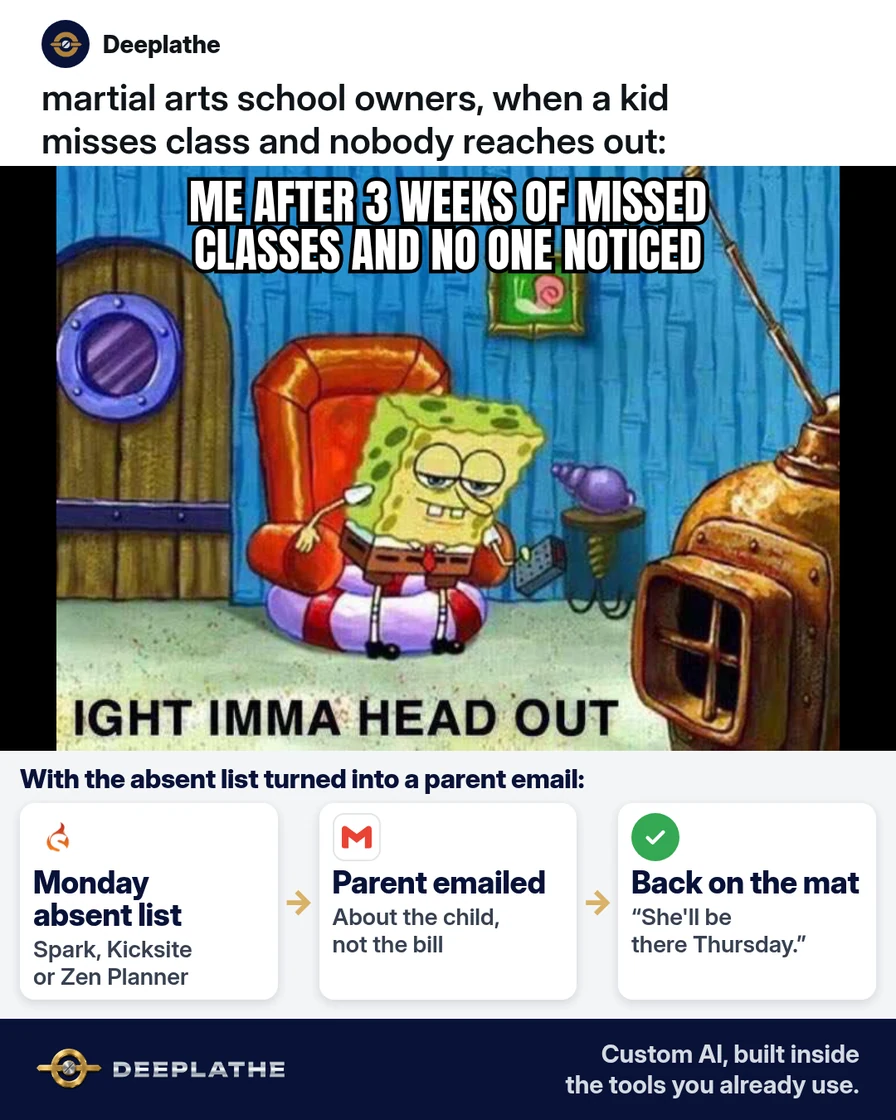
Part of: Quotes and leads you never followed up
Follow-ups
We miss you email template for martial arts schools (sent before a student quits)
Trigger a three-step we miss you sequence from last check-in data in Spark, Kicksite or Zen Planner, with AI-drafted templates and CAN-SPAM basics.
We miss you email template for martial arts schools (sent before a student quits)
For martial arts school owners who want a repeatable, data-driven we miss you email template sequence, triggered from attendance data and kept compliant.
A student's attendance gap is the earliest churn signal you have, and it sits unused in your check-in data. Tuition usually stops weeks after the last class, so the window to act is the gap itself. This version covers the report logic, the trigger thresholds and the guardrails behind each we miss you email.
The short answer
Define "absent" as days since last check-in, not as a missed scheduled class, and trigger a we miss you email template to the parent at 7, 14 and 21 days. The sequence keys off the last check-in date, and every message is about the child and the next class, never the account. Export the list weekly, generate the templates once with AI, and keep a human on sends past day 7.
Why kids drift away from class
Absence compounds. Each skipped week raises the social cost of returning, so the probability of a return drops while the parent's attention moves elsewhere. Billing lags behavior, which hides the problem: the family keeps paying for a few weeks after the child has stopped.
The data to catch this exists in every major platform. Spark Membership stores a last-seen date per contact. Kicksite logs every check-in with ID, date, program and rank. Zen Planner tracks attendance per member. The gap is process, not data.
On cost: hand-written outreach scales linearly with the number of absent students. Templates plus AI drafting cut per-family time from roughly five minutes to about one (our estimate, not a measured figure). Retained tuition is the revenue side, and it's usually larger than any time saved.
Floor vote
When does your school first reach out to a kid who stops coming?
One vote per device. Change it any time.
Loading votes…
Step 1: Pull your absent list every Monday
Build the list from last check-in, filtered to active members.
Spark Membership. Attendance > Last Seen Report returns contact name, last attendance date and contact type, filterable by date range and exportable. MIA Maximizer adds a contact-type filter (Students vs. Trials). Attendance > Contacts Without Attendance returns contacts with no attendance in a date range, or never. Note the separate Absent Report only lists students explicitly marked absent, so it misses silent drop-offs.
Kicksite. The Dashboard Absent alert depends on each program's Attendance Minimum. If that's 0, nobody is flagged. For raw data, Attendance > Attendance Log > Export gives a CSV with ID, First Name, Last Name, Attendance Date, Timestamp, Program Name and Rank. Compute last check-in per ID in a sheet.
Zen Planner. Use the attendance reports or low-attendance dashboard view. Zen Planner supports automated emails based on time since last attendance. Confirm the exact setting names in the Daxko help center for your version.
If you compute from a Kicksite export in Google Sheets, this gives days away per student (column A = ID, D = Attendance Date):
=ARRAYFORMULA(QUERY({A2:A, D2:D}, "select Col1, max(Col2) where Col1 is not null group by Col1 label max(Col2) 'last_checkin'", 0))
Days away: =TODAY() - [last_checkin cell]
Join to your student list for parent email, then filter Days away >= 7 and status = active. Drop billing fields before the list leaves your hands.
Step 2: Write your we miss you email template with AI
Generate the three-email sequence with placeholders only. No names, emails or account details go into the model.
Role: copywriter for an owner-run martial arts school.
Audience: PARENT of a kids student, 7/14/21 days since last check-in.
Placeholders: [PARENT FIRST NAME] [STUDENT FIRST NAME] [PROGRAM]
[RANK] [CURRENT SKILL] [NEXT CLASS DAY AND TIME] [INSTRUCTOR NAME]
[SCHOOL NAME] [SCHOOL STREET ADDRESS]
Email 1 (day 7): neutral check-in + next class time.
Email 2 (day 14): one rank-specific skill + catch-up offer.
Email 3 (day 21): instructor's personal note, one diagnostic
question (schedule / confidence / class fit).
Constraints: <=90 words, grade 6 reading level, no payment or
contract language, no urgency, one closing question each.
Footer on emails 1-2: school name, street address, plain opt-out line.
Output: 3 subject lines per email, <=45 characters.
Review for anything you can't stand behind, such as a skill the class isn't actually on. The day-14 output should look like this:
Subject: We miss [STUDENT FIRST NAME] on the mat

Hi [PARENT FIRST NAME],

We've missed [STUDENT FIRST NAME] in [PROGRAM] lately. The [RANK]
group is on [CURRENT SKILL] right now. Come 10 minutes early on
[NEXT CLASS DAY AND TIME] and I'll catch them up.

Will we see you this week?

[INSTRUCTOR NAME], [SCHOOL NAME]
[SCHOOL STREET ADDRESS]
Reply "stop" to opt out of these check-ins.
Step 3: Save the emails as Gmail templates
Enable Settings > See all settings > Advanced > Templates, then save each draft with More options > Templates > Save draft as template. Use a stable naming scheme ("Absent 07", "Absent 14", "Absent 21") so staff pick the right one. If you send from your school software, mirror the same text there and keep a single source of truth.
Step 4: Send by hand, then decide what to automate
Run manual sends for four weeks and log every reply reason. Then automate only the day-7 email, using your platform's attendance-based trigger (Spark's automations can fire on last-attended date). Keep days 14 and 21 human, because those replies carry the reasons you need.
Missed-class ladder
- MondayPull the absent listActive students with seven or more days since last check-in.
- Day 7Friendly check-inWe noticed, hope all is well, here's the next class time.
- Day 14We miss youOne skill the rank is working on and a quick catch-up offer.
- Day 21Personal noteThe instructor asks one honest question about what's in the way.
- Monday: export, compute days away, filter active.
- Day 7: template 1, automatable.
- Day 14: template 2, human send.
- Day 21: template 3, instructor-written.
Keep it opt-in and easy to stop
Treat these as commercial email under CAN-SPAM if their main purpose is promoting classes. Per the FTC guide: accurate header and subject line, a valid physical postal address, a clear opt-out, and opt-outs honored within 10 business days. Suppress opted-out parents in both Gmail lists and your school software. Address only the parent of record.
Example (illustrative): a two-location kids karate school
Walkthrough, not a client story. About 150 kids students, kiosk check-in, two head instructors. A Monday 8:00 export feeds a shared sheet with days away per student. Instructors send days 7 and 14, and the owner writes day 21. Reply reasons are coded (schedule, confidence, cost, other) in a notes field.
At a glance
- Problem: silent drop-offs after a few missed weeks.
- What was built: last-check-in list plus a three-step template sequence.
- Tools it lives in: attendance software, Google Sheets, Gmail templates.
- What the owner still does: day-21 notes, freezes, schedule changes.
- Payoff: not measured here. Track 30-day return rate of flagged students.
Mistakes to avoid
- Using the Absent Report as the trigger. It only catches students marked absent, not those who stop showing up.
- Leaving Kicksite's Attendance Minimum at 0. The Absent alert then flags no one.
- Letting AI decide freezes, refunds or discounts. Those are owner decisions.
- Skipping the suppression list. An opt-out ignored is a compliance problem.
- Automating all three steps. You lose the reply data that explains churn.
Field check
Field check
Three questions. Honest answers. No score sent anywhere but this page.
01 / 03
When should the first we miss you email go out?
If it still doesn't work
Check deliverability first: verify parent emails and look for bounces. Then check the list logic. A wrong date range or missing active-status filter will flag the wrong students. If email gets no response, a single text with the same wording is a reasonable fallback.
Doing this inside the tools you already use
Deeplathe is a team of developers and solution builders who build custom AI inside the tools a business already uses. Here, a custom build could read last check-in dates from Spark, Kicksite or Zen Planner each Monday. It drafts the right step for each absent student with name, rank and next class, and suppresses families who replied or opted out. You approve, it sends from your address, and it logs the touch on the record.
You keep every decision about a family. See how a custom build works.
FAQ
When should you send a we miss you email?
Trigger on days since last check-in: 7, 14 and 21. That catches drift while returning is still easy. Exclude members on a freeze or planned vacation so the sequence only reaches real drop-offs. If your classes run once a week, consider 10, 17 and 24 instead.
What should a we miss you email say?
The child's name, the class or rank skill they're missing, the next class time and one closing question. Keep it under 90 words. Remove any payment, contract or urgency language, because it changes the email from "we noticed" to "we're billing you."
What are good we miss you email subject lines?
Personal and under 45 characters: "We miss [Student] on the mat," "Checking in about [Student]." Avoid "Last chance" or discount language, which reads as promotional and may lower replies.
How do you get students back after they stop coming?
Act early, lower the cost of returning with a catch-up offer, and ask a diagnostic question. Code every reason you hear. Over a few months, those codes show whether your problem is schedule, class fit or confidence.
Keep these
- Trigger on last check-in, not the Absent Report.
- Day 7, 14, 21.
- Child and next class, never the bill.
- Honor opt-outs within 10 business days.
Sources
- Spark Help Center: October new features (Last Seen and Absent reports)
- Kicksite Knowledge Base: How to use the Kicksite Dashboard
- Kicksite Knowledge Base: How to export the Attendance Log report
- FTC: CAN-SPAM Act, a compliance guide for business
Related reading
Keep these
The working rules
The sequence keys off the last check-in date, and every message is about the child and the next class, never the account.