Invoices
QuickBooks AI bank reconciliation: match transactions without losing the weekend
For cleaning-company controllers who want QuickBooks AI bank reconciliation as a controlled review queue with four-way accepts.
For cleaning-company controllers who want QuickBooks AI bank reconciliation as a controlled review queue: feed health, four-way accept rule, zero-difference reconcile, weekly exception log.
Sunday bank match stack = high transaction volume + manual clicks. QuickBooks AI bank reconciliation helps only if suggestions are reviewed.
The short answer
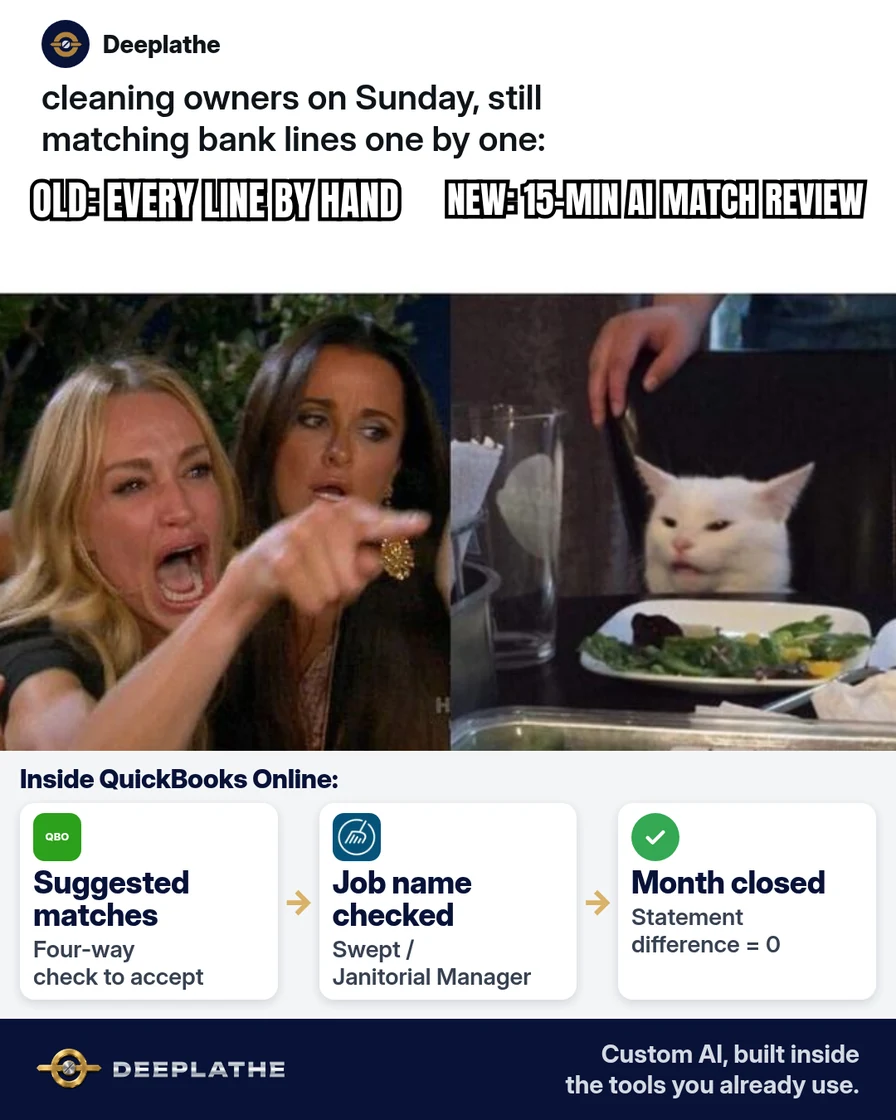
Enable QBO suggested matches, accept only on payee+amount+date+category agreement, clear For review to ≤7 days aging, reconcile to statement ending balance zero difference, and send a weekly exception log.
Why bank rec eats weekends for cleaning companies
High line counts; Q4 close pressure; blind accept misfiles job cost.
Floor vote
How do you handle bank matches today?
One vote per device. Change it any time.
Loading votes…
Step 1: Confirm bank feeds and AI matching features in QuickBooks Online
Connected feeds; confirm current AI match label in Intuit help for your SKU.
Step 2: Run QuickBooks AI bank reconciliation as a review queue
Four-way checklist; no Accept all; trade-name deposits checked against Swept/JM.
Step 3: Clear exceptions before you hit Reconcile
Ending balance must match statement; save PDF.
Step 4: Hand your bookkeeper a short exception log
Accepted / rejected / open — weekly.
From Sunday pile to weekday queue
- 1FeedsAccounts downloading in QBO.
- 2ReviewFour-way match to accept.
- 3ReconcileStatement ending balance matches.
- 4LogWeekly note to the bookkeeper.
- Feeds on
- Review queue
- Reconcile
- Log
Example (illustrative): 40-employee commercial cleaner
Weekday 15-minute queue; reconcile on 2nd business day; job vs office catch via Swept memo.
At a glance
- Problem: Weekend manual match.
- What was set up: Review queue + reconcile + log.
- Tools it lives in: QBO, bank, Swept/JM.
- What the owner still does: Accept/reject + reconcile.
- Payoff: not measured here.
Mistakes to avoid
- Accept all.
- Non-zero reconcile.
- Ignored fees.
- AI-invented vendors.
- Silent mid-month process change.
Field check
Field check
Three questions. Honest answers. No score sent anywhere but this page.
01 / 03
What four fields must agree before you accept a suggestion?
If it still doesn't work
Reconnect feeds; use rules if AI unavailable; catch-up bookkeeper for backlog.
Doing this inside the tools you already use
Deeplathe builds custom AI inside QuickBooks and cleaning ops tools for exception queues you approve. See Deeplathe.
FAQ
What is QuickBooks AI bank reconciliation?
AI-assisted suggested matching in QBO you review.
Can I auto-accept every suggestion?
Don't.
Does this replace my bookkeeper?
No.
What if deposits use the client's trade name?
Confirm job in Swept/JM first.
Is Desktop the same as Online?
No — confirm with accountant.
Keep these
- Proposals only.
- Four-way match.
- Zero difference.
- Weekly log.
Sources
- QuickBooks learn-support
- Intuit QuickBooks
- Bank statement PDF
Related reading
Keep these
The working rules
Enable QBO suggested matches, accept only on payee+amount+date+category agreement, clear For review aging, reconcile to zero difference, and send a weekly exception log.