Part of: Quotes and leads you never followed up
Follow-ups
Gemini agent mode in Workspace: turn it on with a spend cap so it cannot run away
For founder-led RIAs and retirement planners on Google Workspace who want Gemini agent mode on with a spend cap so it cannot send or spend unsupervised.
For founder-led RIAs and retirement planners on Google Workspace who want Gemini agent mode on with a spend cap so it cannot send or spend unsupervised.
You enable "Gemini agent" after reading about Google's 8 October 2026 work-agent launch. By Wednesday the activity log shows draft meeting notes you like — and a burst of Gmail activity you did not ask for. The agent had a broad objective ("catch up clients") and no hard spend cap. That is Gemini agent mode without guardrails.
The short answer
Turn Gemini agent mode on only after you set a hard spend cap, give it draft-only Gmail/Docs rights (no unsupervised send), and name who reads the audit log daily. The agent helps in Workspace; you still own money, permissions and every client email.
Why Workspace agents run away
On 8 October 2026 Google Cloud described a Gemini agent for work: you give an objective, it works across Gmail, Docs, Sheets, Calendar and more, can have its own Workspace identity, and you set a hard spend cap per project. That is powerful for a three-to-fifteen person RIA. It is also easy to over-permission. Advisors already worry whether business data is safe in chat tools; an agent with write access raises the same question with real sends.
Floor vote
What would you lock first on a Workspace agent?
One vote per device. Change it any time.
Loading votes…
Step 1: Confirm Gemini agent mode is on your Workspace plan
In Google Admin / Gemini Enterprise (wording varies by plan), check whether agent features are available for your SKU. Smaller Business plans may not get every Enterprise agent capability on day one — verify before you redesign workflows. If agent mode is not on your plan, stop here and use Gemini in Gmail drafts only.
Step 2: Set the spend cap and the named owner before any objective
Create or open the agent project. Set the hard spend cap to a small weekly number you can explain to your compliance person. Name one owner (usually the founder or COO). Paste this rule in a Docs "AI ops" page:
Gemini agent rules for [FIRM]:
- Spend cap: $[AMOUNT]/week, owner [NAME], review every morning.
- Gmail: create drafts only. Sending stays with a licensed advisor.
- Docs/Drive: edit only in the /AI-drafts folder. No client vault writes.
- Never paste SSNs, account numbers, or full statements into prompts.
- Daily: owner skims the agent activity log for unexpected sends or spend.
Step 3: Give a narrow first objective (meeting follow-ups as drafts)
Start with one job: after a logged Wealthbox / Redtail meeting, draft a follow-up email in Gmail from notes you paste, leave it in Drafts.
Objective: Draft client meeting follow-ups.
Inputs I will paste: meeting notes (no account numbers), client first name, advisor email.
Output: one Gmail draft in my Drafts folder, under 120 words, plain language,
ending with "Please reply if I missed something."
Do not send. Do not create Calendar events. Do not share Drive files.
If a fact is missing, put [NEED] in the draft and stop.
Step 4: Expand only after a quiet week on the log
If a week of logs shows drafts only, spend under cap, no surprise shares, add the next objective (e.g. summarise a Docs agenda). Never jump to "manage my inbox" as the first objective.
Agent on without a runaway
- 1ConfirmAgent features on your SKU.
- 2CapHard spend limit + owner.
- 3DraftGmail drafts only.
- 4LogDaily activity review.
- Confirm plan: Agent features exist on your Workspace SKU.
- Cap + owner: Hard spend limit before any objective.
- Draft-only: Gmail drafts; advisor sends.
- Log review: Daily skim for spend and surprise actions.
Example (illustrative): 8-person RIA on Workspace + Wealthbox
The founder enables Gemini agent mode for meeting follow-ups only, $ cap set, Drafts folder only, AI-drafts Drive folder. Compliance reviews the log Friday. After two quiet weeks they add agenda summaries — still no send rights.
At a glance
- Problem: Agent enabled with broad objective and no spend cap.
- What was set up: Cap, draft-only Gmail, AI-drafts folder, daily log owner.
- Tools it lives in: Google Workspace (Gmail, Docs, Admin), Wealthbox or Redtail.
- What the owner still does: Sends mail; owns the cap; reads the log.
- Payoff: not measured here — track drafts accepted vs edited for a month.
Timing that keeps this from slipping
Block fifteen minutes on the calendar the same day you touch this job. Put it next to an existing habit (morning inbox, end-of-day close, Monday ops meeting). The fix above fails when it is "someday." It works when it is a named slot with a named owner. If you miss two days in a row, restart with the shortest step only — usually the checklist or the five facts — before you open a new AI chat.
When you expand objectives later, keep a written list of what the agent is allowed to touch. One page is enough. If a new objective needs Drive share or Calendar create, that is a separate approval, not a silent add-on. Treat every new permission like a new hire: start narrow, review after a week, then widen.
What "good enough" looks like after one week
A quiet week means: spend under the cap every day, zero unexpected sends, drafts your advisors actually use with light edits, and a log someone actually opened. If drafts need heavy rewrites, tighten the objective and the pasted inputs before you raise the cap. If the log is empty because nobody looked, the control does not exist. Gemini agent mode is only "on" when the meter and the mailbox rules are boring.
Mistakes to avoid
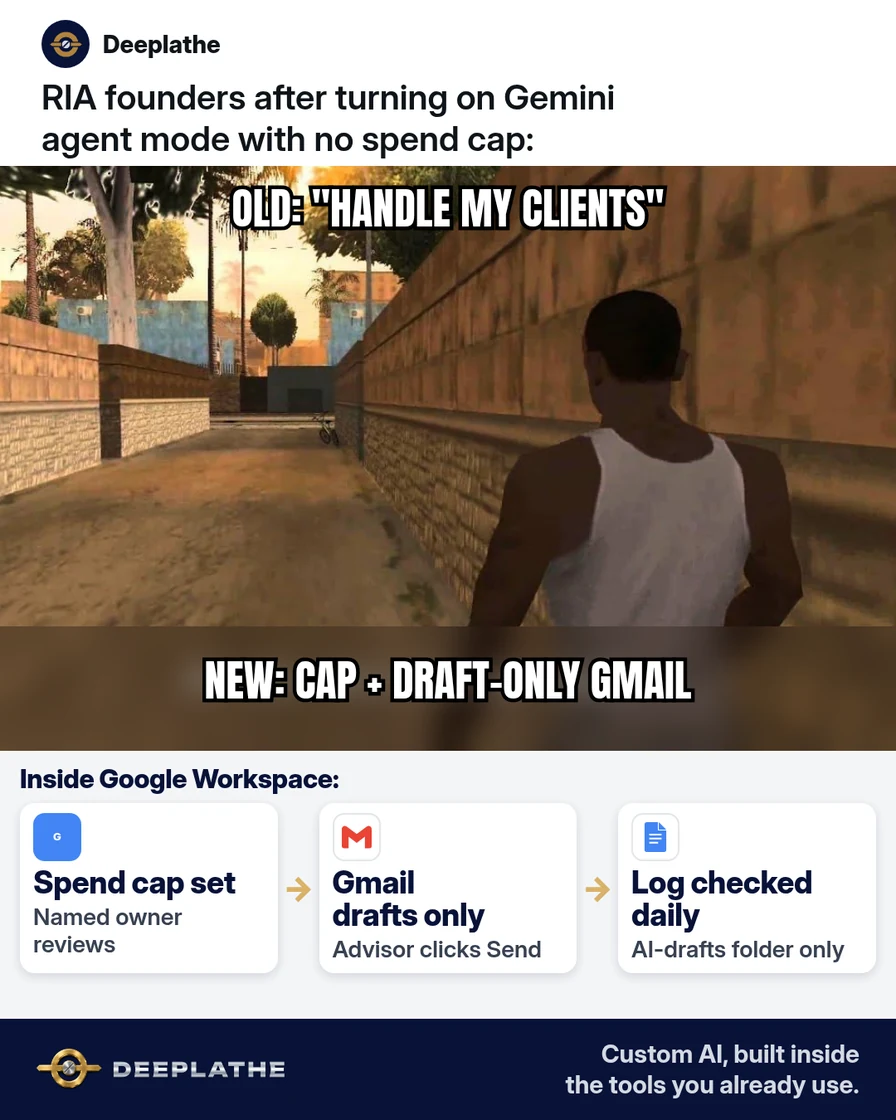
- Broad objectives on day one. ("Handle clients" is not a job.)
- Send permissions. Draft only until the log is boring.
- No spend cap. Google documents hard caps for a reason.
- Pasting full statements. Strip identifiers; follow your compliance manual.
- Assuming every Workspace plan gets the full agent. Check Admin.
Field check
Field check
Three questions. Honest answers. No score sent anywhere but this page.
01 / 03
When do you set the spend cap?
Owners often ask whether they should wait for a perfect setup. Do not. Ship the smallest version that keeps a human in the loop: one checklist, one prompt, one calendar block. You can widen the workflow after a quiet week. Waiting for a vendor feature rename or a perfect SOP is how October becomes December with the same pile. The version in this article is enough to start today on the tools you already pay for.
If it still doesn't work
If agent mode is missing, use Gemini side panel in Gmail for drafts under the same rules. If spend spikes, disable the agent project, read the log, then re-enable with a tighter objective. If compliance blocks cloud agents, keep notes local and draft in Gmail yourself with a pasted prompt.
Doing this inside the tools you already use
Deeplathe builds custom AI inside Gmail, Docs, Calendar and your CRM so follow-ups draft where advisors already work, with permissions and spend rules you define. Less than a hire, more output. See Deeplathe.
FAQ
What is Gemini agent mode?
Google's objective-based Workspace agent (announced for work use on 8 Oct 2026) that can act across Gmail, Docs and related apps under permissions and a spend cap you set.
Is my client data safe with a Gemini agent?
Safer when you strip identifiers, restrict folders, draft-only email, and review logs. No setup is "set and forget" for advisory data.
Can the agent send email?
Only if you allow write/send. Do not, on day one.
What if we are not on Gemini Enterprise?
Confirm your plan in Admin. You can still use Gemini in Gmail drafts with the same human-send rule.
How is this different from a chat sidebar?
Agents pursue objectives and can keep working; sidebars answer one prompt. Caps and logs matter more for agents.
Keep these
- Cap before objectives.
- Draft-only Gmail.
- Narrow first job.
- Read the log daily.
Sources
- FounderMag: Gemini agent for work (8 Oct 2026 coverage)
- Hello Growth: AI news October 2026
- Google Workspace Admin Help
Related reading
Keep these
The working rules
Turn Gemini agent mode on only after you set a hard spend cap, give it draft-only Gmail/Docs rights (no unsupervised send), and name who reads the audit log daily.