Part of: The process that only lives in your head
SOPs
NotebookLM for business: turn meeting notes and PDFs into a grounded brief your team can trust
For RIA ops leads who need NotebookLM for business as a source-bound brief pipeline: notebook hygiene, source allow-list, citation chase, and CRM verification before any client artifact.
For RIA ops leads who need NotebookLM for business as a source-bound brief pipeline: notebook hygiene, source allow-list, citation chase, and CRM verification before any client artifact.
The failure mode of “summarize this PDF in chat” is silent invention when fees, dates, or risk language are missing. NotebookLM’s design center is the opposite: retrieve from the notebook’s sources, cite, and withhold when absent (per Google’s FAQ).
The short answer
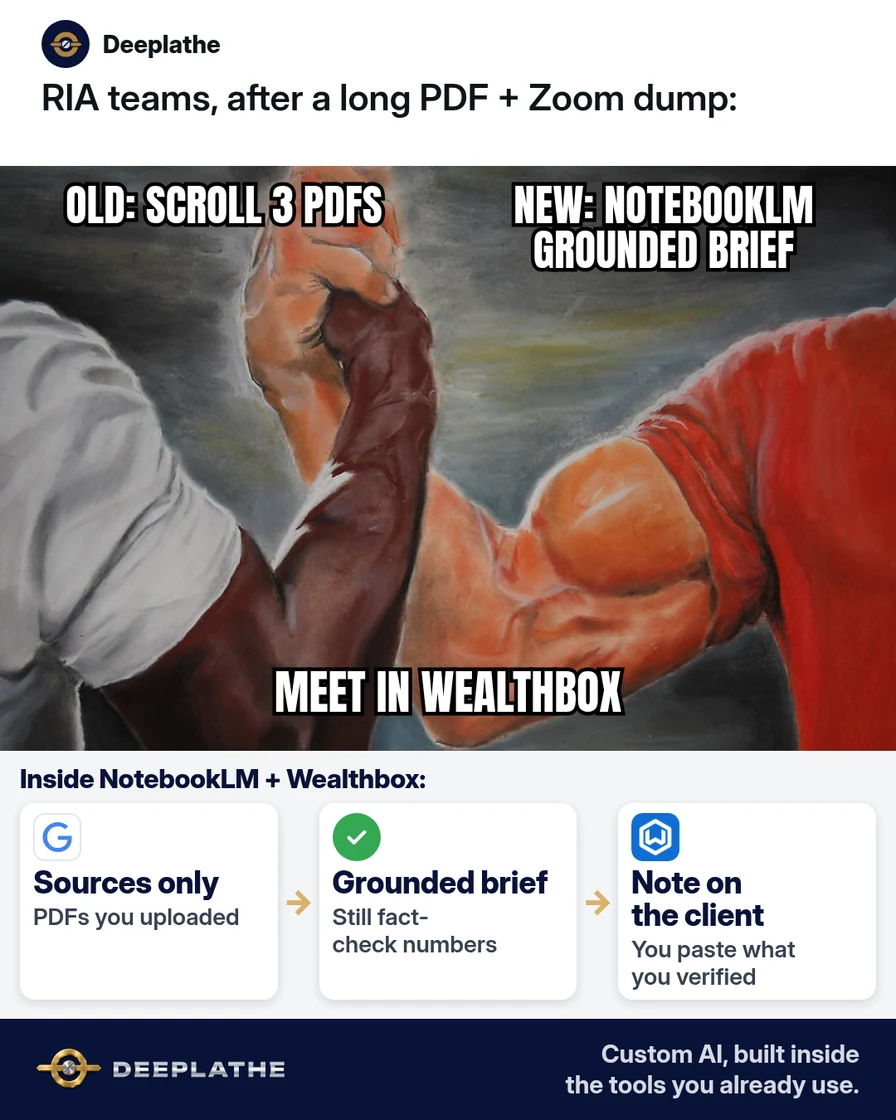
Treat NotebookLM as a grounded internal brief engine: one notebook per job, allow-listed sources only, ask packs that require “Not in sources,” then mandatory verification in Wealthbox/Redtail and eMoney/RightCapital before client send. Free-tier limits and Workspace upgrades are defined in Google’s NotebookLM / Gemini Notebook help — re-check live; do not freeze old blog numbers into policy.
Why advisors still paste long PDFs into general chat
General LLMs optimize for helpful completion. Advisory documents optimize for auditability. Those goals conflict when a model smooths over a missing schedule. NotebookLM reduces that conflict by constraining context to uploaded sources and surfacing citations. Workspace/Cloud tiers document stronger data handling for work accounts; personal free tiers remain capped (FAQ-scale: ~100 notebooks, 50 sources, 500k words / 200MB upload — confirm in-product).
Floor vote
How do you summarize long client PDFs today?
One vote per device. Change it any time.
Loading votes…
Step 1: Open NotebookLM and create one notebook per client job
- Authenticate at notebooklm.google.com on a firm-approved Google identity.
- New notebook with a deterministic name:
{ClientAlias}-{Period}-{Artifact}. - If the Workspace admin has not enabled the service, stop — do not route client files to a personal shadow account.
Step 2: Add only approved sources
Sources → Add source. Supported paths per Google materials: local PDF/audio upload, Drive Docs/Slides, public URL, YouTube with captions. Reject: other-client contamination, credential material, paywalled/private URLs that cannot import, files outside retention policy.
Keep the working set small (3–8) for a quarterly review brief so retrieval stays sharp.
Step 3: Ask grounded questions with a copyable ask pack
Scope: only sources in this notebook.
Return: goals (IPS), promised actions (transcript), open gaps.
Rule: if absent, output exactly "Not in sources". No inference of fees, returns, or legal conclusions.
Include citation markers for every positive claim.
Brief builder:
Produce INTERNAL brief sections: Situation, Decisions pending, Numbers to verify in CRM/planning, Quotes to re-read.
Forbid recommendations not explicit in sources.
Operational rule: every citation click is part of the job, not optional.
Step 4: Export the brief and finish in Wealthbox
Copy → internal Doc → reconcile dollars/dates/account labels in Wealthbox/Redtail and eMoney/RightCapital → then client template → CRM activity log. Notebook chat is never system of record.
NotebookLM brief in four moves
- CreateOne notebook per jobClear name, firm-approved Google account
- SourcesAllow-list only3–8 approved PDFs/Docs/transcripts
- AskGrounded ask packForbid guessing; chase citations
- VerifyCRM + planning checkWealthbox/Redtail before client send
- Day 0: Notebook create + naming.
- Day 0: Allow-listed sources only.
- Day 0: Ask pack + citation chase.
- Before send: CRM/planning verify gate.
Example (illustrative): a two-advisor RIA
Illustrative: per-review notebooks, associate runs ask pack, lead verifies CRM numbers.
At a glance
- Problem: Ungrounded chat summaries of long PDFs.
- What was set up: Notebook-per-job + source policy + ask pack + verify gate.
- Tools it lives in: NotebookLM, Drive, Wealthbox, eMoney/RightCapital.
- What the owner still does: Advice ownership; client send approval.
- Payoff: not measured here — time-to-internal-brief metric.
Mistakes to avoid
- Citation theater. Clicking is required; believing blindly is not.
- Source hoarding. More files ≠ better briefs.
- Asking for advice the file never gave.
- Inventing missing figures.
- Skipping CRM merge.
Field check
Field check
Three questions. Honest answers. No score sent anywhere but this page.
01 / 03
What should NotebookLM do if a fee is not in the sources?
If it still doesn't work
Blocked app → admin enablement. Failed import → allowed excerpt formats per compliance. Generic answers → fewer sources, narrower asks naming the document.
Doing this inside the tools you already use
To hard-wire notebook → brief → Wealthbox note as a repeatable internal path, Deeplathe builds custom AI inside tools you already use, with human approval on client-facing output. /solutions.
FAQ
Is NotebookLM free for small business?
Free tier exists with Google account limits; Workspace upgrades raise caps and work-account protections. Check Google’s upgrade FAQ live.
Does NotebookLM invent answers not in my files?
FAQ: answers from sources; missing info should not be answered. Still verify.
What files can I add?
PDFs, Docs/Slides, text, public URLs, captioned YouTube, audio within limits.
Can I use NotebookLM for client-facing advice?
Internal briefs yes; advice and final numbers after human + CRM checks.
NotebookLM vs pasting into ChatGPT?
Source-bound vs open completion. Prefer NotebookLM for long document sets you must audit.
Keep these
- One notebook per job.
- Allow-listed sources + no-guess asks.
- Citations then CRM verify.
- Humans own advice.
Sources
Related reading
Keep these
The working rules
Treat NotebookLM as a grounded internal brief engine: one notebook per job, allow-listed sources only, ask packs that require “Not in sources,” then mandatory verification in Wealthbox/Redtail and eMoney/RightCapital before client send.