Part of: The process that only lives in your head
SOPs
NotebookLM for business: turn meeting notes and PDFs into a grounded brief your team can trust
For founder-led RIAs and retirement planners who drown in PDFs and meeting transcripts: set up Google NotebookLM so answers stay tied to sources you uploaded, then fact-check every number in Wealthbox before a client sees it.
For founder-led RIAs and retirement planners who drown in PDFs and meeting transcripts: set up Google NotebookLM so answers stay tied to sources you uploaded, then fact-check every number in Wealthbox before a client sees it.
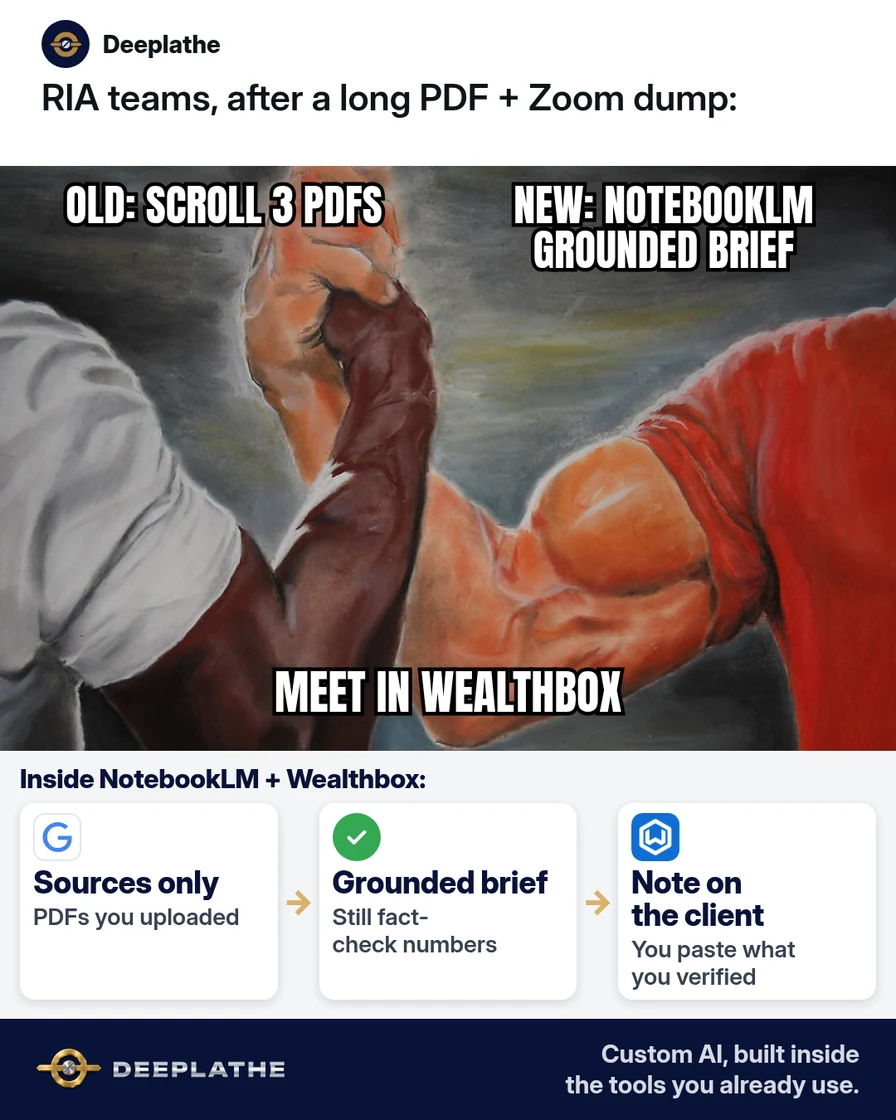
Monday morning. You have a 40-page IPS PDF, last quarter’s planning export, and a Zoom transcript from a review meeting. You need a one-page brief for Thursday. Pasting all of it into a free chat guesses. NotebookLM is built to answer from the files you add — with citations you can click.
The short answer
NotebookLM for business works when you create one notebook per job, upload only approved sources, ask grounded questions, and never send the draft to a client until you verify every figure in Wealthbox (or Redtail) and your planning software. Google’s help docs say NotebookLM answers from your uploaded sources; if the answer is not in the sources, it should not invent one. That is the point for advisory work.
Why advisors still paste long PDFs into general chat
General chat models will fill gaps. When a fee schedule or risk score is missing, they often guess in confident prose. You then spend the “saved” time re-reading the PDF anyway.
NotebookLM (product UI may also show as Gemini Notebook in Google help) flips that: sources first, answers second. Free Google accounts get documented limits (Google’s FAQ: on the order of 100 notebooks, up to 50 sources each, ~500,000 words per source or 200MB local upload — confirm live in your account). Workspace plans raise limits and add stronger data handling for work accounts. Use it to cut re-read time; keep the human as the last mile on numbers.
Floor vote
How do you summarize long client PDFs today?
One vote per device. Change it any time.
Loading votes…
Step 1: Open NotebookLM and create one notebook per client job
- Go to notebooklm.google.com and sign in with the Google account your firm allows for this work.
- Click New notebook.
- Name it clearly, e.g.
Smith-2026-Q3-review-brief— notstuff. - Keep personal tax returns and anything your compliance manual bans out of the notebook until counsel says otherwise.
If you use a work Google account and the app is missing, ask your Workspace admin to enable the Gemini Notebook / NotebookLM service.
Step 2: Add only approved sources
In the notebook, open Sources → Add source. Typical paths Google documents:
- Upload a PDF or audio file from your device
- Add a Google Doc or Slides from Drive
- Paste a public web URL (paywalled or private pages will not import)
- Add a YouTube URL when captions/transcripts are available
Start with 3–8 sources max for a review brief: IPS PDF, meeting notes Doc, planning export you are allowed to store, transcript you own.
Do not add: other clients’ files, passwords, custodian login exports, or anything outside your data-retention policy.
Step 3: Ask grounded questions with a copyable ask pack
Use short, source-bound asks. Paste one at a time:
Using only the sources in this notebook, list:
1) Client goals stated in the IPS (quote or section cite)
2) Actions we promised in the last meeting transcript
3) Open questions that are NOT answered in any source
If a point is missing from sources, say "Not in sources" — do not guess.
Second ask for a one-page brief:
Draft a one-page internal brief with headings:
- Situation (3 bullets, sourced)
- Decisions pending (bullets)
- Numbers to verify in Wealthbox / eMoney before client send
- Exact quotes to double-check
Every bullet must point to a source citation. No new recommendations.
Click through citations. If a citation feels wrong, open the source panel and read the passage yourself.
Step 4: Export the brief and finish in Wealthbox
- Copy the grounded brief into a Google Doc labeled
INTERNAL — verify numbers. - Open Wealthbox (or Redtail) and eMoney / RightCapital.
- Check every dollar, date, and account label against the CRM and planning file.
- Only then draft the client-facing note in your normal template.
- Log the meeting follow-up in Wealthbox the way you already do.
NotebookLM brief in four moves
- CreateOne notebook per jobClear name, firm-approved Google account
- SourcesAllow-list only3–8 approved PDFs/Docs/transcripts
- AskGrounded ask packForbid guessing; chase citations
- VerifyCRM + planning checkWealthbox/Redtail before client send
- Day 0: Create notebook; name it for the job.
- Day 0: Add 3–8 approved sources only.
- Day 0: Run ask pack; chase citations.
- Before send: Verify every number in Wealthbox / planning software.
Example (illustrative): a two-advisor RIA
Two partners prepare quarterly reviews. They stop pasting full PDFs into general chat. Each review gets a NotebookLM notebook with the IPS, last meeting notes, and a redacted planning export. The associate runs the ask pack, then the lead advisor verifies numbers in Wealthbox before the client email goes out.
At a glance
- Problem: Ungrounded summaries from pasting long PDFs into general chat.
- What was set up: One notebook per review + source rules + ask pack + Wealthbox verify step.
- Tools it lives in: Google NotebookLM, Google Drive, Wealthbox, eMoney or RightCapital.
- What the owner still does: Approves client-facing language; owns advice.
- Payoff: not measured here — track minutes from “docs ready” to “internal brief approved.”
Mistakes to avoid
- Treating citations as a client-ready stamp. Citations help you check; they are not compliance sign-off.
- Uploading every file you have. Extra sources add noise and risk.
- Asking for recommendations the sources never made. NotebookLM should stay descriptive for this workflow.
- Letting AI invent a missing fee or return. “Not in sources” is the correct answer.
- Skipping the CRM verify step. Your system of record is Wealthbox / Redtail, not the notebook chat.
Field check
Field check
Three questions. Honest answers. No score sent anywhere but this page.
01 / 03
What should NotebookLM do if a fee is not in the sources?
If it still doesn't work
If Workspace blocks NotebookLM, use a firm-approved account or stay on manual briefs until IT enables it. If a source will not import (copy-protected PDF, over size limits), convert to an allowed Google Doc excerpt your compliance rules allow. If answers feel generic, remove weak sources and ask narrower questions that name the document (“In the IPS PDF only…”).
Doing this inside the tools you already use
If you want the “notebook per review → grounded brief → Wealthbox note” path built so associates follow it without reinventing prompts, Deeplathe builds custom AI inside the tools you already use — Drive, CRM, planning exports — with you still approving anything client-facing. See /solutions.
FAQ
Is NotebookLM free for small business?
Google offers NotebookLM with a Google account on a free tier with documented notebook/source limits. Google Workspace plans add higher limits and work-account data protections. Check your live plan badge and Google’s upgrade FAQ for current numbers.
Does NotebookLM invent answers not in my files?
Google’s FAQ says it answers from uploaded sources; if the information is not in the sources, it should not provide that answer. Still verify every number before a client sees it.
What files can I add?
Google documents support for PDFs, Google Docs/Slides, pasted text, public web URLs, YouTube with captions, and audio uploads within size/word limits. Private paywalled pages will not import.
Can I use NotebookLM for client-facing advice?
Use it for internal grounded briefs. Licensed advice and final numbers stay with you after CRM and planning-software checks.
NotebookLM vs pasting into ChatGPT?
Paste-into-chat is easy and often ungrounded. NotebookLM keeps the conversation tied to a source set you chose — better for long PDFs when you still fact-check.
Keep these
- One notebook per job; approved sources only.
- Ask pack that forbids guessing.
- Click citations; then verify numbers in Wealthbox.
- Humans own client-facing advice.
Sources
Related reading
Keep these
The working rules
NotebookLM for business works when you create one notebook per job, upload only approved sources, ask grounded questions, and never send the draft to a client until you verify every figure in Wealthbox (or Redtail) and your planning software.