Part of: The process that only lives in your head
SOPs
Gemini skills vs Gems: move your agency's saved instructions before the switch
For independent insurance agency owners who keep re-pasting the same renewal rules into Gemini, and need a clear gemini skills vs gems move before Gems change.
For independent insurance agency owners who keep re-pasting the same renewal rules into Gemini, and need a clear gemini skills vs gems move before Gems change.
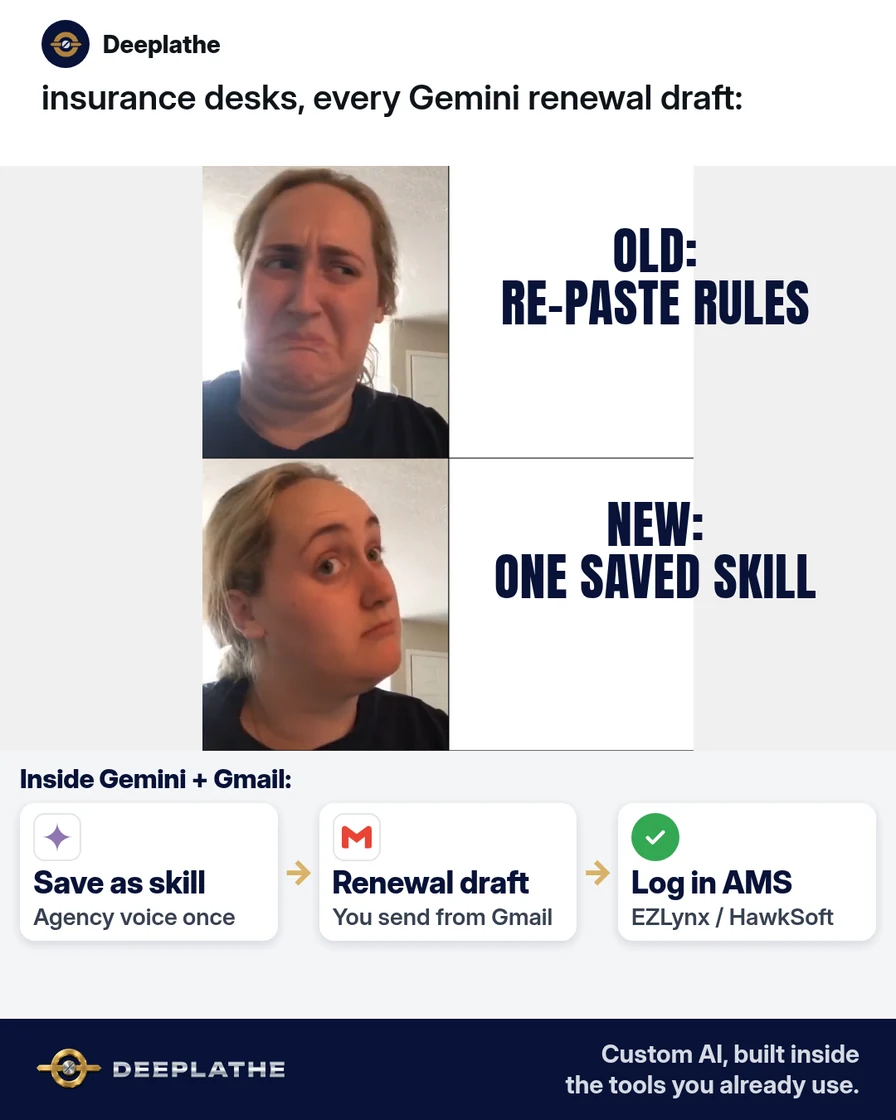
Your CSR (customer service rep) opens Gemini for the third renewal note this morning. She pastes the agency voice rules again, then the “never invent coverage” line, then the COI wording. Ten minutes later the draft is fine — and those rules still live only in her head. Google is moving Gems to reusable skills. If your saved Gems break or disappear later, the pain is the same: nobody stored the instructions where the next chat can find them.
The short answer
Rebuild each useful Gem as a Gemini skill now: one named set of reusable instructions you invoke in any chat, instead of an isolated Gem thread. Skills stack in one prompt; Gems did not. Open gemini.google.com → Customize → Skills, paste the agency block below, test on one renewal draft, and keep Gems only as a backup until your account shows skills.
Why the gemini skills vs gems switch keeps biting agencies
Gems were handy, but each one lived in its own chat. Staff re-opened the Gem, or re-typed the same agency rules into a fresh Gemini window in Gmail or Docs. That is slower than a one-line invoke, and it fails when the person who “owns” the Gem is out.
On 30 September 2026 Google announced reusable skills in the Gemini app and Workspace, and said skills will replace Gems over time (Google Workspace Updates). Skills sit inline in normal chats, can be stacked, and use an open Markdown SKILL.md format. Gemini app skills started rolling out on 13 October 2026 (expected through mid-November). Skills inside Workspace apps were delayed as of that same update — check your account rather than assuming Gmail/Docs skills are live today (rollout update).
Business and enterprise Gems stay usable for now, with removal planned no sooner than 1 March 2027. Auto-migration will turn leftover Gems into draft skills later. Waiting until then means renewals still depend on copy-paste. Rebuilding one skill this week is the cheap fix: labelled estimate, under a minute per draft once the skill exists, on the Workspace plan you already pay for.
Floor vote
Where do your agency's Gemini instructions live today?
One vote per device. Change it any time.
Loading votes…
Step 1: Confirm skills (and keep Gems as backup)
- Sign in at gemini.google.com with the Google account your agency uses for Gemini.
- In the sidebar, open Customize (or More → Customize).
- Open Skills. If you do not see Skills yet, the Gemini app rollout may not have reached you — keep using your Gem and recheck weekly through mid-November 2026.
- Leave existing Gems alone for now. You can still create and use them in the Gemini app; do not delete them until a skill has passed a live renewal test.
If you only use Gemini inside Gmail or Docs and Skills is missing there, that matches Google’s note that skills in Workspace are delayed. Build the skill in the Gemini app first, then recreate it in Workspace when your domain gets it. Skills do not sync between the Gemini app and Workspace — Google says you must create them separately on each surface.
Step 2: Paste this agency renewal skill (copy-this-prompt)
On the Skills page, choose a blank template (or ask Gemini in chat to create a skill). Name it in lowercase with hyphens, for example draft-renewal-note. Description (third person, “Use when…”):
Drafts short insurance renewal and COI follow-up notes in the agency's plain voice.
Use when writing renewal reminders, policy-change confirmations, or certificate-of-insurance
follow-ups for commercial or personal lines clients.
Instructions — paste as written, then swap the bracketed bits:
You draft emails and short Docs notes for an independent insurance agency.

Voice:
- Plain US English, grade 8, warm but not cute.
- Agency name: [AGENCY NAME]. Signer title: [CSR / Producer / Owner].
- Never claim a coverage is bound, quoted, or renewed unless the user pasted that fact.

Rules:
1. Ask for missing facts with [NEED: …] instead of inventing dates, carriers, limits, or deductibles.
2. Never request or repeat SSNs, full account numbers, DOBs, or driver's license numbers.
3. Keep drafts under 120 words unless the user asks for longer.
4. End every client-facing draft with: "Please reply if anything looks off."
5. If the user mentions EZLynx, HawkSoft, or Applied Epic data, treat those fields as source of truth — do not "improve" numbers.

Output template:
Subject: [Renewal / COI] – [Client first name or company] – [Policy type]
Body:
- One-line reason for writing
- Exact dates / carriers / limits only if supplied
- Clear next step for the client (reply, upload, call the office)
- Sign-off with [NAME], [TITLE], [AGENCY], [PHONE or email the user provides]

Common mistakes to avoid:
- Do not invent a renewal date.
- Do not say "your policy is renewed" unless the user said it is.
- Do not add marketing upsells unless asked.
Click Create / Save. Turn the skill on (Activate) so Gemini can apply it when relevant, or invoke it with / (or @ on updated shortcuts) and the skill name.
Step 3: Run one real renewal draft in under a minute
Open a new Gemini chat (or the Gemini side panel in Gmail if you already use it for drafts). Invoke the skill, then paste only non-sensitive facts:
/draft-renewal-note
Client: [First name or company]
Policy: [type, e.g. BOP / homeowners]
Carrier: [name]
Current expiration: [date]
What we need from them: [e.g. updated payroll figure / signed application]
Tone: reminder, not urgent threat
Copy the draft into Gmail. Send it yourself from the agency mailbox. Do not let Gemini send. Log the send in EZLynx, HawkSoft, or Applied Epic the way you already do.
Labelled estimate: after the skill exists, a clean renewal note is usually under a minute of prompting plus your normal send check — versus retyping agency rules every time (often several minutes per note).
Step 4: Stack a second skill only after the first is boring
Skills can stack in one prompt (that is the main gemini skills vs gems difference for daily work). After a week of good renewal drafts, add a second skill such as plain-agency-voice with brand words and never-rules only — no client facts. Then:
/draft-renewal-note /plain-agency-voice
[same fact block as Step 3]
Do not put carrier logins, AMS passwords, or full policy PDFs into a skill. Reference files on a skill are optional; if you upload a template, use a redacted sample only.
Gem to skill in one afternoon
- TodayBuildCreate draft-renewal-note in Customize → Skills
- Same dayTestOne real renewal draft; you send from Gmail
- This weekKeepLeave Gems until three live uses pass
- LaterRecreateRebuild on Workspace when that rollout arrives
- Today, build: Create
draft-renewal-notein Customize → Skills. - Same day, test: One real renewal draft; you send from Gmail.
- This week, keep: Leave Gems in place until the skill passes three live uses.
- When Workspace skills arrive: Recreate the same skill there; they do not sync.
Example (illustrative): 12-person P&C (property and casualty) agency on Workspace + HawkSoft
The owner had one Gem called “Renewal writer.” Two CSRs used it; producers retyped rules in new chats. On 15 October 2026 they copy the Gem instructions into a skill named draft-renewal-note, run three personal-lines renewals, and keep the Gem until March is closer. HawkSoft stays the system of record; Gemini only drafts.
At a glance
- Problem: Same renewal instructions retyped or locked inside one Gem chat.
- What was set up: One Gemini skill with voice, never-rules, and a short output template.
- Tools it lives in: Gemini app (skills), Gmail/Docs drafts, HawkSoft (or EZLynx / Applied Epic) for the real record.
- What the owner still does: Approves facts, sends mail, owns E&O judgment.
- Payoff: not measured here — track minutes per renewal draft and “needed rewrite” rate for two weeks.
Mistakes to avoid
- Deleting Gems on day one. Keep them until the skill has three clean live uses.
- Putting client PII in the skill. Skills are reusable instructions, not a filing cabinet.
- Assuming Workspace skills are live. As of 13 October 2026 that rollout is delayed; check your account.
- Expecting sync. A skill in the Gemini app does not appear in Gmail/Docs until you recreate it on Workspace.
- Letting AI decide coverage. Gemini drafts wording; a licensed person decides what is bound.
Field check
Field check
Three questions. Honest answers. No score sent anywhere but this page.
01 / 03
Main gemini skills vs gems difference for daily work?
If it still doesn't work
If Skills is missing in the Gemini app, keep the Gem and set a calendar reminder to recheck weekly through mid-November 2026. If the skill ignores your rules, tighten the description with “Use when…” examples and put a “Common mistakes” block in the instructions (Google’s skill-writing tips). If Workspace Studio flows used “Ask a Gem,” plan to replace those steps before March 2027 — Google documents that path in Workspace Studio Help. Fallback today: paste the instructions block once at the top of a normal Gemini chat and save it in a Docs “AI ops” page until skills appear.
Doing this inside the tools you already use
If you would rather not rebuild every Gem by hand, Deeplathe can wire the same renewal and COI draft rules into the Google Workspace tools your agency already uses — Gmail, Docs, Drive — with you approving every send and your AMS staying the source of truth. Owner stays in control; drafts wait for a human. Less than a hire, more output, for any business from a shoe store to a law firm. See /solutions.
FAQ
Gemini skills vs Gems: what is the difference?
Gems ran as separate, specialized chats. Skills are reusable instruction packs you use inside normal Gemini chats, and you can stack more than one in a single prompt. Google is moving toward skills and will phase Gems out for business users no sooner than 1 March 2027.
Are Gemini skills free on Workspace?
Skills in the Gemini app are listed for Google Workspace customers and personal accounts as they roll out. Skills inside Workspace apps are aimed at Business and Enterprise SKUs (and listed add-ons) but that surface was delayed as of 13 October 2026 — verify on your domain. There is no separate “skills fee” called out beyond your existing Gemini/Workspace access.
Will my Gems convert automatically?
Google plans to auto-migrate remaining Gemini-app Gems to draft skills when Gems are removed for your account type. Drafts stay inactive until you review and turn them on. Prefer a manual rebuild for anything client-facing so you control the wording.
Can I use a skill in Gmail and Docs?
When skills in Workspace reach your domain, you use them from Workspace apps (often via Workspace Studio / @ mention patterns Google documents). Until then, create and test in the Gemini app, then recreate on Workspace later — they do not sync.
What should I put in a skill for an insurance agency?
Stable voice, never-invent-coverage rules, output shape, and “ask for [NEED]” behavior. Keep policy numbers, SSNs, and full applications out. Pull live facts from HawkSoft, EZLynx, or Applied Epic at prompt time.
Keep these
- One skill per job; stack later.
- Facts in the prompt; rules in the skill.
- You send; Gemini drafts.
- Keep Gems until the skill is proven.
Sources
- Introducing skills in the Gemini app and Workspace (30 Sep 2026)
- Update on the launch of skills (13 Oct 2026)
- Create & manage skills for Gemini Apps
- Write effective skills for Gemini Apps
- About the transition from Gems to skills
Related reading
Keep these
The working rules
Rebuild each useful Gem as a Gemini skill now: one named set of reusable instructions you invoke in any chat, instead of an isolated Gem thread.