Part of: The process that only lives in your head
SOPs
Claude Projects for business files: keep client context without re-pasting every chat
For estate-planning operators who need Claude Projects as a controlled instruction + knowledge workspace so questionnaire follow-ups stop depending on re-pasted context every chat.
For estate-planning operators who need Claude Projects as a controlled instruction + knowledge workspace so questionnaire follow-ups stop depending on re-pasted context every chat.
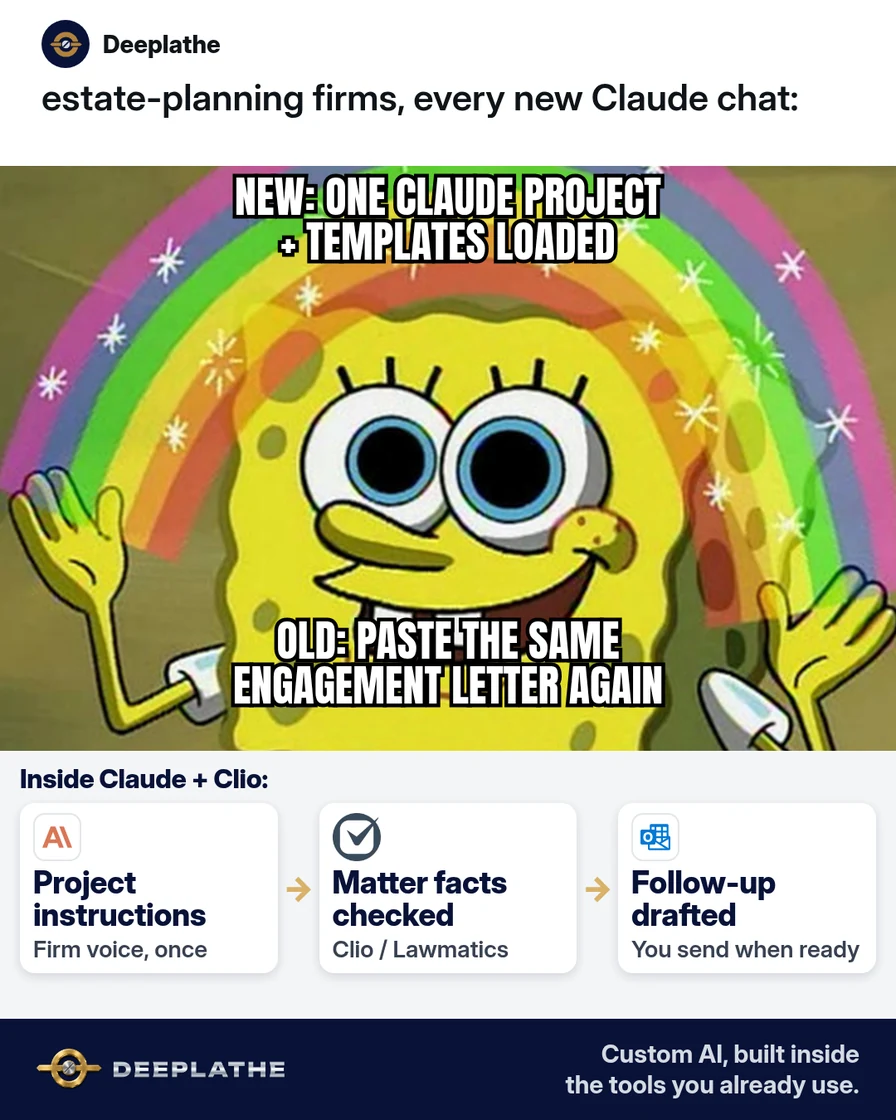
Blank-chat failure mode: associate re-attaches engagement excerpt + checklist + tone notes; draft drifts; Clio task ages. The fix is structural — Project instructions and project knowledge as the standing context plane — not a longer one-off prompt.
The short answer
Claude Projects bind chats to persistent project instructions and a project knowledge base; put firm rules and scrubbed templates there, then open every repeat matter-type chat inside that Project. Anthropic: Projects available to all users (Free capped at five); paid plans can enable RAG when knowledge nears context limits. Mail send and Clio updates stay human.
Why Claude Projects beat a pile of one-off chats
Autocomplete demand for “Claude Projects” / “project instructions” maps to a context-management problem. Help Center: Projects are self-contained workspaces with chat histories and knowledge bases; instructions tailor behaviour for all chats in the Project; knowledge uploads apply across those chats. Explicit caveat: context is not shared across chats unless added to knowledge (or carried in instructions).
Efficiency: one paste of instructions + template upload removes per-chat re-assembly. Cost: uses seats you already have vs a second knowledge product. Quality: lower variance in firm voice.
Floor vote
How do you keep firm context in Claude today?
One vote per device. Change it any time.
Loading votes…
Step 1: Create a Claude Project for one matter type
Path (Anthropic create/manage article):
- claude.ai/projects → + New Project
- Name by matter type (
EP — Questionnaire follow-ups); description is non-model metadata - Team/Enterprise: set private vs org visibility per admin policy
One Project ≠ one client. Client facts stay out of knowledge; they enter only as placeholders in a single chat turn.
Step 2: Paste project instructions (copy this)
Set project instructions → Save:
You draft for a US estate-planning law firm.
Voice: clear, calm, respectful; no jokes; no freestanding legal advice.
Always: [CLIENT NAME]/[DEADLINE]/[DOC LIST]/[ATTORNEY] placeholders; admit gaps (“Not in project knowledge”); draft-only for Outlook/Gmail; human updates Clio.
Never: invent fees/deadlines/tax outcomes; request SSNs/account numbers/full estate docs; claim CMS filing.
Matter type: missing questionnaire follow-up.
Instructions are the policy layer; keep them short enough that staff will maintain them.
Step 3: Upload scrubbed templates to project knowledge
Use + on the Project knowledge panel. Corpus v1:
- Questionnaire checklist (blank)
- Soft vs firm email skeletons
- One-page voice note
Hygiene: no executed instruments; Drive/Dropbox remains master; re-upload on change. Paid: RAG mode may engage near context limits (Anthropic). Free: five-Project ceiling — archive idle Projects.
Step 4: Run the follow-up from inside the Project (not a blank chat)
New chat in Project. Matter-specific prompt only:
Draft questionnaire follow-up.
Tone: [soft|firm]
Days since send: [n]
Missing docs: […]
Constraints: use project instructions + knowledge; placeholders for unknowns; ≤140 words; subject + body.
Egress: Outlook/Gmail send; Clio/Lawmatics task fields updated by a person. Optional: move a stray standalone chat into the Project via chat menu → Add to project (Anthropic).
Step 5: Compare once to ChatGPT Custom GPTs — then stop shopping
Decision table in prose: if the firm’s seat is Claude, use Projects; if ChatGPT, use Custom GPTs/Projects there. Do not dual-maintain identical templates. Sharing (view/edit) is Team/Enterprise-only per Anthropic.
From re-paste to a matter-type Project
- 1CreateProject named for the matter type.
- 2InstructSave firm Always/Never rules.
- 3KnowledgeUpload scrubbed templates only.
- 4DraftChat inside; human sends; Clio updated.
- Hour 0, create: Matter-type Project + visibility.
- Hour 0, instruct: Policy block saved.
- Hour 1, knowledge: Scrubbed templates only.
- Ongoing, chat inside: Draft → human send → CMS update.
Example (illustrative): a four-attorney estate-planning firm
Example (illustrative). One Project, three scrubbed files, Outlook egress, Clio as system of record. Associates forbidden from blank-chat re-paste for that matter type.
At a glance
- Problem: Re-paste + voice drift on questionnaire nudges.
- What was set up: Project + instructions + knowledge hygiene.
- Tools it lives in: Claude, Clio, Outlook, Drive masters.
- What the owner still does: Approve; send; CMS dates.
- Payoff: not measured here — minutes-to-draft; re-paste count/week.
Mistakes to avoid
- Blank chat for repeat jobs.
- Live client files in knowledge.
- Model-set deadlines.
- Assuming cross-chat memory without knowledge.
- Kitchen-sink Project mixing unrelated matter types.
Field check
Field check
Three questions. Honest answers. No score sent anywhere but this page.
01 / 03
Where should a repeat questionnaire follow-up chat start?
If it still doesn't work
Tighten Always/Never; new chat after Save. Verify file in knowledge, not only prior attachment. Free cap → archive. Fallback: Docs-hosted prompt + single-template paste.
Doing this inside the tools you already use
Deeplathe builds custom AI inside Clio, Lawmatics, WealthCounsel, Outlook, Gmail, and Drive so follow-ups draft from matter fields with you approving sends — less than a hire, more output. See /solutions when you want that wired instead of hand-maintained Project files.
FAQ
What are Claude Projects?
Workspaces with chats, knowledge, and instructions (Anthropic Help). Free: up to five Projects.
Claude Projects vs chats — what is the difference?
Project chats inherit instructions/knowledge; blank chats do not.
What should I put in Claude project instructions?
Tone, placeholders, never-rules, matter type — via Set project instructions.
Can Free Claude use Projects?
Yes, with a five-Project maximum (Anthropic).
Claude Projects vs ChatGPT custom GPTs?
Same job class on different stacks; pick one home for templates.
Keep these
- Matter-type Projects only.
- Instructions + scrubbed knowledge.
- Chats start inside the Project.
- Human send + Clio truth.
Sources
- What are projects? (Claude Help)
- How can I create and manage projects? (Claude Help)
- Claude.ai Projects
Related reading
Keep these
The working rules
Claude Projects bind chats to persistent project instructions and a project knowledge base; put firm rules and scrubbed templates there, then open every repeat matter-type chat inside that Project.