Part of: Quotes and leads you never followed up
Follow-ups
Open enrollment email to employees: a clear template staffing firms can send this week
For staffing ops managers who need a repeatable open enrollment email to employees pipeline with fact lock and dual sends.
For staffing ops managers who need a repeatable open enrollment email to employees pipeline: five-fact extract, AI draft, dual send calendar, broker question thread.
October: 40-page carrier PDF, no announcement written, last year three missed elections. The open enrollment email to employees is late because facts were never locked.
The short answer
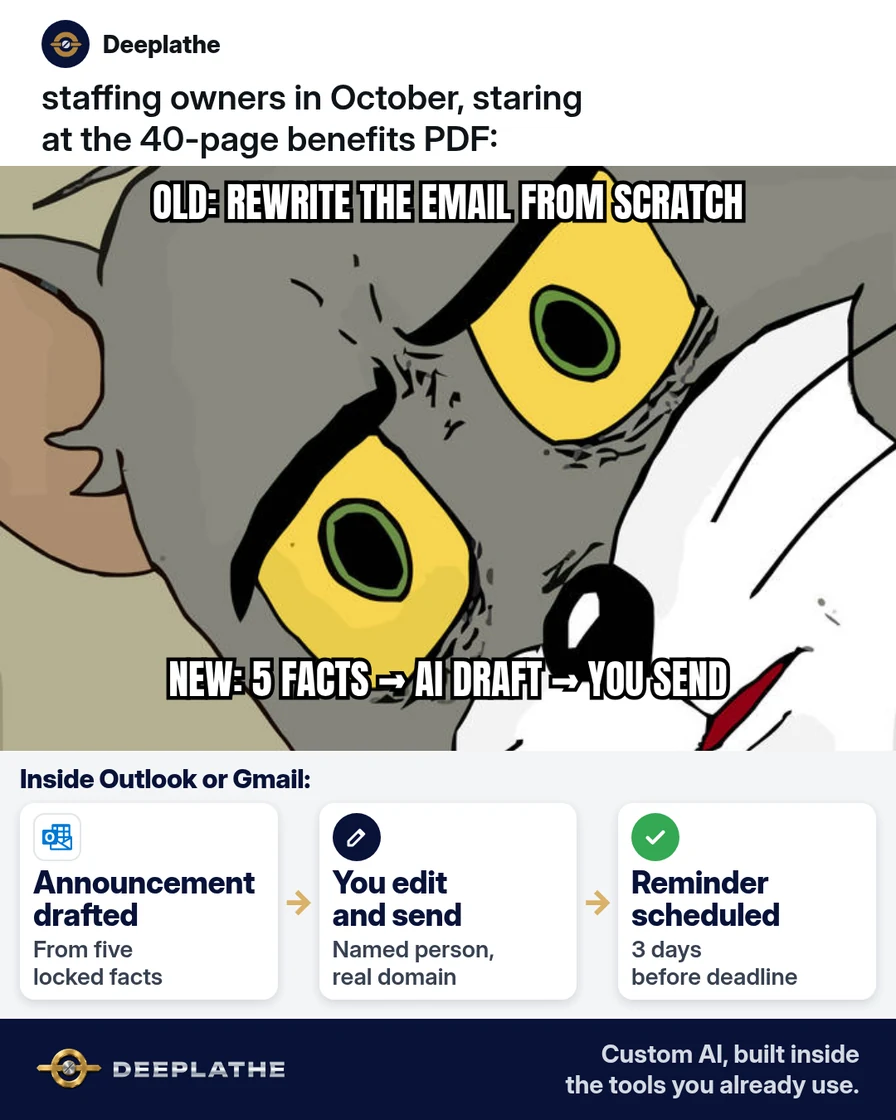
Lock five eligibility/date/URL/default/contact facts from the carrier PDF, draft announcement + reminder with AI under those facts only, schedule both sends, and route plan questions to the broker.
Why open enrollment emails ship late
Oct–Nov OE for calendar-year plans; staffing crews are distributed; PDFs are dense; annual rewrite from scratch slips.
Floor vote
Where is your open enrollment email right now?
One vote per device. Change it any time.
Loading votes…
Step 1: Pull five facts from the carrier PDF before you write
Eligible, start/end, URL, default if no action, contact. Broker clarifies gaps before AI.
Step 2: Draft the announcement open enrollment email to employees with AI
Gmail/Outlook + fact-only prompt; human edit; named sender.
Step 3: Schedule the reminder open enrollment email
Day −3 (or −7 for site crews); calendar both on Day 0.
Step 4: Log who got it and park questions in one thread
Distribution list / shared mailbox; broker thread for plan Qs.
From carrier PDF to two sends
- 1FactsFive lines from the PDF.
- 2AnnounceAI draft, you edit, you send.
- 3RemindShort note before the deadline.
- 4EscalatePlan questions to the broker.
- Day 0 facts
- Day 0–1 announcement
- Day −3 reminder
- Broker thread
Example (illustrative): 22-person internal staff
Claude draft from five facts; Outlook send; Friday reminder; two broker helps same day.
At a glance
- Problem: Late OE emails / missed elections.
- What was set up: Fact lock → AI draft → dual calendar.
- Tools it lives in: Outlook/Gmail, ATS list, carrier portal.
- What the owner still does: Fact check, edit, send, escalate.
- Payoff: not measured here.
Mistakes to avoid
- Full PDF into public AI.
- Invented prices.
- SPD-dump emails.
- No reminder.
- Owner answering medical eligibility off the cuff.
Field check
Field check
Three questions. Honest answers. No score sent anywhere but this page.
01 / 03
What do you extract before drafting?
If it still doesn't work
Freeze on PDF/portal conflicts; build distribution list from payroll; strip marketing language.
Doing this inside the tools you already use
Deeplathe builds custom AI inside Gmail/Outlook and your ATS for deadline drafts you approve. See Deeplathe.
FAQ
What should an open enrollment email to employees include?
Eligible, dates, URL, default, contact — short.
When should I send the reminder?
~3 days before deadline (7 if on sites).
Can AI write from the full PDF?
Extract facts first.
Do field temps get the same email?
Only if eligible per PDF.
Should this come from HR or the owner?
A named trusted person.
Keep these
- Five facts.
- Two sends.
- No invented dates.
- Broker for plan Qs.
Sources
- Healthcare.gov OE glossary
- DOL health plans
- Carrier/broker OE guide for the plan year
Related reading
Keep these
The working rules
Lock five eligibility/date/URL/default/contact facts from the carrier PDF, draft announcement + reminder with AI under those facts only, schedule both sends, and route plan questions to the broker.