Part of: The process that only lives in your head
SOPs
Obituary template for funeral homes: a family questionnaire plus an AI first draft
For funeral directors who want a structured obituary template, a clean data path from the family to the case record, and a constrained AI first draft that the family approves.
Obituary template for funeral homes: a family questionnaire plus an AI first draft
For funeral directors who want a structured obituary template, a clean data path from the family to the case record, and a constrained AI first draft that the family approves.
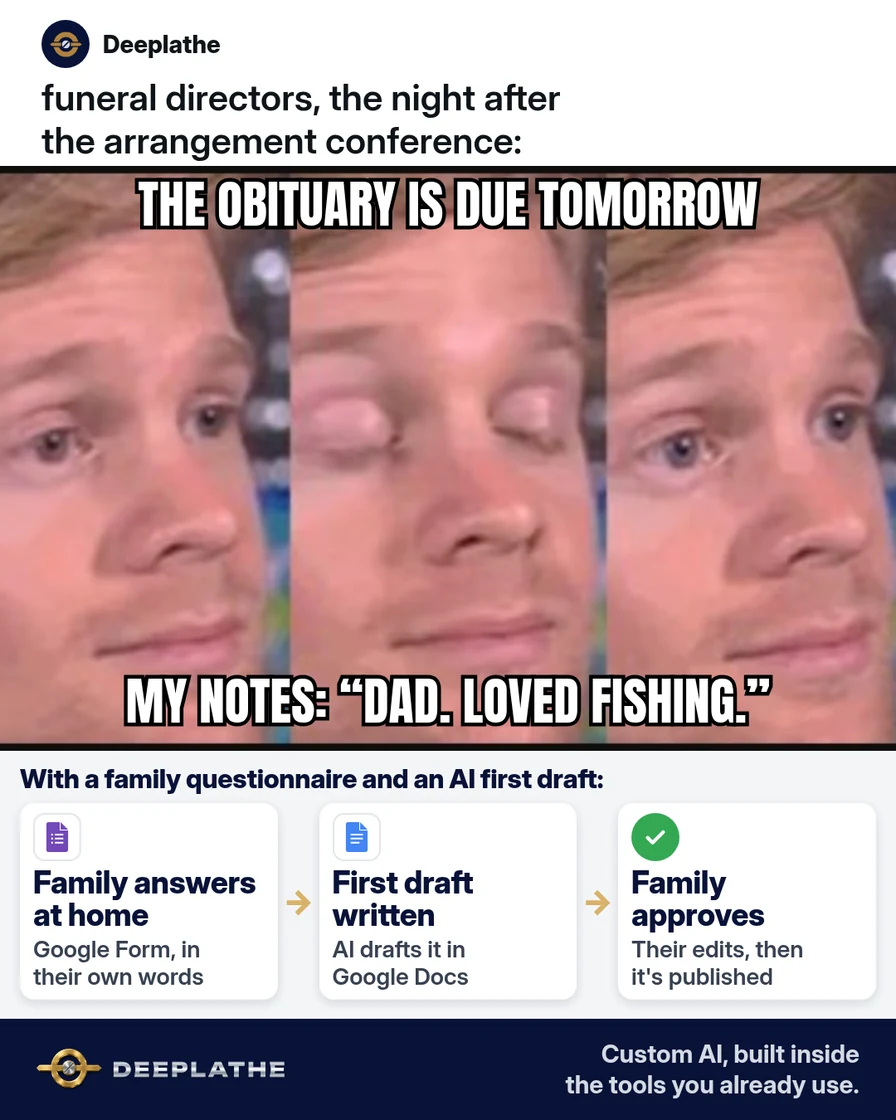
The usual failure is a lossy pipeline: facts captured verbally in the arrangement conference, transcribed from memory hours later, then corrected by the family over several rounds. A structured obituary template moves capture to the family, in writing, before drafting starts.
The short answer
Collect obituary facts through a fixed-field questionnaire (Passare Planning Center, Google Forms or paper), then pass those answers to ChatGPT or Claude with a prompt that forbids adding facts and forces explicit gap markers. The family is the only source of facts, and family approval is the gate before publishing. The model only orders and phrases supplied content.
Why obituaries eat your evenings
Two things drive the rework. First, unstructured capture: notes taken during an emotional conference miss fields such as spellings, maiden names and service times, and nobody knows which fields are missing until the draft goes back. Second, an unconstrained draft: when the family says "write something nice," the director fills gaps with assumptions, and each assumption becomes a correction.
A fixed schema fixes the first. Every case gets the same fields in the same order, so missing data is visible at intake. A constrained prompt fixes the second. Language models are good at turning structured notes into prose, but they will produce plausible filler when inputs are thin, so the prompt has to make gaps explicit instead of letting the model smooth them over.
Floor vote
Who writes the first draft of the obituary at your funeral home?
One vote per device. Change it any time.
Loading votes…
Step 1: Build your obituary template as a family questionnaire
Define the schema around what gets printed. Group the fields as identity, life narrative, family, service logistics and tone:
FIELD                     TYPE         REQUIRED
full_name (+ maiden/nick) short text   yes
age, birth date/place     short text   yes
passing date, city/state  short text   yes
parents                   short text   no
upbringing, schooling     paragraph    no
work / military service   paragraph    no
faith / community         paragraph    no
passions                  paragraph    no
stories_or_sayings        paragraph    no
survived_by               paragraph    yes
preceded_by               paragraph    no
service_details           paragraph    yes
memorials / in lieu of    short text   no
thanks                    paragraph    no
tone_words (3)            short text   no
tone (formal/warm/light)  choice       yes
Collect only what will be published. Home addresses and full birth dates are not needed and add identity-theft exposure once printed.
Step 2: Send the obituary template where the family can fill it in
Passare. In the case, add the family under Family & Friends and use Send Planning Center invite (text, email or both). In the Planning Center, the family can start the obituary using Passare's templates or AI writing assistant, and you finalize it in Passare, with changes visible to both sides in real time. Put your field list in the invite so their draft covers your required fields.
Osiris or FrontRunner. Collect the answers outside the system and paste the approved text into the case or website record at the end. Check your vendor's help center for any obituary features on your plan.
Google Forms. Create a blank form and map each field above to a question type: Short answer for identity fields, Paragraph for narrative and family lists, Multiple choice for tone. Mark the required fields as Required, so incomplete submissions can't be sent. Share the link from Send. Link responses to a Google Sheet, so each submission becomes one row you can copy into a prompt.
Paper works the same way, but you transcribe it, so read spellings back to the family.
Step 3: Turn the answers into an obituary first draft with AI
Use a prompt that constrains the source, order and gap handling:
ROLE: You draft obituaries for a funeral director.
SOURCE RULE: Use ONLY facts present in FAMILY_ANSWERS.
Never add, infer or embellish names, dates, places, jobs,
degrees, traits or relationships.
GAP RULE: Where a needed field is empty or unclear, insert
[ASK FAMILY: <field>] and continue.
ORDER: opening (name, age, city, date of passing) ->
life story -> survived by -> preceded by -> service details
-> memorials -> thanks.
LENGTH: about [WORD COUNT] words.
TONE: [FORMAL / WARM / LIGHTHEARTED], respectful, plain
words; reuse the family's own phrases where possible; no
stock phrases unless the family used them.
OUTPUT: the draft, then a list of every [ASK FAMILY] gap.

FAMILY_ANSWERS:
[PASTE ANSWERS HERE]
The trailing gap list gives you a checklist for the follow-up message. Strip fields that won't be printed, such as health notes, before pasting, and follow your firm's rules on approved AI tools.
Step 4: Check the obituary draft against the template, line by line
Verify field by field: every proper noun, date, place and relationship in the draft must trace back to a field in the answers. Search the draft for any claim with no source field; those are model additions and get deleted. Resolve every [ASK FAMILY] marker. Then read it aloud to catch tone and rhythm problems.
Step 5: Send the obituary to the family for approval, then publish
Send the draft with an explicit approval request:
Subject: Draft obituary for [FULL NAME] – please review

Hi [FAMILY CONTACT],

This draft is built only from the answers you shared. Please
check names, spellings, dates and service times, and change
anything you like. We publish nothing until you confirm.

[DIRECTOR NAME], [FUNERAL HOME NAME]
In Passare, the family approves in the Planning Center, which ends their editing access there. You then lock the obituary in the case and sync it to your website where the site integrates with Passare. In FrontRunner, paste the approved text into the website record and save; it publishes to the funeral home site.
How the obituary moves from family to print
From family to print
- At the arrangementHand over the questionnairePassare Planning Center invite, Google Form or a printed page.
- Within a dayFamily returns the answersFacts, spellings and stories in their own words.
- Same dayAI first draft, then a fact checkChatGPT or Claude arranges only their answers; you trace every name and date.
- Before publishingFamily approves every wordThen lock it and publish to your website.
- Intake: questionnaire issued at the arrangement conference.
- Capture: the family returns structured answers, usually within a day.
- Draft: constrained AI draft plus gap list, checked field by field.
- Gate: family approval, then lock and publish.
Example (illustrative): a two-director family funeral home
A walkthrough, not a client case. A two-director home on Passare issues the Planning Center invite at each arrangement with the field list in the message. The office manager runs the prompt on the returned answers in Claude and forwards the draft and gap list. The director verifies each field, resolves two gaps by text with the family, and sends it for approval in the Planning Center. After approval, it is locked and synced to the website.
At a glance
- Problem: lossy capture and repeated correction rounds.
- What was built: fixed-field questionnaire, constrained prompt, approval gate.
- Tools it lives in: Passare Planning Center, Claude, the funeral home website.
- What the owner still does: fact verification, tone edits, sending for approval.
- Payoff: not measured here. Track correction rounds per case.
Mistakes to avoid
- No gap rule in the prompt. Without it, the model fills blanks with plausible fiction.
- Publishing without the approval gate. Approval is the control, not a courtesy.
- Over-collecting. Fields you won't print are just risk.
- Free-text everything. Required short-answer fields catch missing data at intake.
- Verifying by skimming. Trace every proper noun to a field.
Field check
Field check
Three questions. Honest answers. No score sent anywhere but this page.
01 / 03
Where should every fact in the obituary come from?
If it still doesn't work
Low completion usually means too many fields or poor timing. Trim to the required fields and hand the form over in person. Generic drafts mean thin narrative input, so add one required question: "What story does everyone tell about them?" Heavy family rewrites mean too many authors, so name one family member as the owner of the form.
Doing this inside the tools you already use
Deeplathe is a team of developers who build custom AI inside the tools a business already uses. Here, a custom build could read questionnaire answers from your case records or form responses. It applies your home's style guide and constrained prompt, and returns a draft plus a gap list to the director. It never resolves a gap on its own. The director edits and sends, the family approves, and each version is logged on the case. See how a custom build works.
FAQ
What should be included in an obituary?
The core fields are full name, age, city and date of passing, a life narrative, survived-by and preceded-by lists, and service details. Optional fields are memorial donations, thanks and a signature story or saying. A fixed questionnaire makes sure the required fields arrive before drafting, so the first draft isn't missing basics.
Is there a free obituary template funeral homes can use?
Yes. The field list in this article is free to copy into a Google Form, a Passare Planning Center invite or a printed form. Set the required fields as Required in Google Forms so families can't skip them. Adjust the fields to your local newspaper's format and your community's customs.
Can AI write an obituary?
It can draft one from structured answers, and Passare offers an AI writing assistant inside its Planning Center. The risk is invented detail, so the prompt must restrict it to supplied facts and mark gaps explicitly. A director verifies every fact, and the family approval is the final gate before publishing.
How long should an obituary be?
There's no fixed standard; many run a few hundred words. Print notices are often shorter than online versions because many papers charge by length. Ask the family whether they want a short print notice and a longer online tribute, and set the word count in the prompt to match.
Keep these
- The family is the only source of facts.
- The prompt forbids additions and marks gaps.
- Trace every proper noun to a field.
- Approval is the gate to publishing.
Sources
- Passare Support: Collaborate on the obituary
- Passare Support: Send Planning Center invites via text or email
- FrontRunner Manual: Create a Website Record
- Google Docs Editors Help: Create a form with Google Forms
Related reading
Keep these
The working rules
The family is the only source of facts; the prompt forbids additions and marks gaps, and family approval is the gate before publishing.