49 / 58
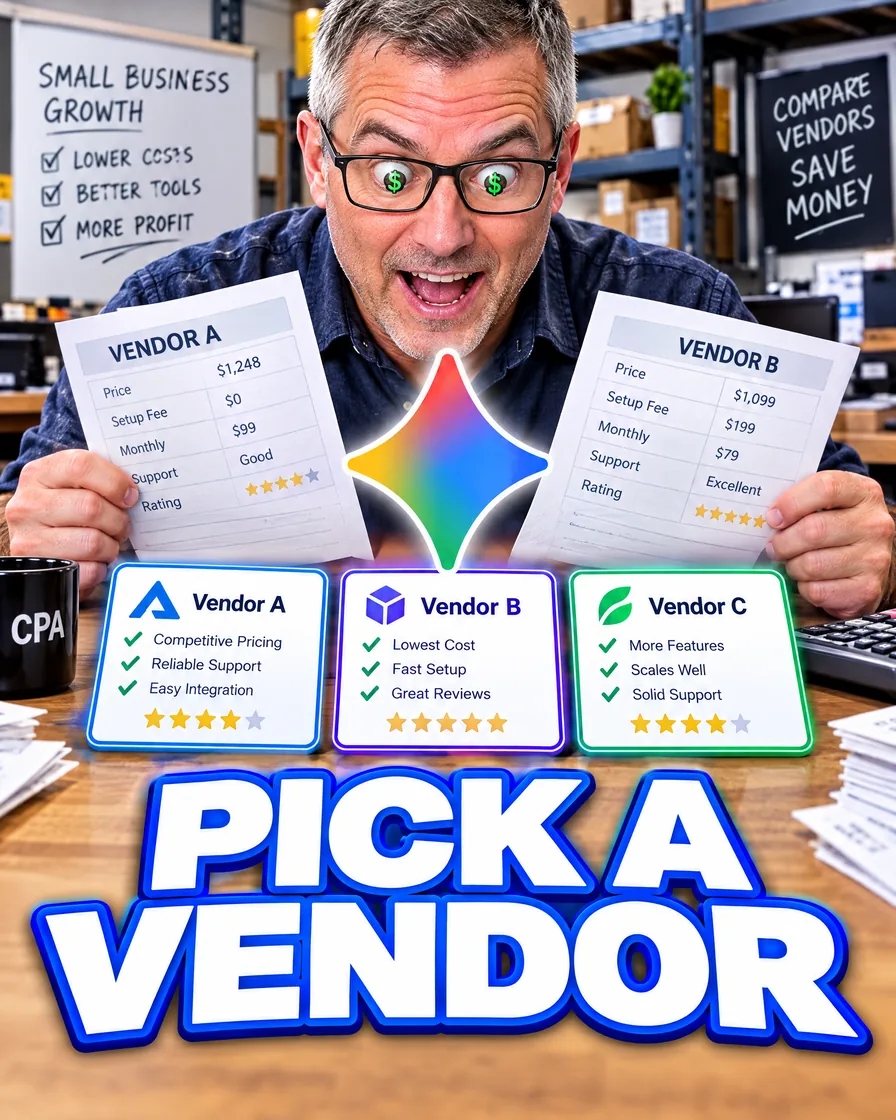
Gemini vendor compare
Run vendor compares in Gemini, then verify every claim
Let Gemini structure the options. Open every price and feature on the vendor’s own page. A Search link is a lead, not a receipt.
What you will be able to do
You will run a vendor or tool comparison in Gemini that lays out options and marks unknowns as [NEED], then you will check every price and feature on the vendor’s own page before you decide.
What Gemini may ground — and what it does not promise
The Gemini Apps Privacy Hub says some responses are grounded on Search results. It does not say every answer used Search, and it does not say a grounded sentence is true.
Sources in Gemini Apps appear when Gemini provides links. If there is no Sources button, there were no links for that reply.
Inside Google Workspace, sources help says web search stays off unless you turn it on, and that Gemini can miss a source, cite the wrong file, or present a source it made up. Open the page. If the page does not say the price, the price is not established.
That is stricter than “Gemini looked it up, so we’re done.”
Gemini’s job vs your job
Gemini is useful for a criteria list, a failure list, and an argument against the option you currently like.
You own every price, contract term, and “this plan includes X” line. The chat is a draft brief, not a purchase order.
Same skeleton as hire-versus-tool briefs, Claude research, and ChatGPT research. Use Gemini when you want Search-linked leads or files already in Drive. The verification step does not change.
Try this job: a vendor compare you can finish
Goal: Keep the current supplier or try the alternative—for parts, software, or a contractor.
- Write the decision in one line.
- List hard constraints: delivery, must-have features, a budget you label as your own estimate.
- Paste only facts you copied from each vendor’s current page or from a quote, and note the date you looked.
- Prompt: “Build a decision brief: three options max, criteria, risks, unknowns as [NEED], a recommend-or-kill line. Do not invent prices or features. If you use Search, list the URL next to each borrowed fact.”
- Prompt: “Argue against the leading option in five bullets.”
- Open every URL and every quote. If a price is not on the page you opened today, mark it [NEED] and get it from the vendor.
- Decide in the same sitting, or put the decision on the calendar within two days.
Prompts worth keeping
- “What would make the leading option fail in our busy season?”
- “Which of my constraints did you ignore?”
- “List every price or feature in your brief that is not in my facts. Rewrite those as [NEED].”
Where this is weak
- A sale price that changed this morning
- Contract fine print
- Legal, clinical, or tax advice
- “Who is best?” with no criteria
Google’s privacy help also says not to rely on Gemini Apps for professional advice. A vendor matrix is still your decision.
Short close
Gemini can line up the options. The vendor’s page, read today, is what you buy from.
Keep these
The working rules
Structure the compare in Gemini, require [NEED] for anything you did not supply, and verify every price and feature on the vendor’s current page. Search links are leads.
Floor vote
Where are you with this job?
One vote per device. Change it any time.
Loading votes…
Field check
Field check
Four questions. Honest answers. No score sent anywhere but this page.
01 / 04
Can you name the one job this piece is for, in one sentence?