Part of: Quotes and leads you never followed up
Follow-ups
Gemini agent mode in Workspace: turn it on with a spend cap so it cannot run away
For RIA COOs who need Gemini agent mode with spend cap, draft-only Gmail, folder ACL, and daily log review.
For RIA COOs who need Gemini agent mode with enforceable controls: SKU check, spend cap, draft-only Gmail, folder ACL, daily audit-log review.
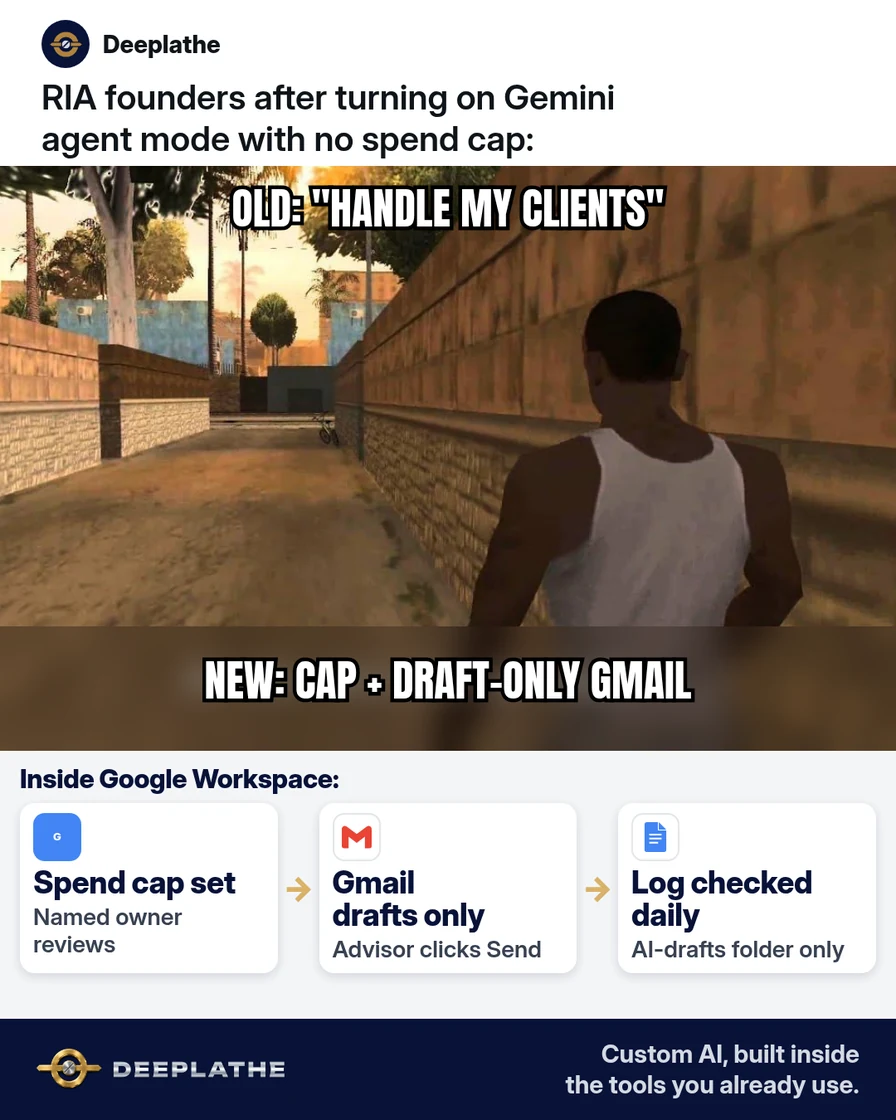
Broad "catch up clients" objective + no cap → surprise Gmail activity. Gemini agent mode is a permissions and meter problem.
The short answer
Enable Gemini agent mode only after spend cap, draft-only mail rights, restricted Drive folder, and a named daily log reviewer exist. Advisors send; the agent drafts.
Why Workspace agents run away
Google's 8 Oct 2026 agent can hold a Workspace identity and pursue objectives across apps. Over-permissioning turns a draft helper into an unsupervised sender.
Floor vote
What would you lock first on a Workspace agent?
One vote per device. Change it any time.
Loading votes…
Step 1: Confirm Gemini agent mode is on your Workspace plan
Admin/Gemini Enterprise feature check before redesign.
Step 2: Set the spend cap and the named owner before any objective
Hard weekly cap; AI ops Doc with rules (see Everyday reading).
Step 3: Give a narrow first objective (meeting follow-ups as drafts)
Wealthbox/Redtail notes → Gmail Drafts only; no Calendar/Drive share.
Step 4: Expand only after a quiet week on the log
Add objectives only after clean logs.
Agent on without a runaway
- 1ConfirmAgent features on your SKU.
- 2CapHard spend limit + owner.
- 3DraftGmail drafts only.
- 4LogDaily activity review.
- Confirm plan
- Cap + owner
- Draft-only
- Log review
Example (illustrative): 8-person RIA on Workspace + Wealthbox
Meeting follow-ups only; cap; Drafts; compliance Friday review; agenda summaries later.
At a glance
- Problem: Uncapped broad agent.
- What was set up: Cap, draft-only, folder ACL, log owner.
- Tools it lives in: Workspace, Wealthbox/Redtail.
- What the owner still does: Send + cap + log.
- Payoff: not measured here.
Mistakes to avoid
- Broad day-one objectives.
- Send rights early.
- No cap.
- Full statements in prompts.
- Assuming all plans include agents.
Field check
Field check
Three questions. Honest answers. No score sent anywhere but this page.
01 / 03
When do you set the spend cap?
If it still doesn't work
Fall back to Gemini Gmail drafts; disable on spend spikes; keep local notes if compliance blocks agents.
Doing this inside the tools you already use
Deeplathe builds custom AI inside Gmail, Docs, Calendar and your CRM with permissions you define. See Deeplathe.
FAQ
What is Gemini agent mode?
Objective-based Workspace agent with spend cap (Oct 2026 work launch).
Is my client data safe with a Gemini agent?
Only with strip, ACL, draft-only, logs.
Can the agent send email?
Not if you deny send.
What if we are not on Gemini Enterprise?
Confirm Admin; use Gmail Gemini drafts.
How is this different from a chat sidebar?
Agents pursue objectives; caps/logs matter more.
Keep these
- Cap first.
- Draft-only.
- Narrow job.
- Daily log.
Sources
Related reading
Keep these
The working rules
Enable Gemini agent mode only after spend cap, draft-only mail rights, restricted Drive folder, and a named daily log reviewer exist.