Part of: The process that only lives in your head
SOPs
Financial advisor meeting notes template (and how to get notes into your CRM the same day)
For independent advisors: a client meeting notes template to copy and a same-day way to fill it with AI and post it to Wealthbox or Redtail.
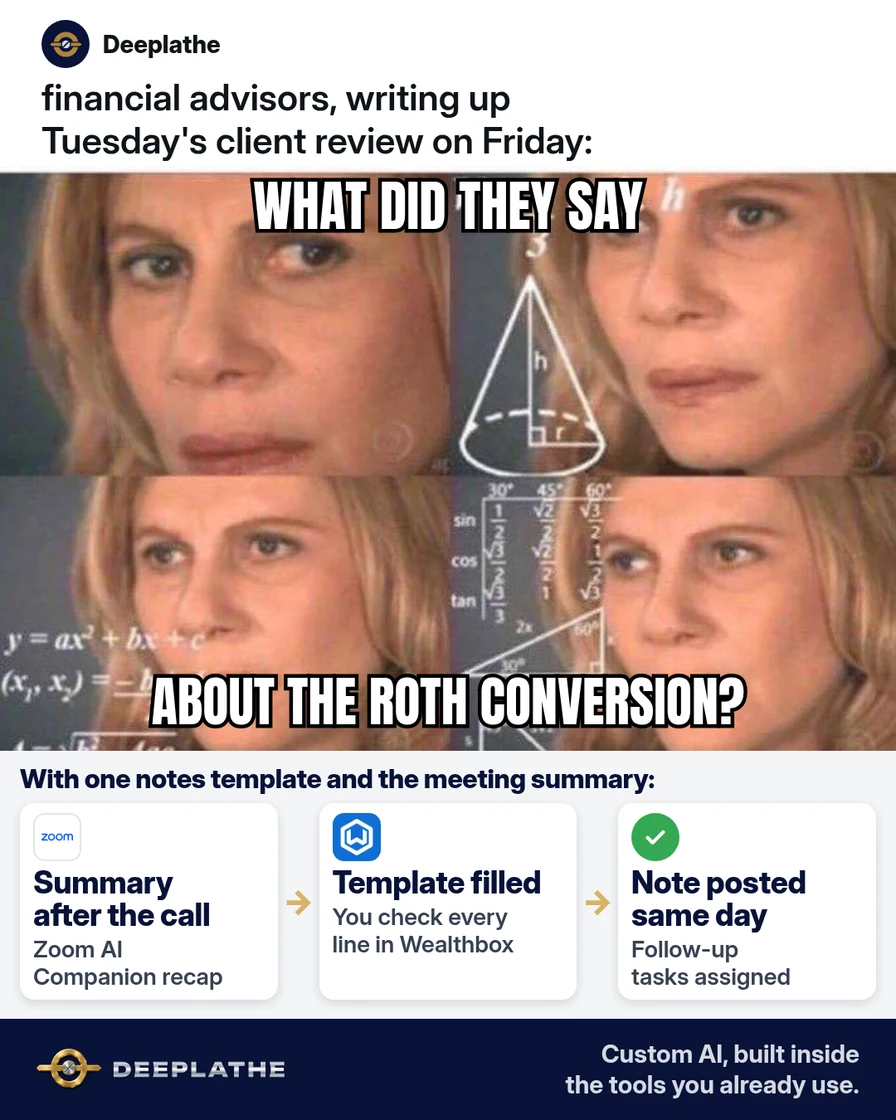
It's 4:40 on a Thursday. You've had three client reviews today, and the notes for all three are still in your head and on a legal pad. If you don't write them up tonight, the details blur by Monday. A financial advisor meeting notes template, filled in by AI from your meeting summary, gets each note into your CRM before you go home.
The short answer
Save one financial advisor meeting notes template in Wealthbox or Redtail. Turn on an AI meeting summary in Zoom or Teams. After each meeting, paste the summary into an AI prompt that fills your template, then check it and post it to the client record. The AI drafts the note, but you read every line and you sign off before it becomes the record.
Why meeting notes slip
You don't skip notes because you don't care. You skip them because the next meeting starts in ten minutes. Then the day ends, and writing up three reviews from memory feels like a second job.
The second reason is that most notes start from a blank box. Every time you face an empty field, you have to decide what goes in it. A fixed template removes that decision. You only fill in what changed.
Notes also carry more weight for an adviser than for most small businesses. SEC Rule 204-2 sets out the books and records a registered investment adviser must keep. Your compliance manual or CCO decides exactly what your firm records after a meeting. A consistent note makes that easier to follow every time, not just on the days you have energy left.
Floor vote
When do your client meeting notes usually get written?
One vote per device. Change it any time.
Loading votes…
Step 1: Save the financial advisor meeting notes template in your CRM
Start with the template, because the AI will fill this exact shape every time. Here is a client meeting notes template you can copy:
CLIENT MEETING NOTE
Date and type: [DATE] - [ANNUAL REVIEW / PLANNING / CHECK-IN]
Attendees: [CLIENTS], [ADVISOR], [STAFF]
Format: [IN PERSON / ZOOM / TEAMS / PHONE]

1. Purpose of the meeting:
2. Changes since last meeting (work, family, health, goals):
3. Risk tolerance and time horizon: [NO CHANGE / CHANGED - DETAILS]
4. Topics covered:
5. Recommendations made and why:
6. Client decision: [AGREED / DECLINED / THINKING IT OVER]
7. Documents delivered or requested:
8. Client questions or concerns:
9. Action items: [WHO] - [WHAT] - [BY WHEN]
10. Next meeting: [DATE OR TIMEFRAME]

Prepared by [ADVISOR] on [DATE]. Reviewed by advisor: [YES]
Adjust the ten lines to match your compliance manual before you save it.
In Wealthbox: click the three-dot menu at the top right, then Settings, then Customizations. Under Customize Data, click Note Templates, then Create Note Template. Paste the template and save it. Wealthbox lets you add a tag to a note template, such as "Annual Review", and it applies that tag to every note you post with it.
In Redtail CRM: click your name at the top right and choose Manage Your Account. In the Manage Templates area, click Note Templates, then new. Give it a clear name like "Client Review Note", paste the template into the Body and pick a Category. Tick Create Follow-up Activity if every review should lead to a task. Then click save note template.
Step 2: Turn on an AI meeting summary for client meetings
You need the raw material: a summary of what was actually said.
Zoom AI Companion: in the Zoom web portal, the meeting summary setting lives under the AI Companion settings. Your account admin may have to switch it on first. After a hosted meeting, you get a copy of the summary by email. You can also find it under My account, then Summaries, where you can edit or share it. On some plans, admins can also build a custom meeting summary template in AI Studio.
Microsoft Teams: intelligent recap needs a Teams Premium or Microsoft 365 Copilot license, and your organization must allow transcription. If you have it, the recap shows up after the meeting.
Tell clients when an AI summary is running. Zoom shows participants a notice when AI Companion is on, but a plain sentence from you at the start is better. Also check with your CCO whether the raw summary itself needs to be kept.
Step 3: Fill the client meeting notes template with one AI prompt
Use the AI tool your firm has approved, such as Zoom AI Companion, Microsoft 365 Copilot or a business ChatGPT or Claude workspace. Paste the summary below this prompt. Remove account numbers, Social Security numbers and dates of birth first. The note doesn't need them.
You are helping a financial advisor write a client meeting note.
Fill in the template below using ONLY the meeting summary I paste
after it. Rules:
- Do not add facts, numbers or advice that are not in the summary.
- If a line is not covered, write "[NOT DISCUSSED]".
- If something is unclear, write "[CHECK: ...]" with the question.
- Quote any recommendation in the advisor's own words where possible.
- Keep each line to 1-3 short sentences.
- List action items as WHO - WHAT - BY WHEN.

TEMPLATE:
[PASTE YOUR TEMPLATE FROM STEP 1]

MEETING SUMMARY:
[PASTE THE ZOOM OR TEAMS SUMMARY]
The "[NOT DISCUSSED]" rule matters most. A visible blank beats a sentence you never said.
Step 4: Review, post and create follow-up tasks the same day
Open the client record. In Wealthbox, start a note, click the Note Templates icon in the text area and pick your template. In Redtail, choose the template as the first option in the Add Note box. Then replace the template body with the AI draft.
Read every line against your memory of the meeting. Fix each "[CHECK]" item and delete anything the client didn't say. Then post the note. In Redtail, the follow-up activity box opens next if you ticked it in Step 1. In Wealthbox, create a task for each action item.
Do this before you leave the office. Same-day notes are short, because you still remember what matters.
How the flow runs after each meeting
After every client meeting
- Meeting endsSummary arrivesZoom AI Companion emails the host a summary, or Teams shows the recap.
- Minute 1-2AI fills the templatePaste the summary into the prompt; gaps become [NOT DISCUSSED].
- Minute 3-8You review and postFix every [CHECK] line and post the note to the Wealthbox or Redtail record.
- Same dayTasks go outEach action item becomes a task with an owner and a date.
The same flow as a list:
- Meeting ends: the Zoom or Teams summary lands in your inbox or recap.
- Minute 1-2: paste it into the prompt with your template and get a draft.
- Minute 3-8: read, fix the "[CHECK]" lines and post it to the client record.
- Same day: action items become tasks with owners and dates.
The minutes are a target, not a measurement. Time your first five notes and see what you actually save.
Example (illustrative): a two-advisor RIA on Wealthbox
This is a walkthrough, not a client story. Picture a founder-led RIA with two advisors and one operations person. They use Wealthbox and run most reviews on Zoom.
The founder saves the ten-line template as a Wealthbox note template tagged "Annual Review". AI Companion summaries are turned on for client meetings, and every client hears about it at the start. After each review, the advisor runs the prompt in the firm's approved AI tool and posts the reviewed note. Then the operations person turns the action items into tasks.
At a glance
- Problem: review notes written days late, from memory, in different formats.
- What was set up: one note template, AI meeting summaries and one fill-in prompt.
- Tools it lives in: Wealthbox, Zoom AI Companion and the firm's approved AI tool.
- What the owner still does: reads and approves every note, and decides what the firm records.
- Payoff: not measured here. Compare the time from meeting end to posted note before and after.
Mistakes to avoid
- Posting the AI draft unread. The AI can mishear a number or merge two topics. Your review is what makes it your note.
- Letting AI write the recommendation. It should record what you said, not decide what you should have advised.
- Pasting client identifiers into a tool your firm hasn't approved. Strip account numbers and Social Security numbers, and use the business tool your CCO signed off on.
- Running summaries without telling clients. A short heads-up at the start keeps trust intact.
- Using a different format for every advisor. One shared template makes notes easier to review and search.
Field check
Field check
Three questions. Honest answers. No score sent anywhere but this page.
01 / 03
The meeting summary doesn't mention risk tolerance. What should the AI write on that line?
If it still doesn't work
If you don't get a summary, check that the meeting summary setting is on for your account and that you were the host. Zoom only sends the summary to the host unless sharing is turned on.
If the drafts keep inventing details, make the summary shorter or paste the transcript section instead. Then repeat the rule: "use ONLY the text below."
If you meet clients in person, record a voice memo right after the meeting. Then paste the transcript into the same prompt. The template doesn't care where the words came from.
Doing this inside the tools you already use
Deeplathe is a team of developers and solution builders who build custom AI inside the tools a business already uses. For this job, a custom build could pick up each Zoom or Teams summary for a client meeting and fill your firm's template. It could flag anything unclear and place the draft on the right Wealthbox or Redtail record, waiting for you. You read it, edit it and post it, and nothing is saved as final without your approval. The action items become draft tasks for your team to confirm. You keep your CRM, your template and your rules. See how a custom build works.
FAQ
What should a financial advisor document after a client meeting?
Most advisors record who attended, what changed in the client's life or goals, what was discussed, any recommendation and the reason for it, and what the client decided. Add documents delivered, open questions, action items with owners and dates, and the next meeting. Your compliance manual and CCO set the final list for your firm.
How do I write client meeting notes faster?
Stop starting from a blank box. Save one template in your CRM, let Zoom or Teams produce a summary, and have an AI tool fill the template from that summary. Then spend your time reviewing and fixing instead of typing.
Can I use AI meeting summaries for client notes?
Many firms do, as long as a person reviews every note before it's saved. Use an AI tool your firm has approved and tell clients when it's running. Ask your CCO whether the raw summary must be kept alongside the final note. Treat the AI output as a draft, never as the finished record.
What's the difference between a meeting summary and meeting notes?
A meeting summary is the AI's recap of the conversation. Meeting notes are your reviewed record, in your firm's format, saved to the client file. The summary is raw material. The note is what you stand behind, so it should match your template and contain only what was actually said.
Keep these
- One template for every advisor, saved in the CRM.
- The AI fills the blanks from the summary only, and "[NOT DISCUSSED]" beats a guess.
- You read and approve every note before posting.
- Notes and tasks go in the same day.
Sources
- Wealthbox Help Center: How can I create and use Note Templates?
- Redtail Technology: Manage Note Templates
- Zoom Support: Using Meeting Summary with AI Companion
- Microsoft Learn: Intelligent recap for Teams calls, meetings and events
- eCFR: 17 CFR 275.204-2, Books and records to be maintained by investment advisers
Related reading
Keep these
The working rules
The AI drafts the note, but you read every line and you sign off before it becomes the record.