Part of: The process that only lives in your head
SOPs
How much does ChatGPT Plus cost, and when is it worth it for a landscaping business?
For landscaping owners who type “how much does ChatGPT Plus cost” and need a clear Free vs Plus yes/no before estimate season, not another vague AI tip list.
For landscaping owners who type “how much does ChatGPT Plus cost” and need a clear Free vs Plus yes/no before estimate season, not another vague AI tip list.
Friday 4 p.m., two estimates still sit in LMN with no follow-up drafted. You open ChatGPT Free, hit a limit mid-prompt, and guess whether Plus at twenty dollars is worth it — or whether you should stay Free and write the emails yourself.
The short answer
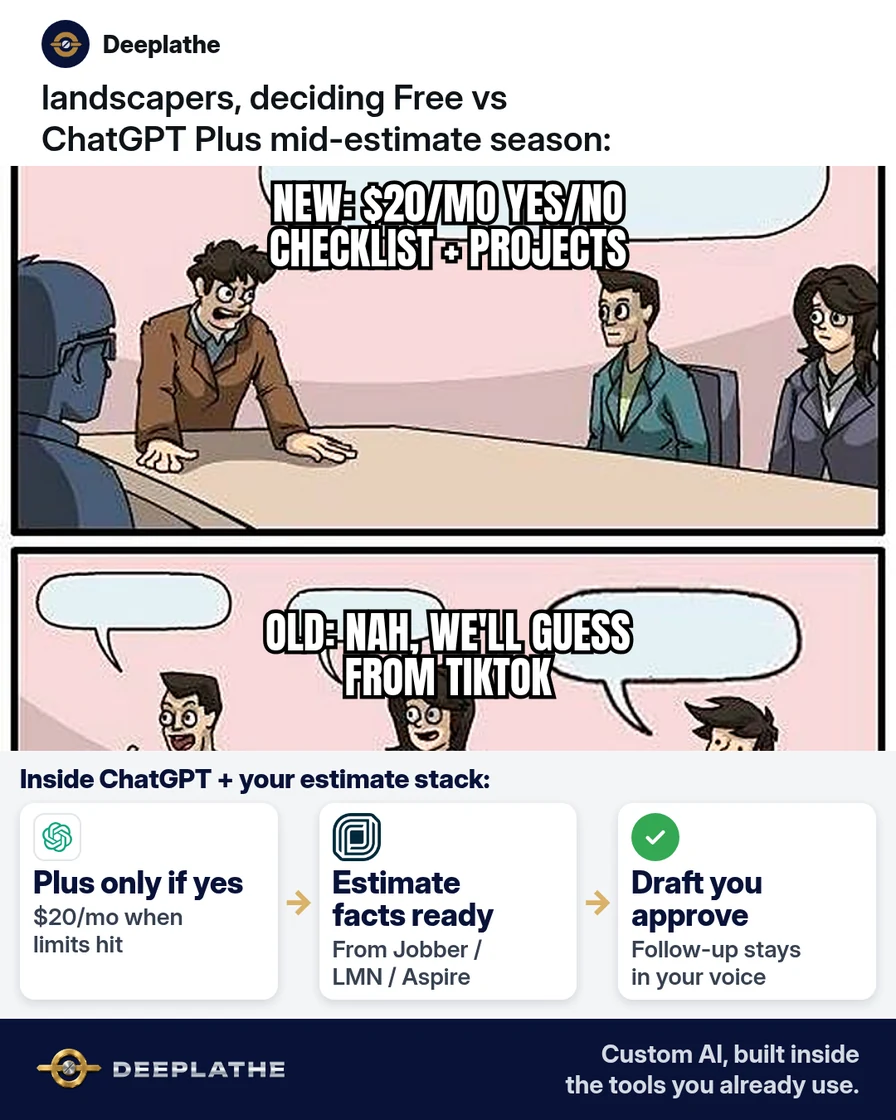
ChatGPT Plus costs $20 per month in the US (billed monthly), per OpenAI Help. Upgrade when you hit Free limits during real office work — estimate follow-ups, SOP answers, proposal wording — at least a few times a week. Stay Free if you only ask ChatGPT once in a while. Move to ChatGPT Business when two or more people need shared seats and admin controls.
Why how much does ChatGPT Plus cost keeps getting searched
Owners see conflicting plan names online and still search “how much does ChatGPT Plus cost” before they open OpenAI’s own pages. As of 13 Oct 2026, OpenAI Help states Plus is $20/month billed monthly, with no annual Plus option. The public pricing page lists Free, Go, Plus, Pro, Business, and Enterprise — so a blog that only says “Plus is better” without a checklist wastes money.
The cost question is really a usage question. Free is fine for rare drafts. Plus buys higher limits, priority access in busy periods, and broader model and tool access for an individual. Business is a separate workspace plan for teams (minimum two seats). Guessing from a social post is how shops either overpay $240/year or stall mid-bid when Free caps kick in.
Floor vote
Where are you on ChatGPT seats right now?
One vote per device. Change it any time.
Loading votes…
Step 1: Confirm how much ChatGPT Plus costs on OpenAI’s page
Open OpenAI’s ChatGPT Plus help article and ChatGPT pricing. Write three lines on a sticky note or Docs file:
Plus price (US): $20/month, billed monthly (OpenAI Help, checked 13 Oct 2026)
Annual Plus? No — OpenAI Help says Plus has no annual billing
Business Standard seat (if team): $25/user/month monthly, or $20/user/month billed annually (OpenAI Business pricing, checked 13 Oct 2026); minimum 2 seats
Do not trust a screenshot from a group chat. Prices and plan names change; your source is OpenAI.
Step 2: Run a one-week Free stress test for your landscaping office
Keep Free for seven workdays. Log every real job you tried: estimate follow-up, crew SOP answer, proposal wording, photo caption for a site. Note when you hit a limit, got a slow reply, or gave up.
Use this paste-ready prompt in Free (strip client names and addresses):
You are drafting for a US landscaping design-build + maintenance office.
Job: estimate follow-up email after we sent a quote in LMN/Jobber/Aspire.
Tone: plain, owner voice, no hype.
Inputs:
- Service type: [e.g. spring cleanup + mulch]
- Days since quote sent: [e.g. 5]
- One open question for the homeowner: [e.g. access for dumpster]
Rules: no invented prices; leave [PRICE] and [DATE] blanks for me; max 120 words.
Output: subject line + short email body.
If you never hit a wall and rarely open ChatGPT, Free is enough — that is $240/year you keep.
Step 3: Decide Plus with a three-yes checklist
Upgrade to Plus only if you can answer yes to at least two of these after your Free week:
- I hit Free limits or long waits during real estimate or SOP work at least twice.
- I will use ChatGPT for the same office jobs most weeks (not once a month).
- One failed follow-up draft this week would cost more than $20 in owner time or a lost bid (your own estimate — label it as such).
To subscribe: log into ChatGPT → profile icon → Upgrade Plan → Get Plus (path per OpenAI Help).
Paste this decision memo into Docs so you do not re-debate it every spring:
Shop: [name]
Date: [today]
Free-week limits hit?: [Y/N] — examples: […]
Weekly jobs ChatGPT will draft: [list]
Decision: Free / Plus / look at Business
Review date: [30 days out]
Step 4: Wire Plus into LMN, Jobber, Aspire, or SingleOps — drafts only
Plus does not replace your estimating software. Keep money and job facts in LMN, Aspire, Jobber, or SingleOps. Use ChatGPT to draft the email or SOP wording, then paste into Gmail or Outlook yourself.
Project idea (illustrative): one ChatGPT Project named “Estimate follow-ups” with your shop’s tone rules and a blank follow-up template — no client SSNs, no full addresses. You still send from your mailbox.
Project instructions (paste):
You draft follow-up and SOP text for a landscaping office.
Always leave [PRICE], [DATE], [CREW LEAD] as blanks.
Never invent scope we did not state.
Output: draft only — I will send from Gmail/Outlook after I check LMN/Jobber.
Step 5: Pick Business only when the office shares the seat
ChatGPT Plus is an individual plan. If two or more people need the same workspace, admin controls, and business data terms, check OpenAI Business pricing: Standard seats are $25/user/month billed monthly or $20/user/month billed annually, with a two-seat minimum (checked 13 Oct 2026). Do not buy two Plus seats and pretend that is a team plan if you need shared admin and workspace privacy defaults.
From price guess to a keep/cancel date
- 1PriceWrite $20/mo Plus from OpenAI Help.
- 2Free testLog limits on real landscaping jobs for a week.
- 3DecideTwo yeses on the checklist → Plus.
- 4ReviewKeep, cancel, or move to Business in 30 days.
- Day 0, price: Write $20/mo Plus from OpenAI Help; note Business separately.
- Day 1–7, Free test: Log limits and real landscaping jobs only.
- Day 8, decide: Two yeses on the checklist → Plus; rare use → Free.
- Day 30, review: Keep, cancel, or move the team to Business.
Example (illustrative): a 12-person design-build landscaping shop
Example (illustrative). Owner Maya runs design-build plus maintenance. She used Free for rare Instagram captions. In spring she drafted five estimate follow-ups a week and hit Free limits twice before lunch. She confirmed Plus at $20/month on OpenAI Help, subscribed via Upgrade Plan, and kept Jobber as the source of truth. ChatGPT drafted; she sent from Outlook. After 30 days she kept Plus because follow-ups left on time; she did not buy Business yet because only she used the tool.
At a glance
- Problem: Unclear Plus price and Free limits mid-estimate season.
- What was set up: Free stress test, $20/mo Plus seat, draft-only prompts, Jobber unchanged.
- Tools it lives in: ChatGPT Plus, Jobber, Outlook.
- What the owner still does: Checks every draft; sends email; owns the price in Jobber.
- Payoff: not measured here — track “follow-ups sent same day” and “limits hit per week” for 30 days.
Mistakes to avoid
- Paying Plus because a reel said so. Confirm $20/month on OpenAI Help first.
- Putting client addresses and card details into chat. Strip identifiers; keep money in LMN/Jobber.
- Letting ChatGPT invent prices. Always leave [PRICE] blanks; your estimate software wins.
- Buying Business for one person. Business needs at least two seats; Plus is the individual seat.
- Skipping the 30-day review. Cancel or keep on a calendar date, not vibes.
Field check
Field check
Three questions. Honest answers. No score sent anywhere but this page.
01 / 03
How much does ChatGPT Plus cost per month in the US (OpenAI Help)?
If it still doesn't work
If Plus still feels slow or capped, open Settings and confirm you are on the account that was charged (OpenAI Help covers Free-after-charge troubleshooting). If the whole office needs shared control, compare Business on OpenAI’s business pricing page instead of stacking personal Plus seats. If you barely open ChatGPT after upgrading, cancel Plus and return to Free — that is a valid outcome.
Doing this inside the tools you already use
Deeplathe builds custom AI inside the tools a landscaping office already runs — LMN, Aspire, Jobber, SingleOps, Gmail, Outlook — so estimate follow-ups and SOP answers draft from your job data with you still approving the send. Less than a hire, more output, for any business from a shoe store to a law firm. If you would rather have that connected than manage seats and prompts yourself, see /solutions. The owner stays in control of every outbound message.
FAQ
How much does ChatGPT Plus cost per month?
$20 per month in the US, billed monthly, per OpenAI’s ChatGPT Plus help article (checked 13 Oct 2026). There is no annual Plus billing option on that help page.
Is ChatGPT Plus worth it for a small landscaping business?
Worth it when Free limits block weekly estimate or SOP work and $20 is less than the owner time you lose. Not worth it if you only ask once a month — stay Free and save about $240/year.
ChatGPT Plus vs Free for business writing?
Free works for light, rare drafts. Plus is aimed at individuals who need higher limits and broader access for regular work. Neither replaces LMN, Jobber, Aspire, or your mailbox.
When should I choose ChatGPT Business instead of Plus?
When two or more people need a shared workspace, admin tools, and business data defaults. Business Standard seats are priced per OpenAI’s business pricing page ($25 monthly / $20 annual per user, minimum two seats, checked 13 Oct 2026).
Does Plus include the API?
No. OpenAI Help states API usage is separate and billed on its own.
Keep these
- Plus is $20/month US — verify on OpenAI Help, not social posts.
- Stress-test Free for a week on real landscaping jobs before you pay.
- Drafts only; prices and sends stay in your estimating stack and mailbox.
- Review keep/cancel in 30 days.
Sources
- What is ChatGPT Plus? (OpenAI Help) — $20/month, billed monthly; signup path; no annual Plus.
- ChatGPT pricing (OpenAI) — Free, Go, Plus, Pro, Business, Enterprise plan list.
- Business pricing (OpenAI) — Business Standard and Premium seat prices; two-seat minimum.
- ChatGPT Business overview (OpenAI Help) — seat types and workspace rules.
Related reading
Keep these
The working rules
ChatGPT Plus costs $20 per month in the US (billed monthly), per OpenAI Help.