Part of: The process that only lives in your head
SOPs
ChatGPT chart analysis for business: use the new charts without trusting fake numbers
For CPA ops leads who want a ChatGPT chart analysis control: source lock, CHECK, Excel re-sum, draft label.
For CPA firm ops leads who want a repeatable ChatGPT chart analysis control: source-table lock, plotted-vs-source CHECK, Excel re-sum, and draft labelling before client delivery.
Thursday 5:10: a GPT-6 Intelligent UI chart enters a client PDF without a source CHECK. Friday: the client finds a $40k gap. ChatGPT chart analysis failed the control, not the font.
The short answer
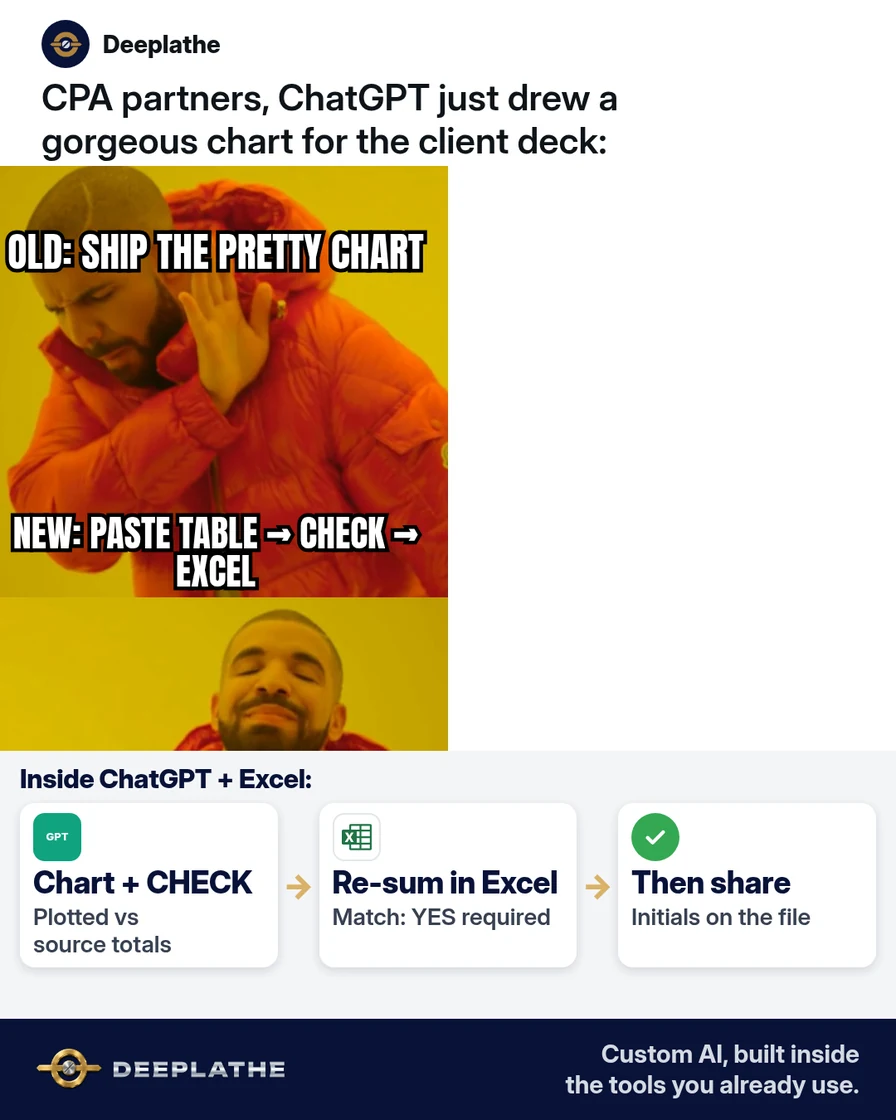
Lock the source table in-chat, require a plotted-vs-source CHECK in the same reply, re-sum key metrics in Excel/Sheets, and treat every export as draft until initialled. That is the firm standard for ChatGPT chart analysis after Intelligent UI.
Why AI charts fool busy firms
OpenAI's 7 Oct 2026 Intelligent UI made charts native in Chat. Persuasive visuals hide row drops and mixed bases. Same hallucination class as invented dates, higher production risk.
Floor vote
When did an AI chart last bite your firm?
One vote per device. Change it any time.
Loading votes…
Step 1: Start ChatGPT chart analysis from a locked source table
Paste CSV first; prompt must restate headers, row count, and arithmetic before proposing a chart type.
Step 2: Ask for the chart and a verification block together
Single reply: visual + series values + Match YES/NO. No beautify on NO.
Step 3: Re-sum in Excel before the chart leaves the chat
Independent SUM/Pivot. Discard or fix source on mismatch.
Step 4: Label every exported chart as draft until reviewed
Filename initials + date; workpaper retains chat export.
From pretty chart to checked chart
- 1PasteSource table locked in the chat.
- 2CHECKPlotted vs source totals in one reply.
- 3Re-sumExcel or Sheets confirms Match: YES.
- 4LabelDraft until initials and date.
- Export first: Locked table.
- Chart + CHECK: Plotted vs source.
- Re-sum: Excel confirms.
- Label: Draft until initialled.
Example (illustrative): 12-person multi-office tax firm
Fee-mix CSV → Match NO on voided invoice → fix → re-run → partner deck.
At a glance
- Problem: Unchecked AI charts in client PDFs.
- What was set up: Table→CHECK→Excel→label.
- Tools it lives in: ChatGPT Business, Excel/Sheets, Karbon/TaxDome.
- What the owner still does: Initials the CHECK.
- Payoff: not measured here.
Mistakes to avoid
- Chart from description.
- Blind calculator trust.
- Invented months.
- Personal accounts for client files.
- Skipping Excel.
Field check
Field check
Three questions. Honest answers. No score sent anywhere but this page.
01 / 03
What must you paste before asking for a chart?
If it still doesn't work
Split tables; fall back to Excel charts; keep confidential files offline per engagement terms.
Doing this inside the tools you already use
Deeplathe builds custom AI inside Excel, Outlook, Karbon or TaxDome so chart checks follow workpaper rules and you approve client-facing output. See Deeplathe.
FAQ
What is ChatGPT chart analysis?
Visualising a provided dataset in ChatGPT and verifying plotted values against source.
Does GPT-6 make charts accurate automatically?
No.
How do I verify chatgpt answers that include a chart?
CHECK block + Excel re-sum.
Can I use a free ChatGPT account for client data?
Prefer firm workspace; strip identifiers.
Should the chart live in Excel instead?
Often for final delivery.
Keep these
- Table first.
- CHECK every time.
- Excel re-sum.
- Initials.
Sources
Related reading
Keep these
The working rules
Lock the source table in-chat, require a plotted-vs-source CHECK in the same reply, re-sum key metrics in Excel/Sheets, and treat every export as draft until initialled.