Part of: Quotes and leads you never followed up
Follow-ups
How to remind clients to send tax documents before the extension deadline
For small CPA and tax firms: item-level document requests with TaxDome's reminder fields (cadence, count, stop conditions), or a scheduled-send fallback.
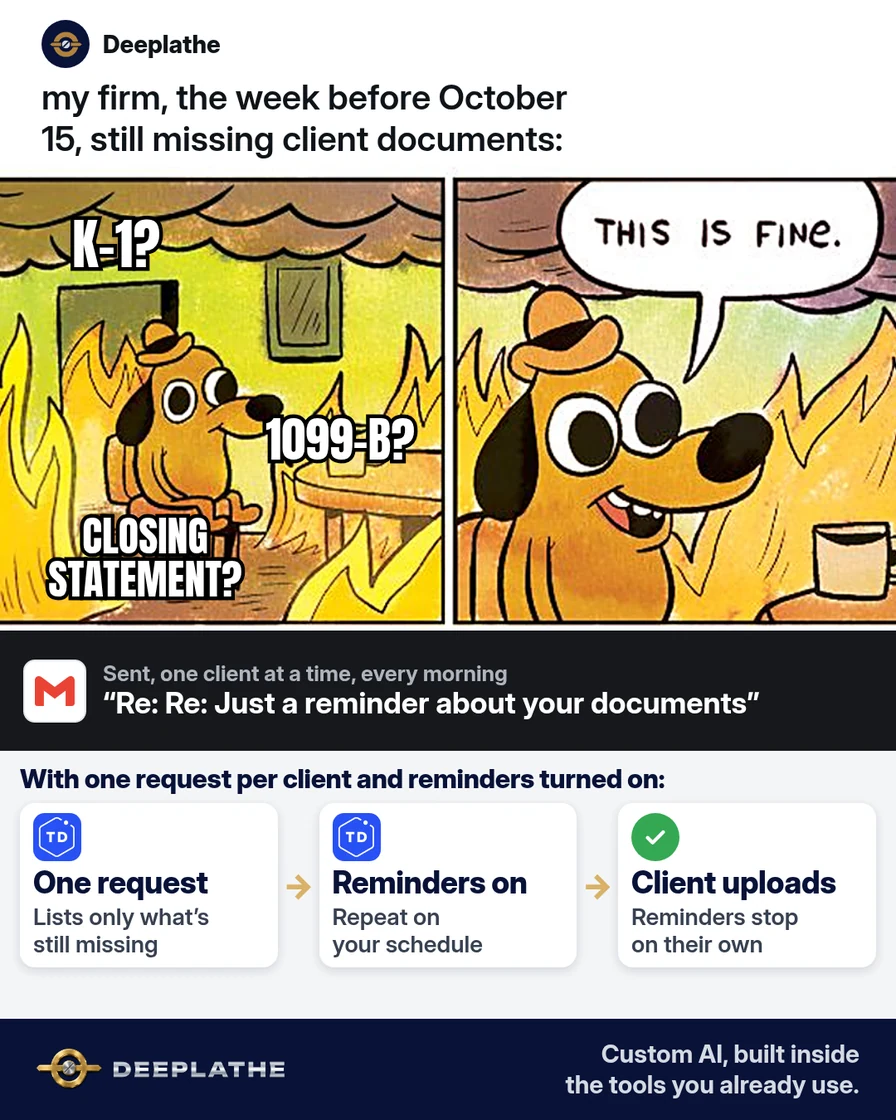
It's the second week of October. Your extension list still has clients who haven't sent a brokerage 1099, a K-1, or the closing statement from the house they sold. Your staff spend the morning writing the same "just a reminder" email one client at a time, each worded a little differently. You need a way to remind clients to send tax documents that keeps going without someone remembering to do it.
The short answer
Replace generic reminders with item-level requests: one request per client listing only the missing documents, a hard internal cutoff, and a single secure upload channel. Every message carries the item name, the date, and the link. In TaxDome, set Reminders on the request (Days until next reminder, Number of reminders); they stop on submission, on Completed, at the count limit, or when the job is archived. Without a portal, use scheduled sends and cancel them manually.
Why clients don't send their tax documents
Most clients aren't ignoring you. A reminder that says "please send your remaining documents" leaves them guessing what "remaining" means, and many of them believe they already sent everything. The ones who know they owe you something often wait on a third party, like a K-1 from a partnership or a corrected 1099 from a brokerage.
On your side, the reminders depend on a person. Someone has to notice who's still missing, write the email, and do it again three days later. In October that person is also preparing returns.
The date makes it urgent. For most people who filed an extension on Form 4868, the IRS deadline to file a 2025 individual return is October 15, 2026, and the IRS is clear that the extension gave more time to file, not more time to pay. A reminder system that starts today gives your clients a few clear chances before your own cutoff.
Floor vote
Where do most of your missing documents come from this time of year?
One vote per device. Change it any time.
Loading votes…
Step 1: List exactly which documents to remind each client to send
Start from what you already have: last year's return, this year's organizer, or your own checklist. For each extension client, write down only what's still missing, in words the client recognizes.
A chat tool can turn your internal checklist into plain language. Remove names, Social Security numbers, account numbers, and amounts first; here's how to take private details out before you paste anything into ChatGPT. Then paste this:
I'm a tax preparer. Below is one client's checklist showing what we have
and what's still missing. Rewrite ONLY the missing items as a short list
the client can act on. For each item, say what the document is called and
where people usually find it (for example: "Form 1099-B from your brokerage,
usually in the Tax Documents section of their website").
Rules: no tax advice, no deadlines I didn't give you, no guesses about amounts.
Use [CLIENT] instead of a name.
Checklist:
[PASTE THE CHECKLIST WITH NAMES, NUMBERS AND AMOUNTS REMOVED]
Check every line it gives back against your checklist. If it adds a document you didn't list, delete it.
Technical note: the model is used only as a rewriter of your own checklist, so the prompt forbids advice, deadlines and amounts it wasn't given. That keeps it from 'helpfully' adding a form the client doesn't need, which is the most common error in this job.
Step 2: Send a TaxDome client request with reminders turned on
If your firm uses TaxDome, a client request is built for this. Create the request for the client, or save it as a template you reuse. Add one upload question per missing document, and paste your plain-language list into the Message for client field.
Before you send, toggle on Reminders and set two fields:
Days until next reminder:  2      (TaxDome's default is 3)
Number of reminders:       3      (TaxDome's default is 1)
TaxDome's help center explains what happens next. Each reminder is a follow-up email to a client who hasn't submitted yet. Reminders stop on their own when the client submits, when you mark the request Completed, when the set number has gone out, or when the linked job is archived. You can still nudge someone early: click the three dots next to the request and choose Resend.
If you send requests from a pipeline, the Send client request automation has the same Reminders toggle. Turning it off there only affects jobs that reach that stage afterward.
If your firm uses a different portal, search its help center for "request reminders". The pattern is the same: one request, the missing items listed, and a reminder schedule that stops when they upload.
Technical note: putting the reminder settings on a client request template means every request created from it inherits the same cadence. In pipeline automations, a change to the toggle applies only to jobs entering the stage after the change; already-sent requests keep their original settings.
Step 3: No portal? Schedule the reminders in Gmail or Outlook
Send the first email today with the missing list and your secure upload link. Then reply in the same thread and schedule the next two: in Gmail, click the arrow next to Send, choose Schedule send, then Pick date & time. Outlook has a similar Schedule send option. Use your firm's secure upload link or portal, not email attachments. If you don't have one yet, many file-storage services offer a file-request upload link, such as Dropbox File requests. Check it against your firm's written security plan first. The IRS's security guide for tax professionals, Publication 4557, tells preparers to protect taxpayer data in email with encryption or a secure file transfer.
Here are three messages you can adapt. They're an example, not a required script:
Today
Subject: 3 documents we still need for your 2025 return
Hi [CLIENT], to finish your return we still need:
1) [DOCUMENT 1]  2) [DOCUMENT 2]  3) [DOCUMENT 3]
Please upload them here by [YOUR CUTOFF DATE]: [SECURE UPLOAD LINK]
If you don't have one of these, reply and tell us. That helps too.

Two days later
Hi [CLIENT], a quick reminder: we're still missing [DOCUMENT 1] and
[DOCUMENT 2]. Upload link: [SECURE UPLOAD LINK]. Our cutoff is [DATE].

Four days later
Hi [CLIENT], we still don't have [DOCUMENT 1]. Your extended filing
deadline is October 15. If it isn't here by [DATE], [PREPARER] will
call you to decide next steps together.
A scheduled email doesn't know the client uploaded. When their documents arrive, open the Scheduled folder and cancel the rest.
Technical note: scheduled email has no completion signal, so it can't stop itself when the client uploads. That's the main reason a portal request beats a scheduled thread for this job: the stop condition is built in.
Step 4: Set your own cutoff and make the last touch a call
Pick a cutoff a few business days before October 15 that gives your team time to finish the return, and put that date in every message. When it passes, the next step is a phone call from the preparer, not another email.
Use the call to find out what's really holding things up. Sometimes the client is waiting on a form that hasn't been issued. Sometimes they can't find the login. What happens then is a professional decision you make with the client, not something a reminder should decide.
The document reminder schedule
- TodayExact listOnly what's missing
- +2 daysReminder 1Same items, shorter
- +4 daysReminder 2Names the deadline
- CutoffThe callPreparer phones
- Oct 15Filing deadlineExtended 2025 returns
The same schedule as a list:
- Today, the exact list: one request naming only what's missing, with your cutoff date.
- Two days later, first reminder: the same items, shorter.
- Four days later, second reminder: names the October 15 deadline and says who will call.
- Your cutoff, the call: the preparer phones every client still missing something.
Example (illustrative): a small firm's extension list in October
This is a walkthrough, not a client story. Picture a 12-person firm with two offices and a few dozen extension clients still open in the first week of October.
The manager runs each open file through the checklist in Step 1 and sends one TaxDome request per client, with reminders every two days, three times. Clients who upload drop off the list on their own. The ones still missing something by the cutoff go on a call list for their preparer.
At a glance
- Problem: staff writing the same document reminders by hand every morning.
- What was set up: one plain-language request per client, with automatic reminders.
- Tools it lives in: TaxDome (or Gmail with a secure upload link), plus a chat tool for the wording.
- Owner still does: checks each list, makes the calls, decides how to handle a missing form.
- Payoff: not measured here. Count how many requests close before your cutoff.
Mistakes to avoid
- "Please send your remaining documents." Name each document instead.
- Asking for documents as plain email attachments. Point clients to your secure upload link or portal.
- Letting the reminder give tax advice. Reminders ask for documents. Advice comes from a preparer.
- Reminders that keep going after the client uploaded. A portal stops them automatically. In Gmail, you have to cancel them yourself.
- Threats and penalties in the email. Say the date plainly and offer a call.
Field check
Field check
Three questions. Honest answers. No score sent anywhere but this page.
01 / 03
Do your reminders name each missing document?
If it still doesn't work
Check whether the request reached the client at all. Look for a bounced email, and ask one client whether it landed in spam. If clients say they can't log in, TaxDome's client request template has a Require sign-in setting. When it's off, clients can respond to that one request without logging in, and they can't see any of their other data.
If a document truly doesn't exist yet, write that down on the job so nobody keeps chasing it. For a client who just isn't responding, a text or call from the preparer they know usually works better than another email.
Under the hood
This job fails on two variables: ambiguity (the client doesn't know what's missing) and state (nobody knows who has already sent what). The setup removes both.
- Item-level requests. Each request names specific documents, so the client's task is concrete and the firm can see completion per client, not per email.
- Stop conditions. TaxDome documents four: the client submits, the request is marked Completed, the set number of reminders has gone out, or the linked job is archived. That's what keeps a reminder from reaching a client who already uploaded.
- Channel security. IRS Publication 4557 asks tax professionals to protect taxpayer data in email with encryption or secure file transfer. A portal or secure upload link puts every document in one place you control, and the reminders only carry the link.
- Human escalation. The cutoff call is the step a system shouldn't make. Whether to wait, file with what you have, or advise the client is a preparer's decision.
Doing this inside the tools you already use
Deeplathe is a team of developers who build custom AI inside a firm's existing practice software and inbox. For this job, a custom build could compare each extension client's checklist with what's already in their folder every morning. It then drafts the missing-items request in your firm's own wording and queues it for a preparer to approve. When a document arrives, the reminders stop and a note goes on the job.
Your team approves every message, and the chasing happens without anyone keeping a list in their head. See how a custom build works.
FAQ
How do you politely ask a client for missing documents?
Name the exact document, say where they're likely to find it, give one date, and give one secure place to upload it. "We still need your Form 1099-B from your brokerage by October 12" is polite because it's clear. Thank them, and tell them to reply if they don't have it, so a missing form doesn't turn into silence.
When is the extension deadline for 2025 taxes?
For most individual taxpayers who requested an extension with Form 4868, the IRS deadline to file a 2025 return is October 15, 2026. The extension moved the filing date only. Any tax owed was due by the original April deadline. Business returns and some taxpayers have different dates, so check the IRS page for the return you're filing.
How many reminders should you send for missing tax documents?
Two or three reminders a couple of days apart, followed by a call, works for most clients in October. Fewer, and busy clients miss them. More, and they start ignoring your emails. In TaxDome, set the number of reminders and the days between them on the request, and they stop as soon as the client submits.
Is it safe for clients to email tax documents?
Plain email isn't a good place for W-2s, 1099s, or anything with a Social Security number. The IRS's Publication 4557 tells tax professionals to protect taxpayer data with encryption or a secure file transfer. Send clients a link to your portal or secure upload page instead, and put that same link in every reminder.
Keep these
- Name the missing document. Never say "remaining documents".
- Put one date and one secure upload link in every message.
- Reminders stop when the client uploads.
- The last touch before your cutoff is a call from a person.
Sources
- IRS: If you need more time to file, request an extension
- TaxDome Help Center: Send client requests (reminders)
- TaxDome Help Center: Reminders reference
- IRS Publication 4557: Safeguarding taxpayer data
Related reading
Keep these
The working rules
Item-level requests with automatic reminders that stop on submission; IRS Pub 4557 rules out plain email attachments.