Part of: The process that only lives in your head
SOPs
Purchase order acknowledgement email: a template your shop can send the same day
For owners and estimators at small CNC and job shops who want every customer PO checked and confirmed the day it lands, with a purchase order acknowledgement email you can send in five minutes.
For owners and estimators at small CNC and job shops who want every customer PO checked and confirmed the day it lands, with a purchase order acknowledgement email you can send in five minutes.
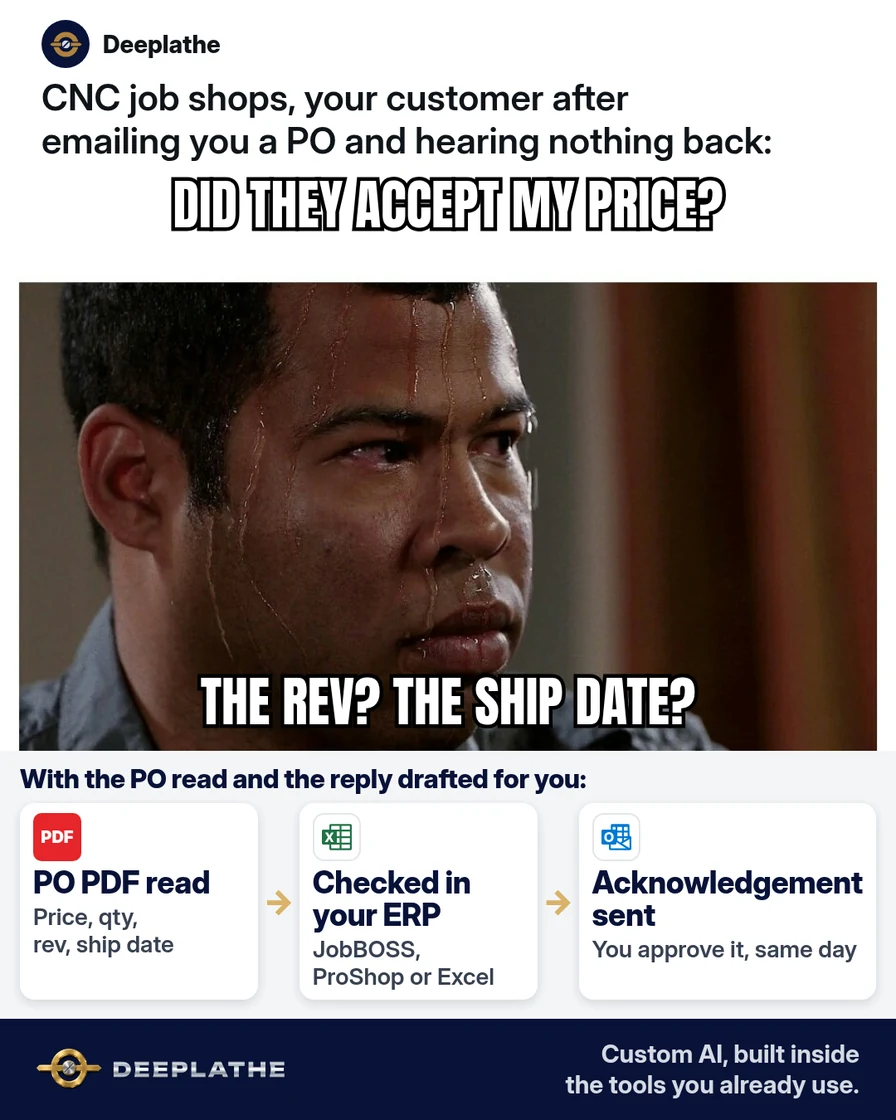
A PO PDF lands in your inbox at 4:15 on a Friday. You skim it, it looks like the quote, and it goes in the pile for Monday. Three weeks later the parts ship, and the buyer rejects them. The PO called for Rev C, your quote was built on Rev B, and nobody caught it. A purchase order acknowledgement email sent that Friday would have caught it before you cut a single chip.
The short answer
A purchase order acknowledgement email confirms you received the PO and accept it as written, or lists exactly what doesn't match. Check the PO against your quote line by line, price, quantity, revision, material, due date and terms, before you confirm anything, and send the acknowledgement the same business day. AI can do the line-by-line compare and draft the email. You approve it.
Why POs get confirmed without being checked
In a small shop, the person who reads the PO is also quoting, scheduling and running a machine. The PO usually arrives as a PDF attachment, often with the buyer's standard terms on page two. Reading it carefully means opening the quote in JobBOSS, E2, ProShop or Excel and comparing field by field. That takes time nobody has, so it becomes a skim.
The skim misses the things that hurt: a revision bump, a quantity split into releases, a price from an older quote, a due date that's two weeks earlier than your quoted lead time, or net 60 terms when you quoted net 30. Each one is easy to fix before you accept the order. After you ship, it's a rejected lot, a credit memo or a hard conversation.
Many buyer POs also say that shipping the parts counts as accepting their terms. So the acknowledgement isn't paperwork. It's the one moment you get to say "here's what we agreed" in writing.
Floor vote
Which PO mismatch bites your shop most often?
One vote per device. Change it any time.
Loading votes…
Step 1: Pull the six facts every purchase order acknowledgement email must confirm
Before you write anything, set the checklist. Every PO gets checked on the same six facts against your quote:
- Part number and revision. The revision on the PO must match the drawing you quoted.
- Quantity and releases. Total quantity, and any split into release dates.
- Unit price and extended price. Per line, against the quote number.
- Material and finish. Including any certs, plating or heat treat called out.
- Due date and ship method. Against your quoted lead time, and who pays freight.
- Terms. Payment terms, and any buyer terms and conditions attached.
Write these six lines on a sticky note or in a shared doc. They're the backbone of the AI prompt in Step 2 and the template in Step 3.
Step 2: Have AI compare the PO to your quote
Open ChatGPT, Claude, Gemini or Copilot. Upload or paste the PO and your quote, then paste this prompt. Use a business account where your data isn't used for training, and check your customer's NDA first. If a drawing or PO is export-controlled, keep it out of public AI tools entirely.
You check customer purchase orders for a small US CNC job shop.
I'm giving you two documents: our QUOTE and the customer's PO.
Compare them line by line on these fields:
part number, revision, quantity (and any release dates),
unit price, extended price, material, finish/certs,
due date, ship method/freight terms, payment terms.
Also list any buyer terms and conditions on the PO that
mention penalties, inspection, source inspection, or
first article requirements.

Output two lists:
MATCHES: each field that matches, one line each.
EXCEPTIONS: each field that differs, as
"[field]: quote says [X], PO says [Y]."
Do not guess. If a field is missing from either document,
say "not stated on [QUOTE/PO]."
Then draft a purchase order acknowledgement email using
the template I'll paste next. Keep it under 150 words.
Read the exceptions list yourself against the PDF. AI can misread a scanned PO, especially small print and tables. Treat its list as a second pair of eyes, not the final word.
Step 3: Save two purchase order acknowledgement email templates
You need two versions: a clean acceptance and an acceptance with exceptions. Here's the clean one:
Subject: PO [PO NUMBER] acknowledged: ships [SHIP DATE]

Hi [BUYER FIRST NAME],

Thanks for PO [PO NUMBER]. We've received it and accept it as
written against our quote [QUOTE NUMBER].

Confirmed:
- [PART NUMBER] Rev [REV], qty [QTY] at [UNIT PRICE] each
- Material/finish: [MATERIAL / FINISH / CERTS]
- Ship date: [SHIP DATE] via [SHIP METHOD]
- Terms: [PAYMENT TERMS]

Our order number is [SHOP ORDER #]. I'll send tracking when it ships.

[YOUR NAME]
[SHOP NAME] | [DIRECT LINE]
And the one with exceptions:
Subject: PO [PO NUMBER]: received, 2 items to confirm before we start

Hi [BUYER FIRST NAME],

Thanks for PO [PO NUMBER]. Before we schedule it, two items
don't match our quote [QUOTE NUMBER]:

1. [FIELD]: our quote says [X], the PO says [Y].
2. [FIELD]: our quote says [X], the PO says [Y].

Can you send a revised PO, or confirm by reply which one
applies? Everything else is confirmed as written. Once we hear
back, we can ship by [SHIP DATE].

[YOUR NAME]
[SHOP NAME] | [DIRECT LINE]
Save both in your email. In the new Outlook or Outlook on the web, start a new message, select Apps on the Message tab, then My Templates, and choose + Template. In Gmail, go to Settings > See all settings > Advanced, turn on Templates and save. Then write the email and choose More options > Templates > Save draft as template.
Step 4: Send it from the PO thread and log it in your ERP
Always reply in the buyer's PO email, so the PO, your acknowledgement and any revised PO stay in one thread. Attach your shop's formal acknowledgement if your ERP makes one:
E2 Shop. From the order, click Print and choose the order acknowledgement document. E2 can email reports once each user's outgoing email is set up under System Maintenance, User Maintenance.
JobBOSS. JobBOSS can print an order acknowledgement from the sales order. Email it from JobBOSS if your setup supports that, or save it as a PDF and attach it to your reply.
ProShop or Excel. Save your acknowledgement as a PDF and attach it to the reply.
Then note the acknowledgement date and any open exception on the order, so the person scheduling the job sees it. Don't release the job to the floor until every exception has a written answer.
From PO received to job released
- 1CheckWithin the hour, compare the PO to your quote on six facts.
- 2AcknowledgeSame day, reply in the PO thread: clean acceptance or listed exceptions.
- 3ResolveGet every exception answered in writing or on a revised PO.
- 4ReleaseLog the acknowledgement date and final terms, then release the job.
The same routine as a list:
- Within the hour, check: run the six-fact compare against the quote.
- Same day, acknowledge: clean acceptance, or acceptance with listed exceptions.
- Before release, resolve: every exception answered in writing or on a revised PO.
- On release, log: acknowledgement date and final terms on the order.
Example (illustrative): a six-person job shop
This is a walkthrough, not a client story. Picture an owner, an office manager and four machinists running mostly repeat aerospace and industrial parts out of E2.
POs come into a shared inbox as PDFs. The office manager uploads each PO and the matching quote to a business AI account with the Step 2 prompt. She checks the exceptions against the PDF, picks the right template and replies in the PO thread before end of day. Any exception goes to the owner, who decides whether to accept the PO price or ask for a revision. The job isn't released until the answer is in writing.
At a glance
- Problem: POs accepted on a skim, with mismatches found at shipping.
- What was set up: a six-fact checklist, one AI compare prompt and two email templates.
- Tools it lives in: Outlook, E2 and a business AI account.
- What the owner still does: decides every exception, price changes and any buyer terms.
- Payoff: not measured here. Count POs with mismatches caught before release for a month.
Mistakes to avoid
- Saying "accepted" before you've checked. Once you confirm in writing, the buyer will hold you to the PO as written.
- Letting AI decide an exception. AI flags the gap. You decide whether to absorb a price change or push back.
- Skipping the buyer's terms page. Penalty, inspection and first article clauses live there.
- Starting a new email thread. Reply to the PO email so the paper trail stays in one place.
- Promising a ship date you haven't checked. Look at your schedule before you confirm the date.
Field check
Field check
Three questions. Honest answers. No score sent anywhere but this page.
01 / 03
What should you do before saying a PO is accepted?
If it still doesn't work
If POs still slip past, the bottleneck is usually who sees them first. Ask buyers to send POs to one shared address, like orders@yourshop, and make one person own same-day acknowledgements.
If AI keeps misreading scanned POs, ask the buyer for a text-based PDF, or copy the line items into the chat yourself. If a buyer never answers your exceptions, call once, then hold the job until you have it in writing.
Doing this inside the tools you already use
Deeplathe is a team of developers and solution builders who build custom AI inside the tools a business already uses. For this job, a custom build could watch your orders inbox, read each new PO PDF and pull the matching quote from JobBOSS, E2, ProShop or your spreadsheet. It drafts the acknowledgement in the buyer's thread, with any mismatch listed line by line. You approve or edit it, it sends from your address, and the acknowledgement date is logged on the order.
You still decide every exception and every price. See how a custom build works.
FAQ
What is a purchase order acknowledgement email?
It's the supplier's written reply to a customer's PO. It confirms you received the order and either accept it as written or list what doesn't match your quote. For a job shop, it should confirm part number, revision, quantity, price, material, due date and terms. It's your record of what was agreed before production starts.
How do you reply to a purchase order email?
Reply in the same thread the PO came in. Thank the buyer, reference the PO number and your quote number, and confirm the key facts in a short list. If anything differs from your quote, list each difference and ask for a revised PO or a written confirmation. Send it the same business day.
Is a purchase order confirmation the same as an acknowledgement?
People use the words interchangeably. Some shops send a quick "received" note first and a full confirmation after review. A single email that confirms receipt and either accepts the PO or lists exceptions does both jobs and saves the buyer a second email.
How fast should you acknowledge a purchase order?
Aim for the same business day. Some buyers' terms set their own deadline for acknowledgement, so check the PO's terms page. A fast reply also gives you time to fix a wrong revision or price before the job is scheduled.
Keep these
- Check six facts against the quote before you confirm.
- Acknowledge the same business day, in the PO thread.
- List every exception as "quote says X, PO says Y."
- No job goes to the floor with an open exception.
Sources
- Microsoft Support: Create email templates in Outlook
- Gmail Help: Create a template in Gmail
- Shoptech E2: Configuring email in E2 Shop
- Shoptech E2: Reference guide (Print button and order documents)
Related reading
- Part of: The process that only lives in your head
- Quotation follow-up email templates that win the order
- Use ChatGPT for proposals and quotes without invented line items
- Use AI to draft customer emails and follow-ups that sound like you
- Turn messy notes into SOPs and checklists with AI
- Delivery status update email templates for shippers
Keep these
The working rules
Check the PO against your quote line by line, price, quantity, revision, material, due date and terms, before you confirm anything, and send the acknowledgement the same business day.