Part of: The process that only lives in your head
SOPs
Is ChatGPT safe for business use? A practical can/never list for insurance offices
For agency principals and ops leads who need the control surface behind “is ChatGPT safe for business use”: workspace tier, training defaults, retention, and a reproducible redaction pipeline that keeps PII in the AMS.
For agency principals and ops leads who need the control surface behind “is ChatGPT safe for business use”: workspace tier, training defaults, retention, and a reproducible redaction pipeline that keeps PII in the AMS.
A producer under renewal pressure will use whichever chat tab is already authenticated. If that tab is personal Free or Plus, the control plane is consumer Data controls, not an agency workspace. The failure mode is process, not model quality.
The short answer
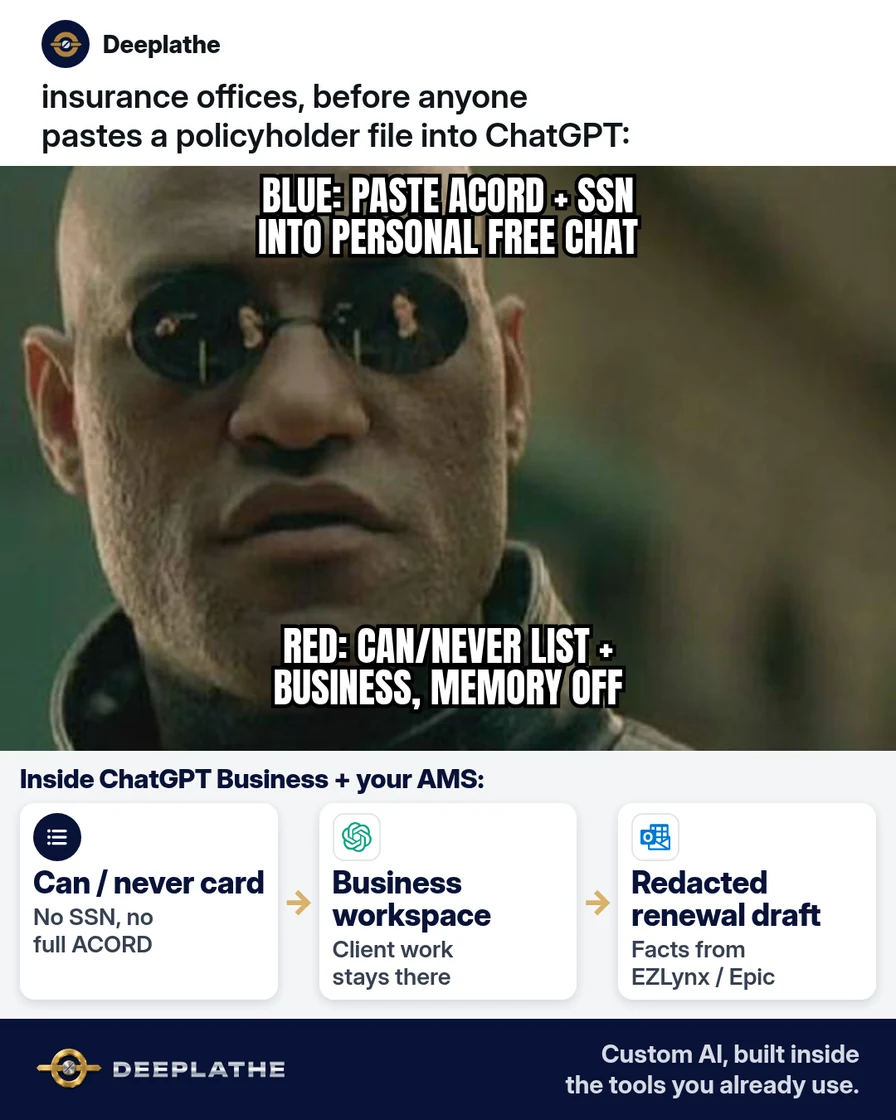
Safe business use means: Business/Enterprise workspace for client drafts, zero raw PII in prompts, and a documented can/never + redaction → AMS re-insert pipeline. OpenAI’s enterprise privacy commitments: no training on Business/Enterprise data by default; encryption in transit and at rest; admins control retention. Free/Plus remain consumer products with an opt-outable “Improve the model for everyone” toggle — never a substitute for a Business seat when policyholder data is involved.
Why agencies still paste client data into personal ChatGPT
The AMS holds the system of record. ChatGPT holds the draft. Without an explicit boundary, producers collapse both into one paste. OpenAI’s consumer Data controls FAQ documents the Free/Plus training opt-out and Temporary Chat behavior; those are mitigations for personal use, not agency compliance. Business/Enterprise sit on a different commitment set (enterprise-privacy page, updated January 2026): default no-train on workspace inputs/outputs, SOC 2 Type 2 for Business, admin retention, and deleted/unsaved Business conversations removed within 30 days unless law requires longer.
Floor vote
Where does your agency draft client emails with AI today?
One vote per device. Change it any time.
Loading votes…
Step 1: Put client work in ChatGPT Business (or Enterprise), not personal Free or Plus
Provision seats in a Business workspace. Route all client-adjacent drafting there. Keep Free/Plus for prompt practice on synthetic rows only.
Verify before rollout (do not paraphrase from memory in staff training):
Source of truth: https://openai.com/enterprise-privacy/
Claim to brief: "By default, we do not use your business data for training our models."
Scope: ChatGPT Business, Enterprise, Edu, Healthcare, Teachers, API (post-2023-03-01) unless explicit opt-in.
Step 2: Write and pin a can / never list next to every screen
Encode the list as both a desk card and a searchable SOP. Machine-checkable fields to ban in spot audits: SSN patterns, DL numbers, combined name+DOB+address, full ACORD uploads.
Operational redaction prompt (Business workspace only):
You are a drafting assistant for a P&C agency.
Input will be redacted bullets. Refuse if you see SSN, DL, DOB+address, or a full policy PDF.
Rewrite renewal email. Roles only (Insured, Producer, CSR).
No coverage advice. No inventing limits or exclusions.
Output: subject line + body only.
Step 3: Lock personal settings before anyone drafts
Personal Free/Plus (practice only): Settings → Data controls → disable Improve the model for everyone; prefer Temporary Chat; disable or clear Memory.
Business admin checklist:
- Set retention per OpenAI admin controls (Enterprise owners can set custom retention with documented minimums on OpenAI Academy materials — re-check live admin UI; do not invent a number not shown in your console).
- Policy on shared links / exports.
- Ban binary uploads of declarations pages until a redaction tool sits upstream.
Step 4: Draft in ChatGPT, finish in EZLynx / HawkSoft / Outlook
Control flow:
- Read from AMS (EZLynx / HawkSoft / Applied Epic).
- Emit redacted bullet list offline or in a local note.
- Prompt Business ChatGPT with redacted bullets only.
- Paste draft to Outlook/Gmail; merge identifiers from AMS.
- Write AMS activity note; delete or retain chat per retention policy.
Safe ChatGPT for agency drafts
- RedactStrip PII firstRoles not names; no SSN/DOB/ACORD
- WorkspaceUse Business/EnterpriseNot personal Free or Plus for clients
- DraftGet the email wordingCoverage advice stays with licensed producers
- FinishMerge in the AMSRe-insert IDs from EZLynx/HawkSoft
- Before paste, redact: Systematic field strip before any model call.
- Workspace check: Auth domain = Business/Enterprise only for client work.
- Finish in AMS: Identifiers never round-trip through chat history as source of truth.
- Weekly spot-check: Sample n=5 chats; any forbidden field = incident + retrain.
Example (illustrative): a five-person P&C office
Illustrative control implementation: Business seats for producers/CSRs, desk can/never card, redaction prompt pinned in the SOP doc, weekly chat sample.
At a glance
- Problem: Personal Free/Plus used as de facto drafting vault for renewals.
- What was set up: Workspace migration + can/never + redaction prompt + AMS merge step.
- Tools it lives in: ChatGPT Business, EZLynx/HawkSoft, Outlook.
- What the owner still does: License-holder review on coverage language; audit sampling.
- Payoff: not measured here — instrument cycle time and PII-in-chat rate.
Mistakes to avoid
- Equating “training off” on Plus with Business commitments. Different product, different terms.
- Uploading source PDFs “for context.” Context is where PII hides.
- Delegating coverage decisions to the model. Output is draft prose only.
- Persistent Memory with real insured names. Treat Memory as a second store; clear it.
- Chat as system of record. AMS remains authoritative for identifiers.
Field check
Field check
Three questions. Honest answers. No score sent anywhere but this page.
01 / 03
Where should policyholder drafting happen?
If it still doesn't work
If underwriting partners or E&O counsel prohibit generative AI on client communications, restrict AI to internal SOP drafting with synthetic data. If Business seats are delayed, block client PII in all ChatGPT use rather than “temporarily” using Free. On past exposure: delete chat, disable training on that account, follow your incident process, retrain.
Doing this inside the tools you already use
When the checklist is not enough, wire redaction + draft + AMS note as a custom path inside tools you already pay for. Deeplathe builds that kind of custom AI in your existing stack so the owner still approves the send. Details: /solutions.
FAQ
Is ChatGPT safe for business use with client data?
Yes only with Business/Enterprise + can/never + no raw PII. Free/Plus are not the client path.
Does OpenAI train on ChatGPT Business data?
Per OpenAI enterprise privacy: not by default; opt-in required. Re-verify on openai.com/enterprise-privacy when briefing staff.
What should never go into ChatGPT at an insurance agency?
Identifiers and full source documents: SSN, DL, name+DOB+address, medical identity, full ACORDs, credentials.
Is ChatGPT Plus enough for an agency?
No for client work. Plus is personal. Use Business/Enterprise seats.
How do I turn off training on a personal ChatGPT account?
Settings → Data controls → Improve the model for everyone off. Still ban real PII.
Keep these
- Business/Enterprise for client drafts.
- Can/never enforced and audited.
- Redact → draft → AMS merge.
- Humans own licensed advice.
Sources
- Enterprise privacy at OpenAI
- Managing data, sharing, and privacy in ChatGPT Business
- Data controls in ChatGPT
- Business data privacy, security, and compliance | OpenAI
Related reading
Keep these
The working rules
Safe business use means: Business/Enterprise workspace for client drafts, zero raw PII in prompts, and a documented can/never + redaction → AMS re-insert pipeline.