Reviews
Google review request text for pest control: what to send, and when
For pest control operators: a job-completed trigger, a policy-safe request template, and the Google and FTC rules that constrain review solicitation.
Your tech finishes a follow-up treatment at a house that has been fighting ants for a month. On the porch, the homeowner says, "You saved my kitchen." The tech drives to the next stop. That evening, the only new review on your Google profile is a two-star one about a late arrival. The happy customer meant to write something. Nobody sent a Google review request text, so it never happened.
The short answer
Trigger a single review request on the job-completed event, send it the same day from the business number with the direct review URL, and allow one reminder. Apply the same request to every completed customer, with no sentiment filter. Google's Maps policy bans incentives, selective soliciting and requesting specific content; the FTC's review rule bans fake reviews and certain suppression. Get the URL from Business Profile, Read reviews, Get more reviews.
Why happy customers don't leave reviews
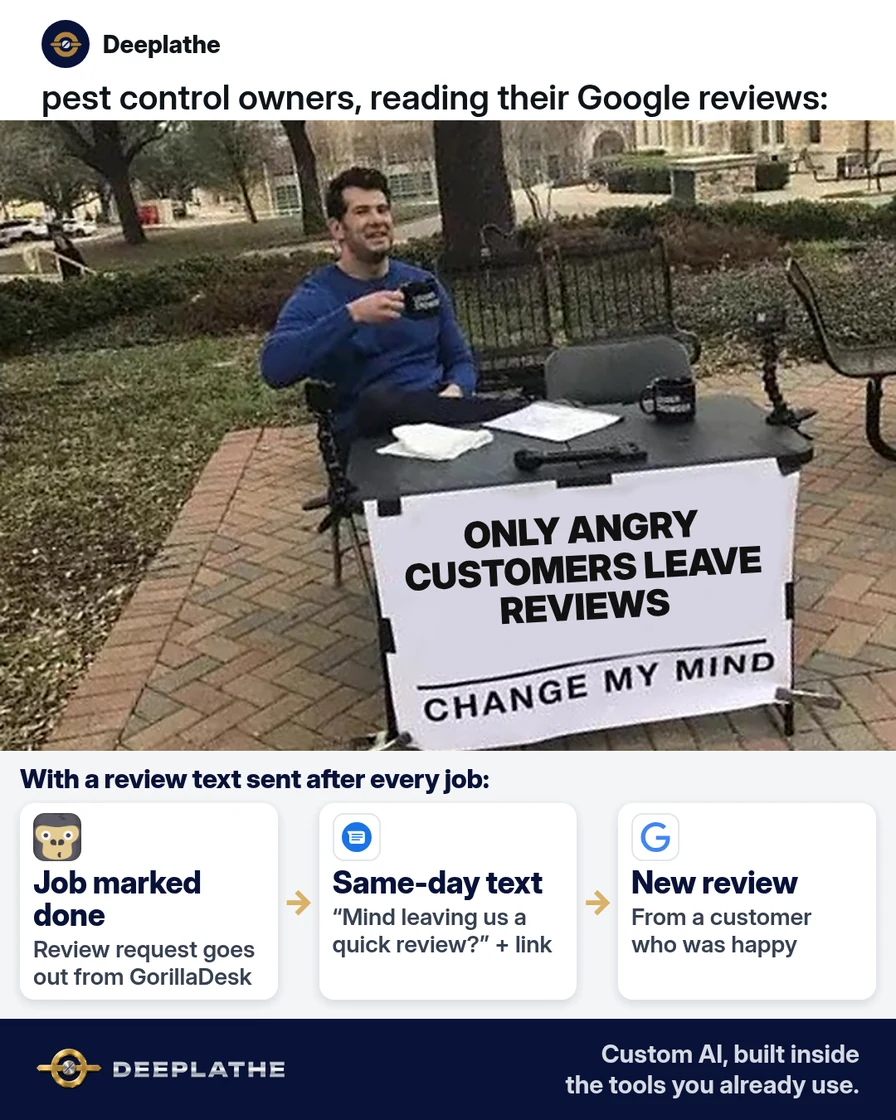
Upset customers write reviews without being asked. Happy customers mean to, and then the day moves on. If nobody asks, your profile ends up showing the bad days more than the good ones.
Asking in person doesn't fix it on its own. Most techs find it awkward, the customer has no link in hand, and by evening they've forgotten. A text that arrives the same day, with the link already in it, takes them two taps.
The other reason requests go wrong is rules. Google's policy for Maps reviews bans offering anything in return for a review, asking only the customers you expect to be happy, pressuring people to review on the spot, and asking for specific wording. A request that breaks these can get reviews removed. A plain, honest request sent to everyone is both allowed and the version that works.
Floor vote
Who asks for reviews at your company right now?
One vote per device. Change it any time.
Loading votes…
Step 1: Copy your Google review link from your Business Profile
Sign in on a computer with the Google account that manages your Business Profile. Go to your Business Profile, select Read reviews, then Get more reviews. Select Copy to copy the review link.
Google's help page notes that the review QR code can only be made in a computer browser, not on a phone. To save it, right-click the QR code and choose Save image as. Print it on the leave-behind service ticket or a magnet for the truck.
Test the link on your own phone before you send it to anyone. It should open your business with the star picker showing. Customers need to be signed in to a Google account to post, and Google says they can create one with any email address.
Technical note: use the link Google gives you under Get more reviews rather than building one by hand, and test it signed out, because a link opened in the owner's own account can look different from what customers see.
Step 2: Write the Google review request text with AI, in your voice
Paste this into ChatGPT, Claude, or Gemini to get a few versions to choose from:
Write three versions of a short text message that a family-run pest control
company sends after a service visit, asking the customer for a Google review.
Rules:
- Two or three short sentences. Warm and plain, like a local family business.
- Use these blanks exactly: [FIRST NAME], [COMPANY], [TECH FIRST NAME],
  [SERVICE], [REVIEW LINK].
- Ask for an honest review. Never ask for five stars or for specific wording.
- No discounts, gifts, or contest entries for leaving a review.
- Don't ask them to mention the technician by name.
Pick one, then read it out loud. Here's an example of what it can sound like:
Review request (same day)
Hi [FIRST NAME], it's [COMPANY]. [TECH FIRST NAME] finished your [SERVICE]
today. If you have a minute, an honest Google review helps your neighbors
find us: [REVIEW LINK]. Thank you!

One reminder (three days later, only if they haven't reviewed)
Hi [FIRST NAME], quick note from [COMPANY]. If you'd like to share how the
[SERVICE] went, here's the link again: [REVIEW LINK]. No worries if not.
Saying the tech's name in your text is fine; it tells the customer who you mean. Asking the customer to name the tech in their review is not, because Google bans asking for specific content, including content that identifies a staff member.
Step 3: Send the text from the software you already dispatch with
The best moment to send is right after the job is marked complete, so the text arrives while the visit is fresh. Open your field software's settings and look for a post-service message, follow-up, or review request option. GorillaDesk, for example, lists review requests after a completed job as a feature. FieldRoutes lists review partner apps in its marketplace that connect to your account.
Wherever you set it up, check these settings:
Trigger:   job marked complete
Send:      same day, from the business number (not a tech's personal phone)
Message:   your text from Step 2, with your real review link
Reminder:  one, three days later, only if supported and not yet reviewed
Filter:    OFF. Every completed customer gets the same request.
Some review tools ask the customer to rate you first, and send only high scorers on to Google. Turn that off. Google's policy forbids selectively asking for positive reviews.
No review feature in your software? Save the text as a template or quick reply in the texting app your office already uses, and send it when the office closes out the day's jobs.
Technical note: 'rate us first, then go to Google only if you scored high' is a sentiment filter, and that's the selective soliciting Google's policy names. A neutral flow sends the identical link to everyone; any private feedback form should be offered to everyone too, not used as a gate.
Step 4: Decide who gets asked, and how often
Ask every customer the same way after their first completed service. For recurring customers on a quarterly or monthly plan, don't text after every visit. Asking once a year is plenty, and the text gets ignored if it comes every time.
Only text people who gave you their number for service texts, and stop right away if they reply STOP. Keep a simple note on the customer record of the date you asked, so nobody asks twice in a week.
Asking for reviews: allowed | not allowed
Allowed
Ask every customer for an honest review. Share your review link or QR code by text, email or on the ticket.
Google's own help page tells businesses to do this.
Not allowed
Discounts or gifts for reviews, asking only happy customers, asking for five stars or for a tech's name in the review.
Google's Maps content policy bans each of these.
The timing as a list:
- Job done: the tech or the office marks it complete.
- Same day: the review request text goes out with the link.
- Day 3: one reminder, only if they haven't reviewed. Then stop.
- Every new review: reply to it, good or bad.
Technical note: deduplicate on the customer, not the job. Recurring plans produce many completed jobs per customer, so key the 'asked on' date to the customer record and suppress requests inside your chosen window.
Example (illustrative): a family pest control company with four techs
This is a walkthrough, not a client story. Picture a family-run company with four techs and an office manager. Reviews come in a few times a month, mostly when someone is unhappy.
The office manager copies the review link, saves the same-day text and the one reminder, and sets the request to go out when a job is marked complete. Recurring customers get asked after their first visit and then once a year. Any filter that sent only high ratings to Google is switched off.
At a glance
- Problem: happy customers never got asked; the profile showed mostly complaints.
- What was set up: one review link, one same-day text, one reminder, sent to everyone.
- Tools it lives in: Google Business Profile, the company's field software or office texting app.
- Owner still does: reads every review and replies, and fixes what the bad ones point to.
- Payoff: not measured here. Watch how many reviews come in per month after the change.
Mistakes to avoid
- Offering a discount or gift for a review. Google bans incentives of any kind for reviews.
- Asking only the customers you think are happy. That's selective soliciting, and Google forbids it.
- Asking for five stars, or for specific words. Ask for an honest review and let them write it.
- Texting from a tech's personal phone. Use the business number so replies come back to the office.
- Letting AI write reviews. The FTC's rule on consumer reviews bans fake reviews, including ones written by AI.
Field check
Field check
Three questions. Honest answers. No score sent anywhere but this page.
01 / 03
Have you copied your direct Google review link?
If it still doesn't work
Open your review link on a phone that isn't signed in to your business account. If it goes to the wrong location or a search page, copy a fresh link from your Business Profile. If you have more than one location, make sure each office uses its own link.
If the texts go out but reviews don't come in, look at the timing. A text that arrives at 9 p.m. the next day gets ignored more than one sent while the tech is still in the driveway. You can also have the tech mention on the porch that a text with a link is coming.
Under the hood
Three constraints shape this design, and each one maps to a setting.
- Trigger. Job completion is the right event because the experience is fresh and the record already holds the tech and service names for the template.
- Policy. Google's Maps policy prohibits incentives, discouraging negative reviews, selectively soliciting positive ones, pressuring people on site, and requesting specific content, including content that identifies a staff member. The FTC's Consumer Reviews and Testimonials Rule bans fake reviews and certain kinds of review suppression. So the template asks for honesty and nothing else, and the flow has no filter.
- Consent and frequency. Text only numbers given for service texts, honor STOP, and cap it at one reminder. Recurring customers get asked on a yearly window, so the message stays a request and doesn't turn into noise.
Doing this inside the tools you already use
Deeplathe is a team of developers who build custom AI inside the tools a business already runs. For this job, a custom build could watch for jobs marked complete in your field software. It drafts the request with the right tech and service, sends it from your business number, follows up once, and notes the date on the customer record. When a new review lands, a reply is drafted for you to approve.
Every customer gets asked the same way, and you only spend time on the replies. See how a custom build works.
FAQ
Can you ask customers for Google reviews?
Yes. Google's own help center tells businesses to share a review link or QR code with customers. What's not allowed is offering incentives, asking only happy customers, pressuring people while you're on site, or asking for specific content. Send the same honest request to every customer and let them decide what to write.
Is it illegal to ask for Google reviews?
No. Asking is legal, and Google encourages it. What gets businesses in trouble is faking or buying reviews, or hiding negative ones. The FTC's rule on consumer reviews and testimonials bans fake reviews and certain ways of suppressing honest ones. Google's policy goes further and bans incentives for reviews altogether.
What should you say when asking for a Google review?
Keep it to two or three sentences. Say who you are, mention the service you did that day, ask for an honest review, and include the direct link. "If you have a minute, an honest Google review helps your neighbors find us" works well. Don't ask for five stars, and don't tell them what to write.
Can I text customers a link to leave a review?
Yes, as long as they gave you their number for service texts. Google's help page lists sharing the review link in messages as one of the ways to ask. Send it from your business number, include the direct review link, send one reminder at most, and stop if anyone replies STOP.
Keep these
- Ask every customer the same way, the same day.
- Never offer anything in return for a review.
- One reminder, then stop.
- Reply to every review that comes in.
Sources
- Google Business Profile Help: Create a link or QR code to request reviews
- Google Maps user-contributed content policy: Fake engagement and rating manipulation
- FTC: The Consumer Reviews and Testimonials Rule, questions and answers
- GorillaDesk: Review generation feature
Related reading
Keep these
The working rules
Event-triggered request on job completion, no sentiment filter (Google bans selective soliciting), one reminder, consent-based texting.