Part of: The process that only lives in your head
SOPs
Copilot in Excel not showing? The 5 checks that bring the button back
For whoever looks after Microsoft 365 at a small MRO distributor: what actually controls whether Copilot in Excel is showing, and the order to test it.
Copilot in Excel not showing? The 5 checks that bring the button back
For whoever looks after Microsoft 365 at a small MRO distributor: what actually controls whether Copilot in Excel is showing, and the order to test it.
A buyer reports that Copilot in Excel is not showing. Another seat on the same plan has it. That split points to the client, the channel or the account, not to Microsoft's service.
The short answer
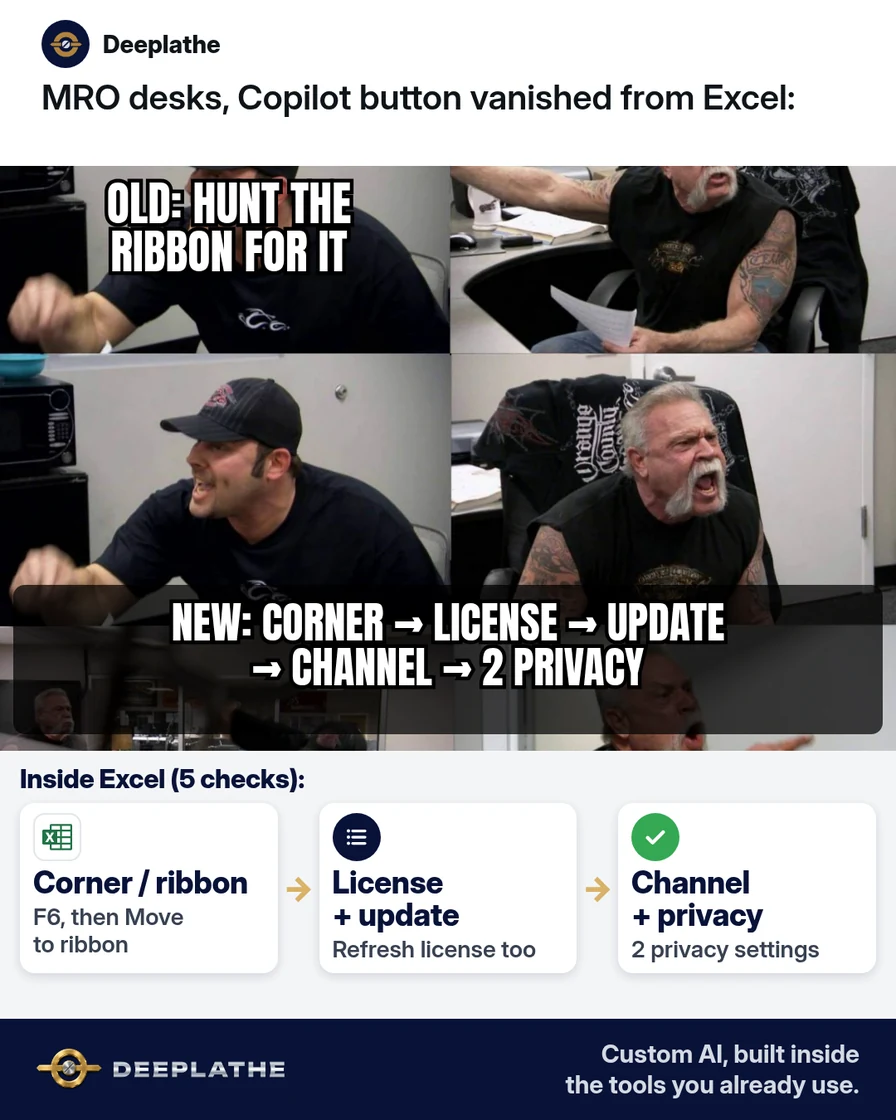
Copilot in Excel not showing is a gating problem, not an outage. Rule out the relocated entry point first, then license entitlement, client build and license token, update channel, and connected-experience privacy settings. The 2026 Dynamic Action Button moved the entry point off the ribbon. Every remaining cause is a setting you can read in File > Account.
Why Copilot in Excel keeps not showing
Two separate layers decide visibility. The UI layer changed in 2026: Microsoft consolidated Copilot into a Dynamic Action Button anchored to the canvas corner, with worldwide rollout from April to June 2026 and GCC, GCC High and DoD tenants from October 2026 (Microsoft Support). No admin action was required, so internal how-to notes that say "Home tab" are now wrong.
The entitlement layer is unchanged. Per Microsoft Learn, Copilot fails to appear when a new license hasn't propagated, when personal and work identities conflict, when Microsoft 365 Apps use device-based licensing (Copilot needs a user-based license), when the client is on Semi-Annual Enterprise Channel, or when privacy policy blocks connected experiences. License refresh errors can surface as "Couldn't update license ... Error code: 29".
Floor vote
Where did your Copilot button turn out to be?
One vote per device. Change it any time.
Loading votes…
Step 1: Look for Copilot in Excel in the lower-right corner
The button renders in the canvas corner on Windows, Mac and web. Focus shortcuts: F6 on all platforms, Alt + C on Windows and Cmd + Control + I on Mac where rolled out. Right-click > Move to ribbon persists per app on Windows (Build 16.0.20129.15140 or later) and macOS (16.109.525.2 or later). On the web it lasts for the session.
Step 2: Check you have a license that includes Copilot in Excel
Eligible entitlements per Microsoft's Copilot in Excel FAQ: Personal or Family with an AI credits plan, Microsoft 365 Premium, a commercial Microsoft Copilot subscription, or a Copilot Chat-eligible business or enterprise plan. In-product labels show "M365 Copilot (Premium)" for the add-on and "(Basic)" for standard access. Confirm in the admin center that the assignment is user-based and no policy blocks Copilot Chat, since Copilot in Excel can't be switched off separately from it.
Seat check for [user email]:
- Copilot entitlement assigned: [plan name] (user-based? Y/N)
- Assigned on: [date]  (allow time to propagate)
- Second identity signed in to Office? Y/N  -> sign out if Y
- Copilot Chat policy for this user: [allowed / blocked]
Step 3: Update Excel and refresh the license
Windows: apply Office updates, then File > Account > Update License and restart all Microsoft 365 apps so the new token loads. Mac: update, then Excel > About Excel > More Info... > Refresh License, and restart. A recent Office reset or update can also disturb activation, which this refresh clears.
Step 4: Check your update channel
Semi-Annual Enterprise Channel doesn't get Copilot features. Read File > Account > Product Information. Move the device to Current Channel or Monthly Enterprise Channel with your normal deployment tool. Excel for the web is unaffected, so it doubles as the control test.
Step 5: Turn on the two privacy settings Copilot needs
File > Account > Account Privacy > Manage Settings: "Experiences that analyze your content" and "All connected experiences" must both be on. On a Mac, use the app's Preferences > Privacy. In managed tenants these come from policy, so fix them centrally, not per seat.
Then test on a real export. Copilot needs .xlsx, .xlsb or .xlsm (not Strict Open XML) and, for edits, automatic calculation:
This sheet is our stock list. Columns: [Item number], [Description],
[On hand], [Reorder point], [Last 90 days sold], [Unit cost].
1. List every item where On hand is below Reorder point.
2. Sort that list by Last 90 days sold, highest first.
3. Add a column with On hand x Unit cost, as a formula.
4. Put the result on a new sheet called "Reorder check".
Don't change the original sheet. Explain each formula in one line.
Copilot in Excel not showing
- 01Look in the cornerLower-right of the workbook, or press F6.
- 02Refresh the licenseFile > Account > Update License, then restart all apps.
- 03Check the channelProduct Information must not say Semi-Annual Enterprise.
- 04Turn on privacy settingsExperiences that analyze your content + All connected experiences.
- First, look: canvas corner or F6.
- Then, account: user-based entitlement, Update License, restart.
- Still missing, channel: Current or Monthly Enterprise.
- Last, privacy: both connected-experience settings on.
Example (illustrative): an MRO distributor's purchasing desk
Two seats on one business plan. Seat A had the button in the corner all along. Seat B showed Semi-Annual Enterprise Channel under Product Information. The IT contact moved it to Monthly Enterprise, ran Update License and restarted. Both seats now run the reorder prompt on the P21 export.
At a glance
- Problem: Copilot not showing on one of two seats.
- What was set up: channel change plus license refresh.
- Tools it lives in: Excel for Microsoft 365, Epicor P21 export.
- What the owner still does: approves every reorder.
- Payoff: not measured here. Log minutes for one manual reorder check, then one prompted run.
Mistakes to avoid
- Chasing licensing before the UI change. Check the corner first.
- Assigning device-based licenses. Copilot needs user-based ones.
- Trusting the output unchecked. Microsoft advises verifying Copilot's formulas and results, especially for finance decisions.
- Requiring check-out on the SharePoint library. Desktop Copilot returns "Unsupported file state" for those files.
Field check
Field check
Three questions. Honest answers. No score sent anywhere but this page.
01 / 03
Where does Microsoft now put the Copilot button in Excel?
If it still doesn't work
Use Excel for the web as the control. If Copilot appears there, the fault is the desktop client: build, channel or token. If it's missing on the web too, it's entitlement or tenant policy. Check the license assignment and whether Copilot Chat is blocked for that user.
Doing this inside the tools you already use
A working button still leaves the reorder check as a manual weekly prompt. Deeplathe's developers can build a custom version inside your existing stack: it reads the P21 or NetSuite export, applies your reorder rules, and drafts the list in Excel for a buyer to approve. You set the rules and sign off, and it never sends anything to a supplier alone. Details are at /solutions.
FAQ
Why is Copilot not showing in Excel when I have Microsoft 365?
Usually the entry point moved to the canvas corner. Otherwise check entitlement (user-based and eligible plan), refresh the license token, confirm the channel isn't Semi-Annual Enterprise, and make sure connected experiences aren't blocked by policy. Excel for the web tells you whether it's the client or the account.
Where do I find Copilot in Excel now?
It's the Dynamic Action Button in the lower-right of the workbook. F6 focuses it on every platform. Right-click > Move to ribbon if you prefer the old spot; Windows and Mac remember it per app from the builds Microsoft lists.
Does Copilot in Excel need AutoSave on?
No. Microsoft's current tips page says Copilot runs with AutoSave on or off. Turning it off lets you trial edits without committing them. What it does need is a supported file format, no SharePoint check-out on desktop, and automatic calculation for edits.
Keep these
- Corner first, licensing second.
- User-based license, not device-based.
- Semi-Annual Enterprise Channel blocks Copilot.
- A person approves every reorder.
Sources
- How to find and enable missing Copilot button in Microsoft 365 apps (Microsoft Support)
- The Copilot Dynamic Action Button in Word, Excel and PowerPoint (Microsoft Support)
- Frequently asked questions about Copilot in Excel (Microsoft Support)
- Copilot is missing, disabled, or doesn't work correctly (Microsoft Learn)
- Copilot in Excel tips (Microsoft Support)
Related reading
Keep these
The working rules
Rule out the relocated entry point first, then license entitlement, client build and license token, update channel, and connected-experience privacy settings.