Part of: The process that only lives in your head
SOPs
Commercial cleaning checklist template: build one for each site with AI
For commercial cleaning owners: a walkthrough-to-checklist prompt with a fixed schema, a per-site Sheets tab, and a Forms sign-off logged with timestamps.
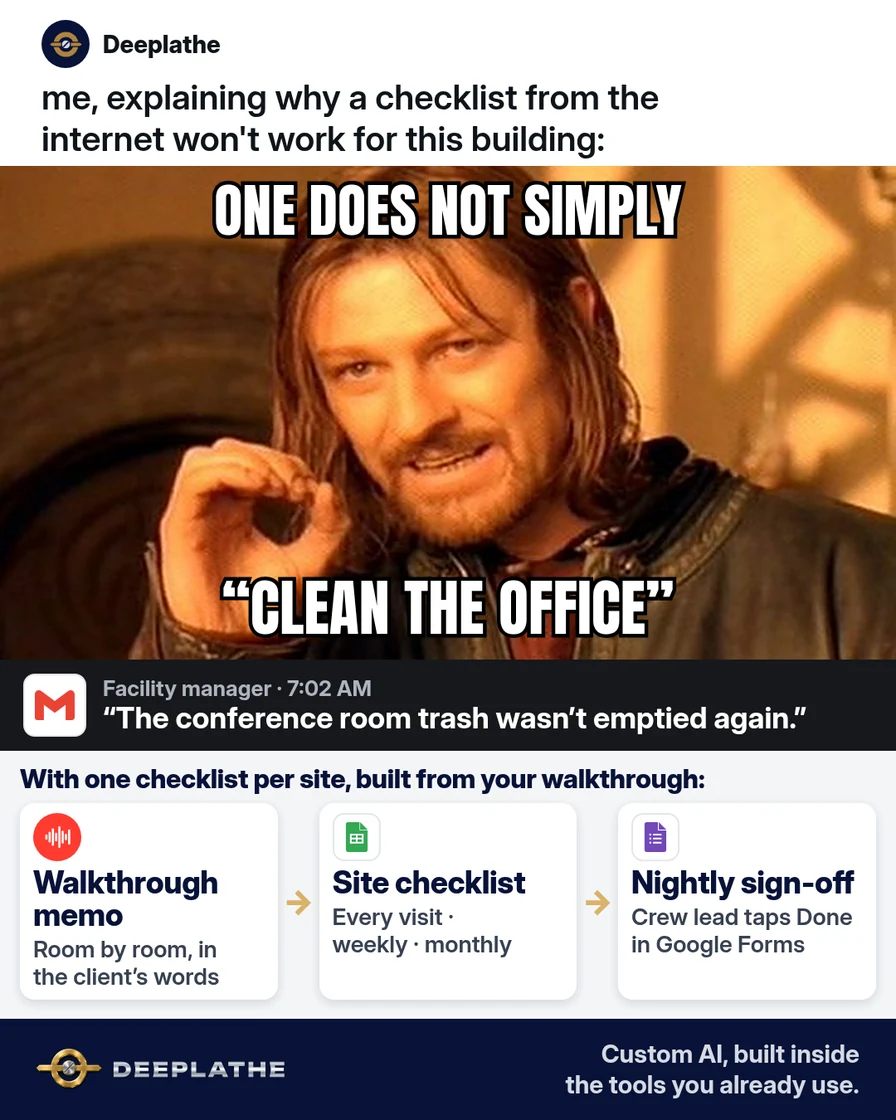
The facility manager's email lands at 7 a.m.: the conference room trash wasn't emptied, and the break room sink still had dishes in it. Your crew lead swears they did everything. They did everything they knew about. The real list for that building lives in your head and in a text you sent the first night. A generic commercial cleaning checklist template from the internet won't fix that, because it doesn't know this building.
The short answer
Treat the checklist as structured data extracted from one site walkthrough: area, task (verb-first), frequency, site rule, and product. One schema, one tab per site, with client-specific rules ranked first. Run a gap-question pass, reconcile against contract scope, then publish view-only in Google Sheets and collect a nightly sign-off with a Google Form whose responses land in a linked sheet with timestamps.
Why one generic checklist keeps failing
Every building has its own rules. One client wants the side door locked behind you. Another doesn't want anyone touching the papers on the corner desk. A third gets a deep clean of the kitchen every Friday because that's what you agreed to in the proposal. None of that is on a downloaded template.
Crews also change. Evening cleaning work turns over, and the new person learns the site from whoever trained them that week. When the list only exists in someone's memory, each handoff loses a piece of it.
So the complaints are almost never about cleaning in general. They're about the specific thing this client cares about. A checklist that names those things, room by room, is what stops the 7 a.m. email.
There's also a safety reason to write it down. OSHA's Hazard Communication standard expects employers to keep a Safety Data Sheet for each hazardous chemical where workers can get to it, and to train them on those chemicals. A site list that names the products used there makes that easy to check.
Floor vote
Where does the checklist for your biggest building live today?
One vote per device. Change it any time.
Loading votes…
Step 1: Walk the site and record what the client expects
Walk the building with the facility manager if you can, or on your own with the proposal in hand. Record a voice memo as you go, room by room. You don't need to be tidy. If you'd like a clean written version first, here's how to turn a voice memo into clear text with AI.
Say these six things for each area:
For each area, say:
1. The area's name, the way the client says it ("Suite 200 kitchen")
2. What gets cleaned, and how often (every visit, weekly, monthly)
3. Anything the client asked for specifically
4. Anything we must NOT touch or move
5. The products we use here, by name, and any surface to keep them off
6. Where trash, recycling and supplies go
Leave out alarm codes, key codes, and people's personal details. Those don't belong in a checklist that gets shared with every new hire.
Step 2: Turn the walkthrough into a site checklist with AI
Paste the transcript or your notes into ChatGPT, Claude, or Gemini with this prompt:
You're helping a commercial cleaning company owner write a checklist for one building.
From the walkthrough notes below, build a checklist grouped by area.
For each task give: Area, Task (start with a verb), Frequency (every visit,
weekly, or monthly), Site rule (if any), and Product (if named).
Keep each task under 12 words.
Put client-specific rules first in each area and mark them "SITE RULE".
List every product named, so we can check the Safety Data Sheet is on site.
Don't add tasks I didn't mention.
At the end, list questions about anything unclear or missing,
for example an area with no frequency.
Notes:
[PASTE THE WALKTHROUGH. REMOVE ALARM CODES, KEY CODES AND NAMES]
The questions at the end are the most useful part. They show you the gaps before the crew finds them. Answer them, then compare the list with the scope in your contract. If a task isn't in the contract, either take it off or price it. AI shouldn't quietly add free work.
Technical note: the 'don't add tasks I didn't mention' rule and the closing question list work as a pair. The first stops the model from padding the list from generic cleaning text. The second makes it surface missing fields, like an area with no frequency, instead of guessing them.
Step 3: Put the commercial cleaning checklist template in Google Sheets
Ask the chat tool to "give me this as a table I can paste into Google Sheets." Paste it into a sheet with one tab per building and these columns:
Area | Task | Frequency | Site rule | Product
Use a filter on the Frequency column so the lead can see tonight's work at a glance. Share the sheet as view-only with your crew leads, and keep edit access for yourself and your operations manager. When a client asks for a change, you change one row, and every lead sees it the same night.
If you run Swept, Janitorial Manager, or similar cleaning software, check whether your plan has a checklist or inspection feature. If it does, paste the same list there instead of using a sheet.
Step 4: Give the crew a sign-off form on their phones
In Google Forms, make one short form per building. Add a checkbox question for each area, with that area's every-visit tasks as the options. Add one more question: "Anything you couldn't finish, or anything broken?"
Then open the form's Responses tab, select the More menu, and choose Select destination for responses to send every submission into a Google Sheet. Each submission lands as a new row with a timestamp, so you can see when each site was signed off.
Print the form's link as a QR code and tape it inside the janitor's closet. The lead scans it at the end of the shift, ticks what was done, and writes what wasn't. Now you hear about the dirty sink before the client does.
Technical note: linking the form to a sheet gives you an append-only log, one row per submission with a timestamp. A missing row on a service night is itself a signal, and you can spot it with a simple filter by date.
Step 5: Update the checklist the day a complaint comes in
Every complaint is a missing or unclear row. When one arrives, open the site's tab and fix it that day: add the task, change the frequency, or add a SITE RULE. Then tell the lead what changed. After the first month, walk the site again with the lead and read the list out loud together.
Generic template | Site checklist
Generic template
Clean restrooms. Empty trash. Wipe surfaces.
Says nothing about this building.
Site checklist
Suite 200 kitchen: empty sink and wipe counters every visit. SITE RULE: lock the side door behind you.
What the crew actually needs tonight.
How often each kind of task usually shows up on a site list:
- Every visit: trash and recycling, restroom fixtures and refills, high-touch surfaces like door handles and counters, break room sinks, vacuuming traffic lanes.
- Weekly: full vacuum or mop, dusting ledges and vents, glass doors, the kitchen deep clean the client asked for.
- Monthly: baseboards, high dusting, upholstery spots, anything else in your contract.
- Only when needed: disinfecting after someone was sick or a spill. CDC's facility guidance says routine cleaning with soap or detergent is usually enough, and disinfecting is for those cases.
Example (illustrative): a cleaning company taking on a three-floor office
This is a walkthrough, not a client story. Picture a 40-person commercial cleaning company that just won a three-floor office building. The owner walks it with the facility manager and records a voice memo floor by floor.
The chat tool turns the memo into one checklist grouped by floor and area, with a handful of SITE RULES and a short list of questions about gaps. The owner answers the questions, checks the list against the contract, and builds one Google Form for the building with a section for each floor. The crew lead signs off each night from a QR code in the closet.
At a glance
- Problem: the building's list lived in the owner's head and one old text.
- What was set up: a walkthrough memo, a site checklist in Google Sheets, a nightly sign-off form.
- Tools it lives in: a voice memo app, a chat tool, Google Sheets, Google Forms.
- Owner still does: the walkthrough, the contract check, and every change to the list.
- Payoff: not measured here. Count complaints per month for this site before and after.
Mistakes to avoid
- Using one template for every building. Each site gets its own tab.
- Putting alarm or key codes in the sheet. Share those another way.
- Letting AI add tasks that aren't in the contract. That's free work, and the crew's time doesn't stretch.
- Making the every-visit list too long to read. If the lead can't finish reading it in the closet, split it by area.
- Letting AI choose chemicals or how to disinfect. Follow the product label and your supervisor's training.
Field check
Field check
Three questions. Honest answers. No score sent anywhere but this page.
01 / 03
Does each building have its own checklist?
If it still doesn't work
When a complaint comes in, check three things in order. Is the task on the list? Was it ticked on that night's form? Was there time to do it? If it's not on the list, add it. If it was ticked but not done, it's a training or supervision problem. If the crew ran out of time, the list and the hours you bid don't match, and that's a conversation with the client.
If crews stop filling in the form, make it shorter. Fewer, clearer boxes get ticked. Long lists get skipped.
Under the hood
The design separates three things that usually live in one person's head: the spec, the record, and the change log.
- Spec. The per-site tab is the source of truth. A fixed schema (area, task, frequency, site rule, product) makes it filterable by night and checkable against the contract scope.
- Record. The Google Form is the nightly record. Its responses go to a linked sheet with a timestamp per submission, which gives you a sign-off history per site without new software.
- Change log. Complaints become row edits made the same day. That keeps the spec current through crew turnover, which is the failure a downloaded template can't handle.
- Safety data. The product column ties every chemical on the list to OSHA's Hazard Communication requirement that Safety Data Sheets be accessible and workers be trained, so missing SDS binders show up during setup instead of during an inspection.
Doing this inside the tools you already use
Deeplathe is a team of developers who build custom AI inside the tools a business already runs. For this job, a custom build could turn each site walkthrough into that site's checklist in your Sheets or cleaning software. It could show the crew tonight's tasks on their phones and flag anything left unticked to the lead before the shift ends. When a client's complaint email arrives, it drafts the checklist change for you to approve.
You still walk the site and own the list. The writing, the reminders and the follow-through happen without you. See how a custom build works.
FAQ
What should be on a commercial cleaning checklist?
Each area of the building, the tasks for that area starting with a verb, how often each task is done, and any rule the client gave you. Add the products used in each area so you can confirm the Safety Data Sheets are on site. Leave out codes and keys. Build a separate checklist for each building, not one list for all of them.
How do you make a cleaning checklist for employees?
Walk the site and record what the client expects, then turn those notes into short tasks grouped by area and frequency. A chat tool can do the formatting in a minute. Put it where crews can see it on their phones, like a shared Google Sheet, and add a short sign-off form so you know what was done.
How often should office bathrooms be cleaned?
Most office cleaning contracts include restrooms on every visit: fixtures, mirrors, floors, and refills. How often you visit depends on traffic and what the client is paying for. CDC's guidance for facilities says routine cleaning with soap or detergent handles most germs, with disinfecting saved for when someone has been sick or local health officials advise it.
Can I make a cleaning checklist in Excel or Word?
Yes. The same columns work in Excel, Word, or Google Sheets: area, task, frequency, site rule, and product. Google Sheets is easier to share with crews on their phones and to update for everyone at once. If your cleaning software has a checklist feature, use that instead, so the list sits next to your schedule.
Keep these
- One checklist per building, in the client's words.
- Every task has an area, a verb, and a frequency.
- No codes or keys in anything you share.
- Fix the list the same day a complaint comes in.
Sources
- OSHA: Hazard Communication standard, 29 CFR 1910.1200
- CDC: When and how to clean and disinfect a facility
- Google Docs Editors Help: Choose where to save form responses
Related reading
Keep these
The working rules
Fixed-schema extraction (area, task, frequency, site rule, product) with a gap-question pass; Forms responses linked to Sheets for an audit trail.