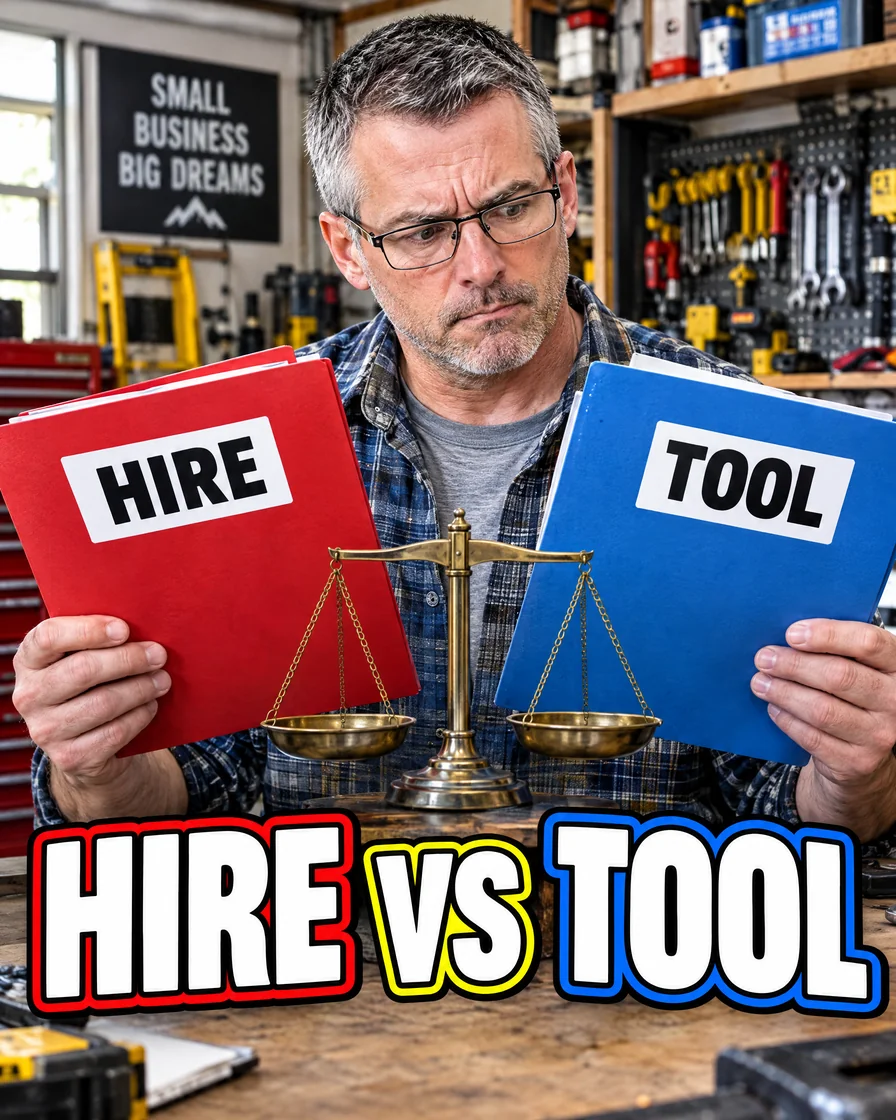
Hire vs tool briefs
Hire someone or buy a tool? Make the decision in one sitting
Use an AI assistant to compare up to three options, costs, risks, and unknowns—then choose a next step by a date.
What you will be able to do
You will turn a muddy choice—hire another person, buy a tool, or switch vendors—into a one- to two-page decision brief you can finish and decide in a single sitting.
What a decision brief is
A decision brief is a short memo that answers:
- What decision is on the table?
- What options exist?
- What matters for this business right now?
- What do we know vs still need?
- What should we do next, by when?
It is not a novel. It is a tool to stop circling the same debate in your head for weeks.
Step 1: Write the decision question first
One sentence, binary or clear choice:
- Hire a part-time coordinator vs buy a scheduling tool this quarter?
- Keep Vendor A vs switch to Vendor B for supplies?
- Outsource bookkeeping vs hire in-house?
If the question has five branches, split it. One brief, one decision.
Step 2: List hard constraints the model must respect
Paste only real constraints:
- Monthly cash you can spare
- Hours you personally have this month
- Skills already on the team
- Compliance needs (privacy, licenses, insurance)
- Deadline (busy season, lease, contract renewal)
Say: “Do not invent numbers. Use only these constraints. Mark missing data as [NEED].”
Step 3: Ask for a structured brief skeleton
Prompt pattern:
“Create a decision brief for [question]. Sections: Context, Options (max 3), Criteria, Comparison table, Risks, Unknowns, Recommendation, Decision by date. Keep under 600 words. No fluff.”
Max three options. More than three is usually avoidance dressed as diligence.
Step 4: Fill vendor or hire facts yourself
For each option, you supply:
- Rough cost (subscription, wages, load, setup time)
- Time to value (days or weeks until useful)
- Who owns it day to day
- What breaks if it fails
The LLM can format and stress-test. It should not invent a vendor’s pricing or a candidate’s skill. Paste quotes, screenshots of public pricing pages, or your own estimates labeled as estimates.
Step 5: Score with criteria that match this week’s reality
Ask the model to score each option 1–5 on criteria you name, for example:
- Speed to relieve owner time
- Cash out this month
- Risk if wrong
- Reversibility
- Fit with current team habits
Then ask: “Challenge the leading option. What would make it the wrong call?”
A good brief includes a steel-man against the favorite.
Step 6: End with a decide-or-kill line
Force this closing block:
- Recommended option:
- Why in two sentences:
- First action within 48 hours:
- Kill criteria (when to stop if it fails):
- Decision date/time:
Put the decision on your calendar. Bring the brief, not a browser full of tabs.
Example jobs this recipe fits
- Hire vs tool for front-desk overflow
- Bookkeeping help vs software upgrade
- Two CRM options after a free trial
- Keep a contractor vs bring the work in-house
- Add a junior tech vs overtime for peak season
Same skeleton each time. Speed comes from reuse.
Common failure modes
- Asking the model “What should I do?” with no constraints
- Comparing seven tools
- Mixing “research more” with “decide now”
- Treating AI confidence as proof
If the brief still says [NEED] on a cost that changes the answer, get that number before you decide. Do not decide on vibes with a pretty table.
After you decide
Save the brief with the outcome and date. Next quarter, you will see whether the call held. That archive beats memory when the same debate returns.
Keep these
The working rules
A decision brief is a short memo, not a research rabbit hole. Then: Force options, criteria, costs, risks, and a recommend-or-kill line; Paste your constraints; never let the model invent budgets or vendors; Compare at most three options so the brief stays decidable; End every brief with a timed decision question for yourself.
Floor vote
Where are you with this job?
One vote per device. Change it any time.
Loading votes…
Field check
Field check
Four questions. Honest answers. No score sent anywhere but this page.
01 / 04
Can you name the one job this piece is for, in one sentence?