77 / 78
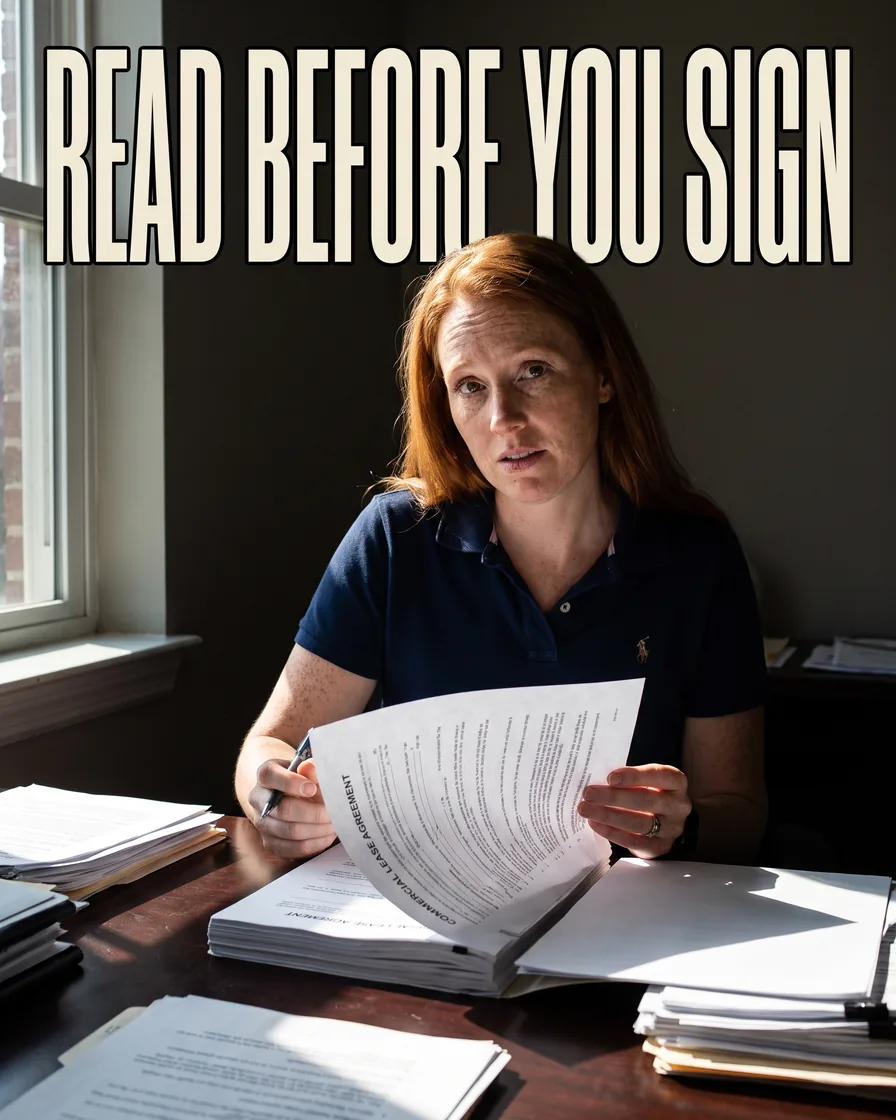
Read before you sign
Use AI to read a contract before you sign, and know what it can't tell you
Ask it what you'll pay, how long you're locked in, how you get out, and who pays if things go wrong. Then find each answer in the real contract.
The short answer
AI is good for a first read of a contract, like a lease, a vendor agreement, or a service plan. It can tell you, in plain words, what you'll pay, how long you're locked in, how you get out, and who pays when something goes wrong. It can also help you write better questions for the other side. It is not a lawyer, and it can get things wrong. So you check every answer against the actual contract, and for big or long commitments, you still pay a lawyer to look.
Before you paste anything
- Cross out or delete account numbers, Social Security numbers, and bank details. The AI doesn't need them to explain the terms.
- If the contract is confidential, check whether you're allowed to share it, and check your chat tool's data settings. Here's whether customer data is safe with AI tools.
Floor vote
When you sign a business contract, how much of it do you really read?
One vote per device. Change it any time.
Loading votes…
Ask the four questions
Upload the file or paste the text, then send:
Read this contract and answer four questions in plain English:
1. Money: every fee, when it's due, and how it can go up.
2. Time: how long it lasts, whether it renews on its own,
   and how much notice I must give to cancel.
3. Exit: how I get out early, and what it costs.
4. Trouble: who pays if something breaks, goes wrong, or
   someone gets hurt, and how disputes are handled.
For every answer, quote the exact sentence and give the
section number. If the contract doesn't say, write
"not stated." Don't guess.
The four questions
- 01MoneyEvery fee, and how it rises
- 02TimeLength, renewal, notice
- 03ExitHow you get out, and the cost
- 04TroubleWho pays when it goes wrong
Check every quote in the real document
This is the step that makes the whole thing safe. Open the contract and search for each quoted sentence (Ctrl+F on a PC, Command+F on a Mac). If you can't find it, the AI made it up or mixed it up. Cross that answer out.
Watch closely for anything marked "not stated." Sometimes it's true. Sometimes the AI missed a section, especially in a scanned or photographed contract.
Ask about the scary parts
For any clause that worries you, ask: "Explain section [number] like I'm not a lawyer. What is the worst realistic case for me?" Then: "What questions should I ask the other side about this?"
Turn your worries into an email
Ask: "Turn my concerns into a short, polite email asking [name] to explain or change these points." Asking questions before you sign is normal. The other side expects it.
When to pay a lawyer
Pay for a real review when:
- It's a long lease or a multi-year deal.
- You're asked to sign a personal guarantee, meaning you're personally on the hook if the business can't pay.
- The money is more than you could comfortably lose.
- You still don't understand a clause after asking.
The AI's summary makes that lawyer's hour cheaper, because you walk in with the right questions.
Field check
Field check
Three questions. Honest answers. No score sent anywhere but this page.
01 / 03
Will you remove account numbers before pasting a contract?
Short close
Ask the four questions, find every quote in the real contract, and pay a lawyer when the stakes are high. Then sign, or don't.
Keep these
The working rules
AI gives you a first read and better questions, not legal advice. Then: Remove private numbers; Ask the four questions; Find every quote in the real document; Know when to pay a lawyer.